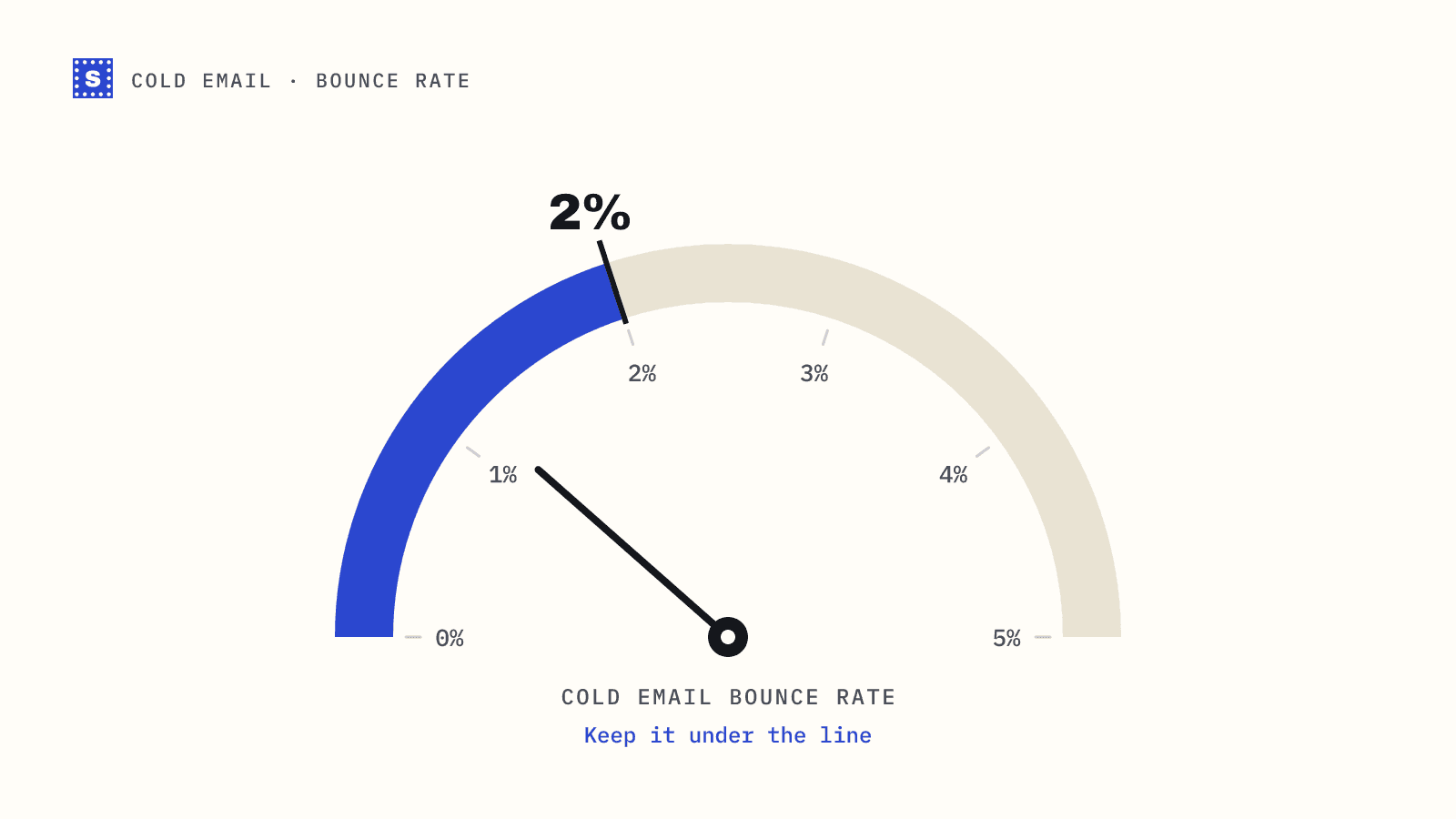
Finding a business email address is two jobs. First you work out which address the person probably uses. Then you check whether it actually exists. Most prospecting guides cover the first job in detail and wave at the second, which is how outbound teams end up with lists full of confident guesses and a 6% bounce rate.
This guide covers both, with methods that work for one person or a few hundred.
Start with the company domain
Everything depends on getting the domain right, and it's easy to get wrong:
- Companies often send email from a different domain than their website. A brand might run its site on
getacme.comand email onacme.com. - Acquired companies may still use their old domain, or may have moved everyone to the parent's.
- Regional offices sometimes use country domains.
Check the domain's mail setup with an MX lookup. If the website domain has no MX records, people there aren't receiving mail at it. Look at the company's contact page, press releases or job postings for an address that shows the real email domain.
Work out the address format
Most companies use one consistent pattern for staff addresses. The common ones:
| Pattern | Example for Jane Doe |
|---|---|
| first.last | [email protected] |
| first | [email protected] |
| flast | [email protected] |
| firstlast | [email protected] |
| first_last | [email protected] |
| firstl | [email protected] |
| last.first | [email protected] |
Small companies lean towards first@. Larger organisations often use first.last@, adding numbers or middle initials when names collide.
Ways to find the pattern
- Public sources. Search the domain in quotes alongside a known name: press contacts, speaker bios, published papers, open source commits, investor pages and job postings often list a real address.
- Your own inbox and CRM. Someone at your company may have emailed this company before.
- Email finder tools. Prospecting databases and finder extensions guess patterns from addresses they've seen. Useful, but their data ages, and many label guesses as "verified" when they mean "pattern matched".
- Ask. For a key account, a short note to a general address asking for the right contact is slow but works surprisingly often.
Once you know the pattern, you can generate the likely address for anyone whose name you have.
Find the right person
An address is only useful if it belongs to someone who cares about your email. LinkedIn, the company's team page, conference agendas and podcast guest lists are the usual sources. For each person, record the name, title, and where you found them. That source note helps you judge accuracy later, since a team page updated last month beats a database record from two years ago.
Verify before you send
Here's where most prospecting falls apart. A guessed address that matches the pattern is still a guess. The person may have left, the company may use a different pattern for some staff, or the name may have been shortened.
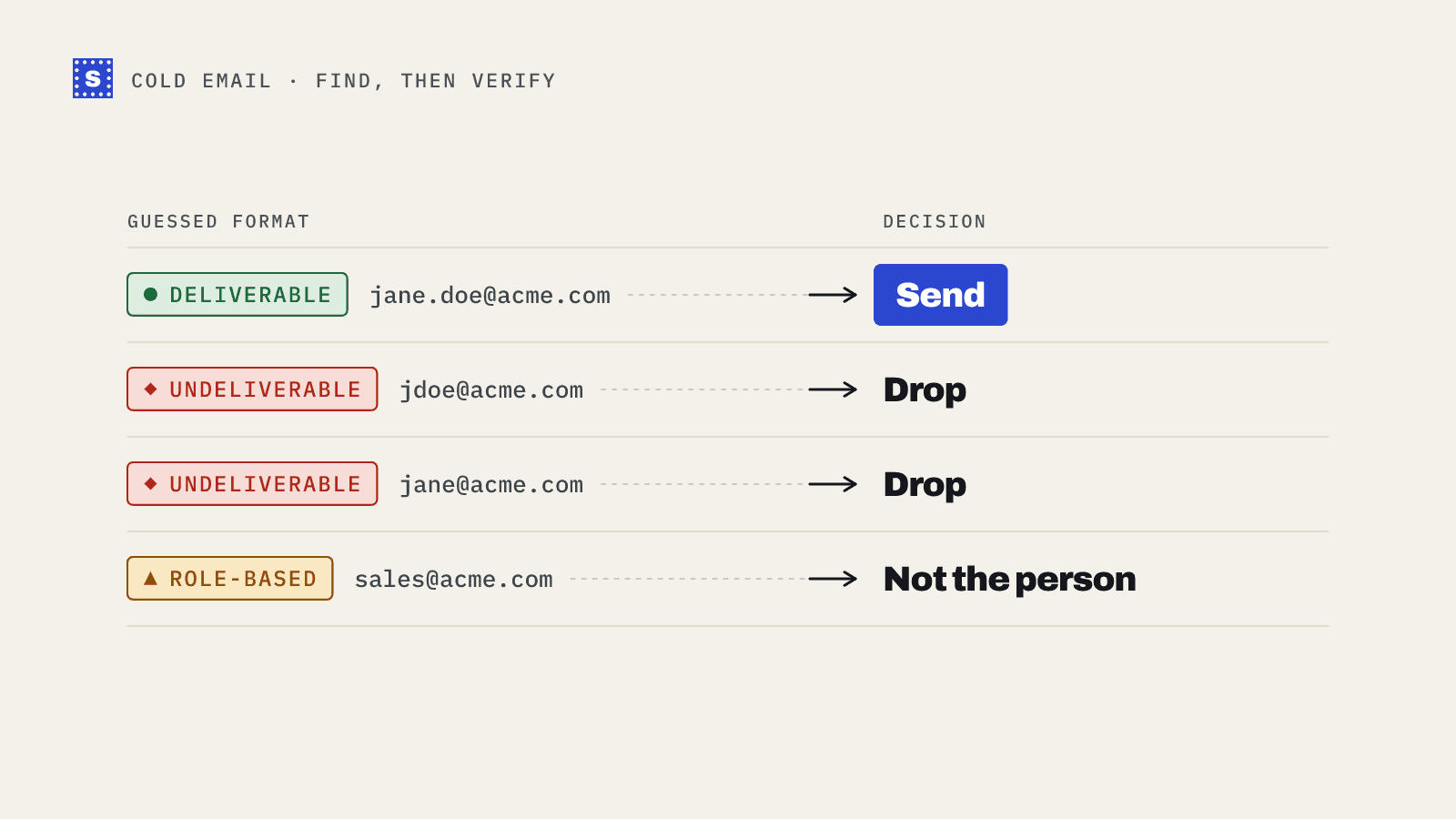
Run every found or guessed address through verification. You'll get one of these situations:
| Result | What it tells you | Next step |
|---|---|---|
| Deliverable | The server confirmed the mailbox | Use it |
| Undeliverable, mailbox missing | The guess is wrong or the person left | Try the next pattern, or drop |
| Risky, catch-all | The domain accepts all addresses | You can't confirm the guess |
| Risky, no response | The server wouldn't answer clearly | Re-check later |
The catch-all problem
Catch-all domains accept mail for any address, so verification can't tell jane.doe@ from jdoe@ from xyz123@. All of them come back "accepts everything". Pattern guessing is much less reliable on these domains, and many B2B companies run them, especially those behind certain security gateways.
On a catch-all domain:
- Prefer addresses you found published rather than generated.
- If you must guess, use the company's confirmed pattern rather than a different one.
- Send to these contacts in small batches and watch bounces closely.
The catch-all checker tells you up front whether a domain behaves this way. We explain the mechanics in what a catch-all domain means for your list.
A workflow for a few hundred prospects
- Build a sheet with name, title, company and domain.
- Confirm each domain's MX records and drop companies with no mail setup.
- Find the pattern per company and generate one address per person.
- Upload the sheet to a bulk email verifier.
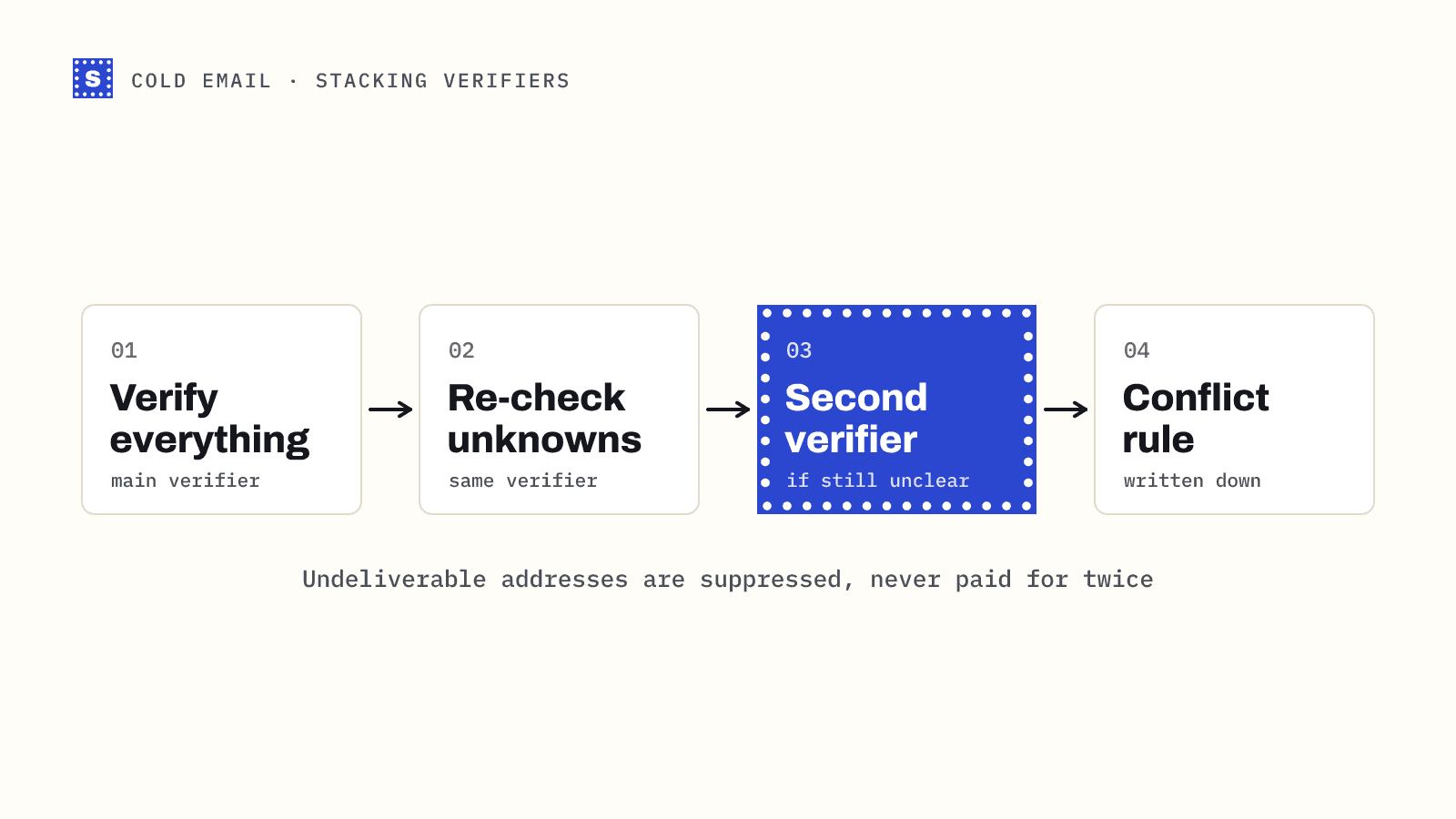
- For undeliverables, generate the second most likely pattern and verify again. Stop after two or three tries.
- Split catch-all contacts into their own campaign.
- Import deliverables into your sequencer.
This is slower than exporting from a database, but the bounce rate is usually far lower, and you only pay attention to people you deliberately chose.
Keep it legal and respectful
Finding a work address that's publicly derivable doesn't give you unlimited permission to use it. Rules differ by country. In the EU and UK, B2B cold email typically relies on legitimate interest and must offer an easy opt-out, and individual consumers and sole traders have stronger protections. In the US, CAN-SPAM requires accurate headers, a postal address and an opt-out you honour. Our GDPR and cold email post goes into more detail. It isn't legal advice, and if you prospect at scale in strict markets, ask a lawyer.
Putting it together
Finding addresses is a research task. Verifying them is a quality gate you shouldn't skip. SimpleCold returns a category and a plain reason for every address, so a sheet of guessed addresses turns into a clear list of which ones to send, which to retry with another pattern and which to treat carefully. If you prospect regularly, the sales prospecting page shows how teams fit verification into that routine.