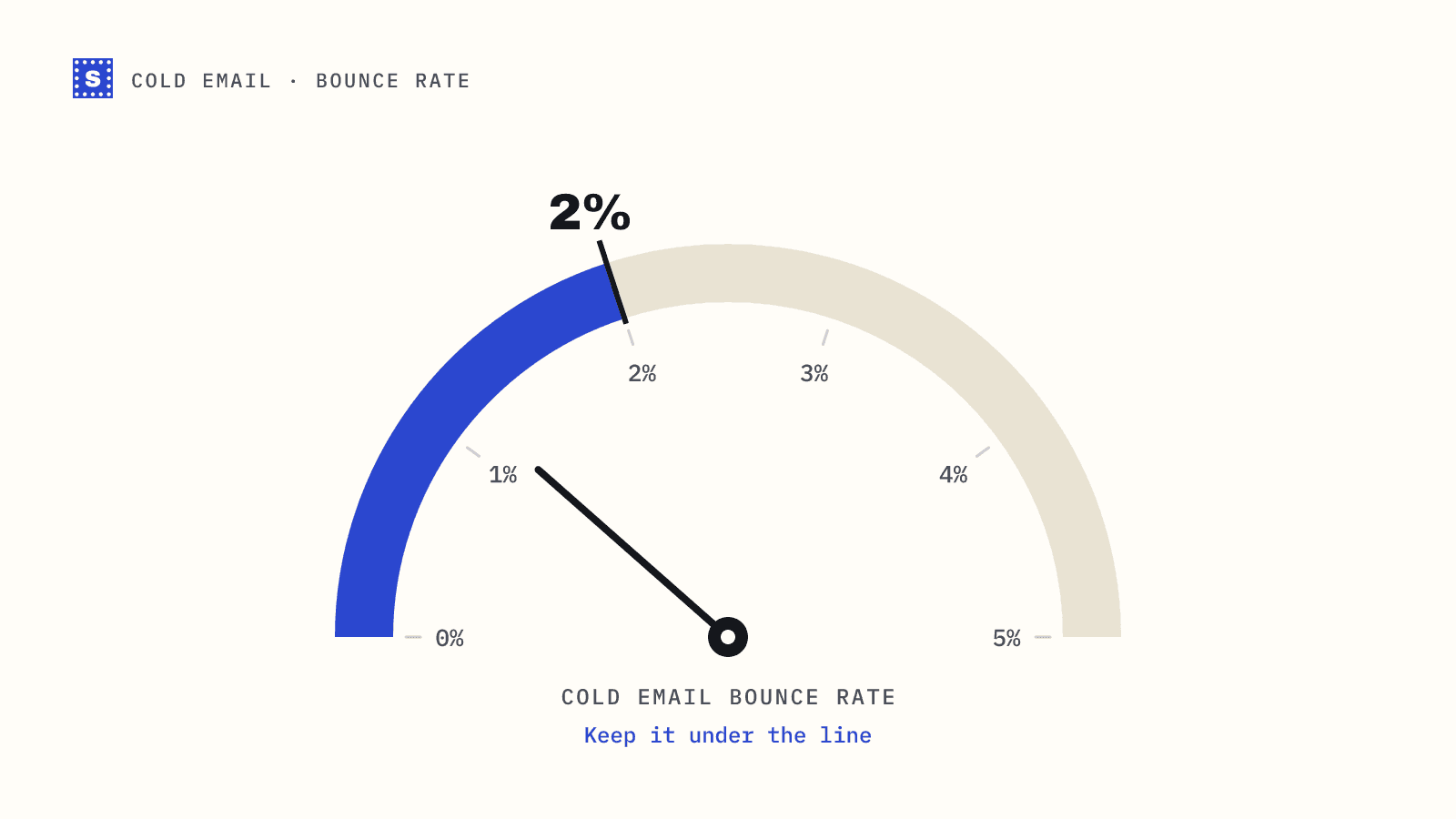
Ask anyone who runs outbound what a safe cold email bounce rate is and you will usually hear the same answer: keep it under 2%. Many experienced teams aim well below that, closer to 1% or less on a fresh list. Above a few percent, sequencers start warning you, and mailbox providers start treating your domain with suspicion.
It helps to be clear about where that number comes from. Gmail, Yahoo and Microsoft do not publish a bounce rate threshold. Their bulk sender rules focus on authentication, unsubscribes and spam complaints, with Google and Yahoo using a spam rate threshold of 0.3%. The 2% figure is an industry rule of thumb, built up by deliverability teams and sending platforms over years. It is a sensible ceiling, not a guarantee. A domain can get into trouble below it, especially if it is new.
This post covers why cold email bounces more than other mail, how to measure your bounce rate properly, and a checklist to run before every sequence.
Why cold email bounces more
Cold email starts with a disadvantage. Your contacts never gave you their address. You got it from a data provider, a scraping tool, an enrichment waterfall or a guessed pattern. Each of those adds risk.
- Data decay. People change jobs often, and a B2B address dies when they leave. Data providers refresh their records, but your export reflects their last check, not today.
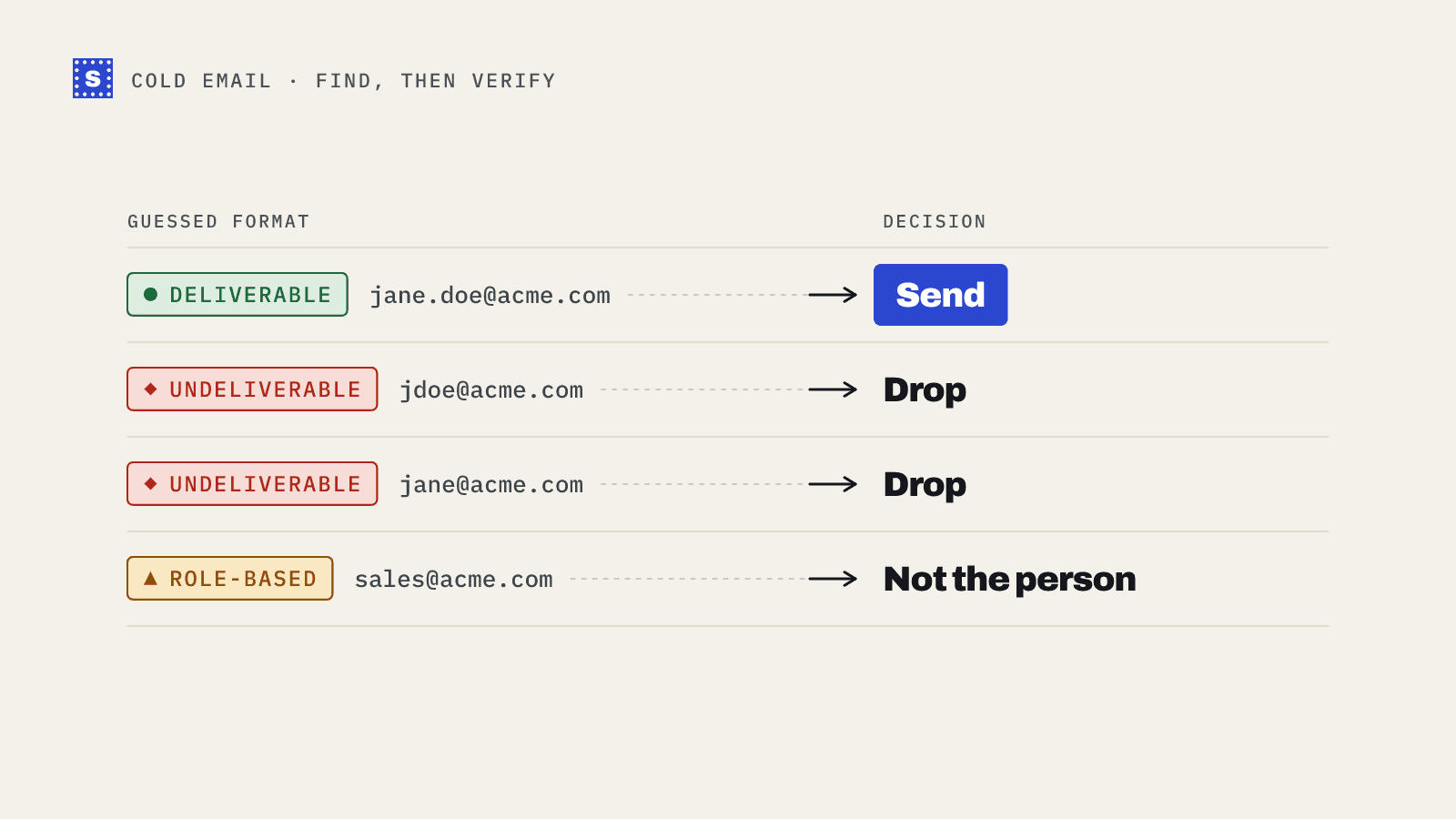
- Guessed addresses. Pattern-based guesses like
[email protected]are wrong for some share of people, and you will not know which until they bounce. - Catch-all domains. Many company domains accept mail for any address at the SMTP stage, so nobody can confirm a specific mailbox before you send. Some of those addresses bounce later.
- New domains and mailboxes. Cold email often runs from secondary domains with little history. They have less reputation to absorb a bad send.
The result is that a raw, unverified lead list can bounce far above 2%. That is why verification before sending is standard practice in outbound.
How to measure it
Bounce rate is the number of bounced emails divided by the number of emails sent, times 100.
bounce rate = bounced ÷ sent × 100
A few details make the number more useful:
- Count per campaign and per sending domain, not only across your whole account. A healthy average can hide one domain in trouble.
- Separate hard and soft bounces. Hard bounces, such as a mailbox that does not exist, are the ones that hurt most and that verification prevents. Soft bounces, such as a full mailbox or temporary throttling, behave differently. See hard bounce vs soft bounce.
- Watch the first step of a sequence. Almost all hard bounces happen on step one. Later steps go only to addresses that already accepted mail.
The bounce rate calculator does the arithmetic and shows how many bounces a given list would produce at different rates.
The pre-send checklist
Run this before every new campaign. It takes less time than recovering a damaged domain.
1. Verify every address
Upload the list to an email verifier and remove everything undeliverable: missing mailboxes, dead domains, bad syntax. This single step removes most of the hard bounces a raw list would produce.
Verify close to the send date. A list verified two months ago has decayed since.
2. Decide what to do with risky addresses
Verification sorts addresses that cannot be confirmed into a risky group. Treat them by reason, not as one block.
| Risky reason | Suggested handling |
|---|---|
| Catch-all domain | Send in small, separate batches; drop if bounces climb |
| Role-based (info@, sales@) | Keep only for small companies or where the role is your buyer |
| Disposable | Remove |
| Server blocked the check | Keep in a separate batch; many are real |
| Server would not confirm | Treat like catch-all |
Read more in should you send to catch-all emails.
3. Remove duplicates and existing suppressions
Merge your suppression list from every sending tool and your CRM. Anyone who bounced, unsubscribed or asked not to be contacted before should not reappear because they came back in a new export.
4. Check your sending setup
Bounces are not only about the list. Make sure each sending domain has SPF, DKIM and DMARC set up correctly. A message rejected for failing authentication shows up as a bounce too, and verifying the list will not fix it. The free SPF, DKIM and DMARC checkers make this a five-minute job.
5. Control volume
Spread sends across several mailboxes and domains, keep daily volume per mailbox modest, and ramp up gradually on new domains. A burst of bounces from one new mailbox is much worse than the same bounces spread out over a week.
6. Send catch-all batches last
Start a campaign with your deliverable addresses. Once those have gone out cleanly, send catch-all and other risky batches separately. If bounces rise, you can stop that batch without pausing the whole campaign.
7. Watch the first 24 hours
Check bounce numbers after the first day of a new campaign. If the rate is climbing past your limit, pause, look at which segment is bouncing, and fix it before the next day's sends.
When you're already over 2%
If a campaign has already bounced too much:
- Pause the campaign and any others using the same domain.
- Suppress every hard-bounced address everywhere.
- Verify the rest of the list, if you have not already.
- Check your domain's authentication records and look for blocklist listings with the blacklist checker.
- Resume at lower volume with your safest segment, and increase slowly as the numbers stay clean.
Most domains recover from a single bad send if you stop quickly and the next sends are clean. Repeated bad sends are what cause lasting damage.
How SimpleCold helps
SimpleCold verifies each lead before you send and gives back a category with a plain reason. Undeliverable addresses are clearly marked for removal. Catch-all, role-based and disposable addresses are kept apart in the Risky group, so you can follow the table above instead of guessing. Your CSV keeps every original column, which makes re-importing into Instantly, Lemlist or any other sequencer simple.
For the full outbound workflow, see the cold email solution page, or go straight to the bulk email verifier and check your next list before it goes out.