Most cold email platforms now offer some form of email verification inside the tool. Instantly and Smartlead sell verification credits, and Lemlist checks addresses as part of its own lead finding. That raises a fair question for anyone running outbound: do you need a standalone verifier at all, or is the built-in option enough?
The honest answer is that it depends on your volume, your lead sources and how much detail you want back. This post gives you a way to judge it for your own setup instead of taking anyone's word for it, ours included.
What built-in verification gets right
Built-in verification has real advantages, and it is worth saying so up front.
- No extra step. You import leads and verify in the same place you send. There is no export, upload and re-import loop.
- One bill. Credits come out of the same account.
- Automatic filtering. Invalid addresses can be skipped in the campaign without you touching the list.
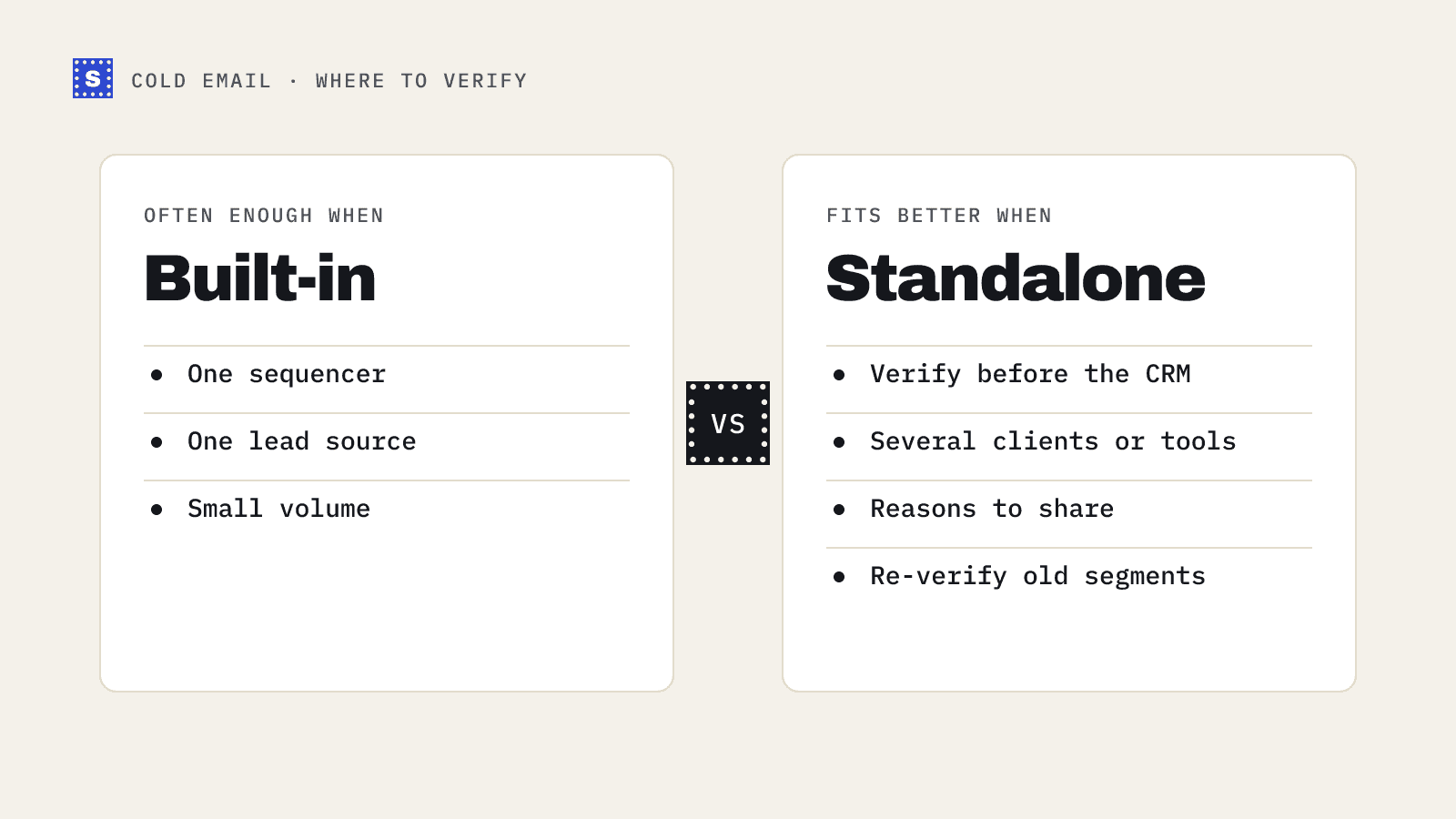
For a small team running a few campaigns a month from one lead source, that convenience may be worth more than anything a separate tool adds.
Where a standalone verifier can help
A standalone verifier is built to do one thing, so it usually shows you more about each result and fits more places in your workflow.
Detail in the result
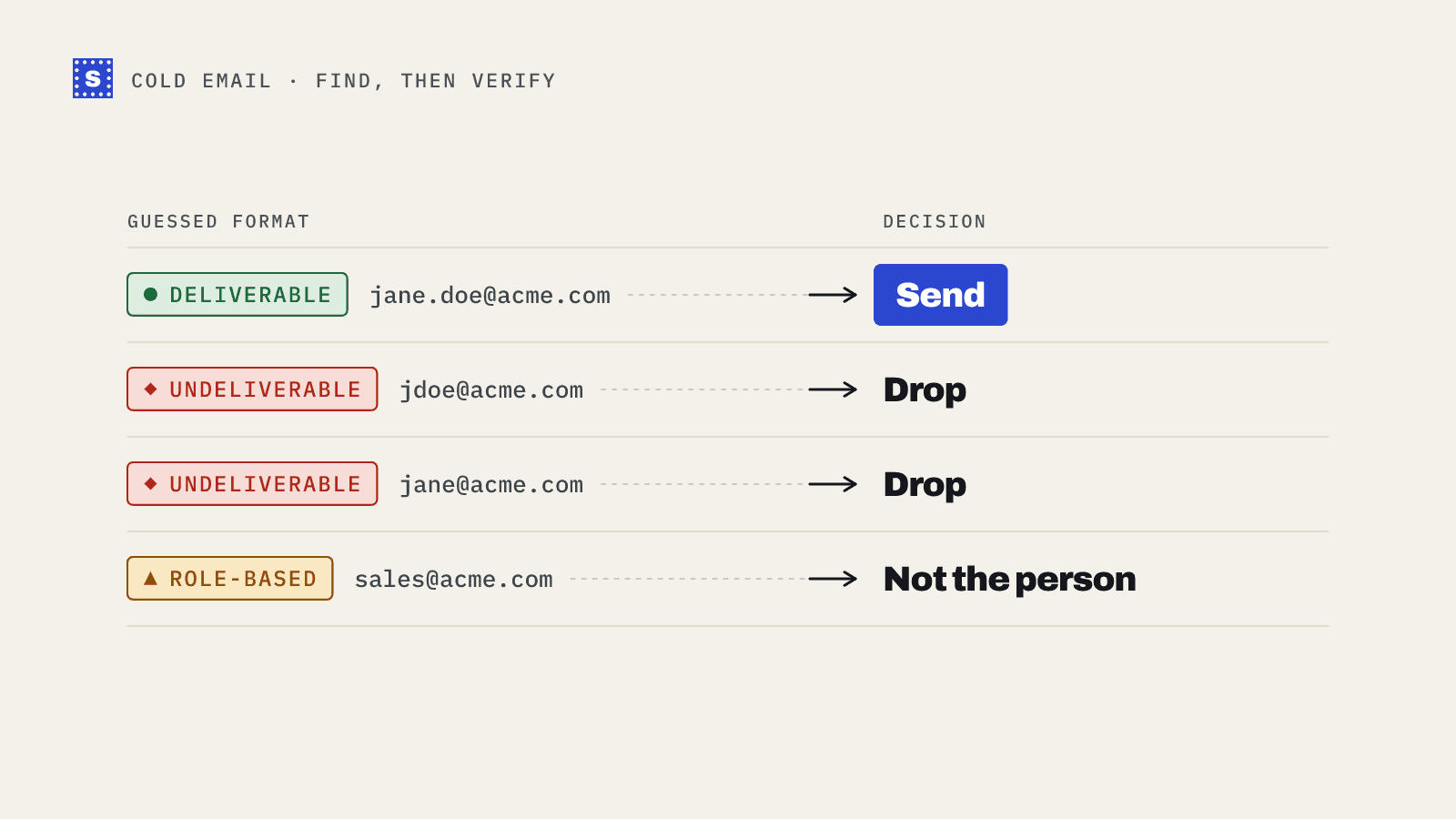
The most important question to ask any verifier is what it tells you about the addresses it cannot confirm. A result of "valid" or "invalid" is easy. The interesting cases are catch-all domains, role-based addresses, disposable inboxes, servers that block verification and servers that are too slow to answer.
Check whether your sequencer's verification:
- Separates catch-all addresses from confirmed mailboxes.
- Flags role-based addresses such as
info@andsales@. - Flags disposable addresses.
- Tells you when a server refused to answer, rather than quietly calling it valid or invalid.
- Gives a reason you can read alongside the label.
If every unconfirmed address is lumped in with "valid", you are sending to catch-all and unknown addresses without knowing it.
Verifying before the data reaches the sequencer
Many teams want bad addresses removed before they land anywhere: in the CRM, in an enrichment tool, in a shared Google Sheet. Built-in verification only runs once leads are already inside the sequencer. A standalone verifier can sit earlier in the pipeline.
Several sequencers, one standard
Agencies and larger teams often run more than one sending tool. Each has its own verification with its own labels. A standalone verifier gives you one set of categories across every client and every platform.
Reusing results
When you verify a list outside the sequencer, you keep the results. The same file can feed a CRM import, a LinkedIn campaign and an email sequence without paying to verify the same contacts in each tool.
How to compare them fairly
Do not decide based on marketing pages, including this one. Run a small test.
- Pick a real list. Use 500 to 2,000 leads from the source you use most, such as an Apollo export.
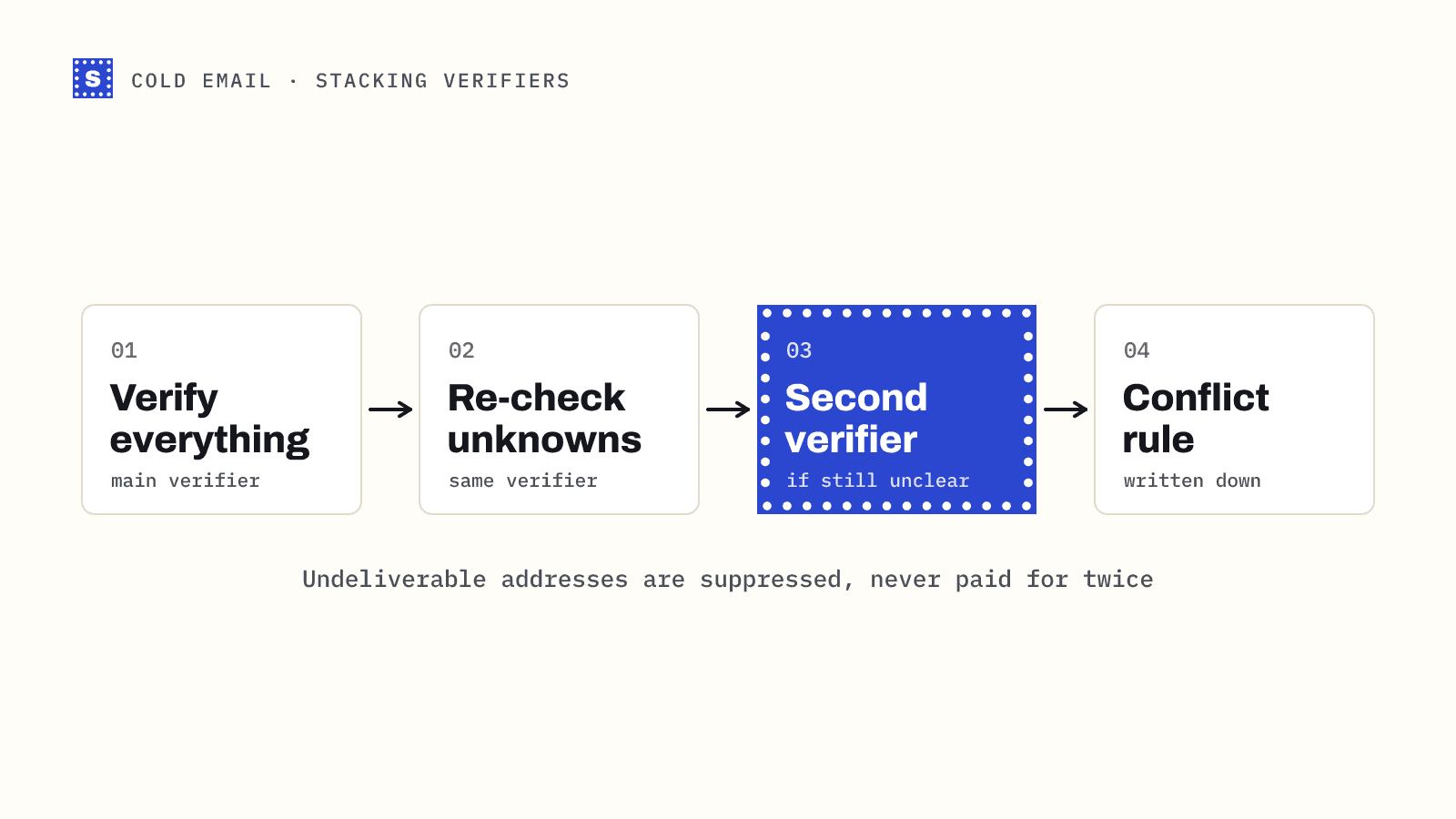
- Verify it both ways. Run the same file through your sequencer's verification and through a standalone verifier.
- Line up the results. For each address, compare what each tool said. Note where they disagree.
- Look at the disagreements. Are they mostly catch-all domains? Role addresses? Servers that timed out?
- Send carefully to a sample. If you can, send to a small set of addresses where the tools disagreed and record which ones bounce.
- Compare cost per usable lead. Divide what each option cost by the number of addresses you would actually send to.
That last number matters more than price per check. A cheaper check that leaves more bounces in the list can cost you more in damaged domains than it saves.
A decision guide
| Your situation | Likely fit |
|---|---|
| One sequencer, one lead source, small volume | Built-in is often enough |
| You need catch-all and role addresses separated | Check built-in first; standalone if it lumps them together |
| You verify before leads hit the CRM | Standalone |
| Agency with several clients or several tools | Standalone, for one standard across all |
| You want readable reasons to share with clients | Standalone, if your sequencer only gives labels |
| You re-verify old CRM segments regularly | Standalone |
Using both
There is no rule that says you must pick one. A common setup:
- Verify every new list with a standalone verifier as soon as it is exported.
- Remove undeliverable addresses and decide on risky ones by reason.
- Import the cleaned list into the sequencer.
- Leave the sequencer's own bounce protection switched on as a final safety net.
That way the sequencer's checks catch anything that went bad in the gap between verifying and sending, and you are not relying on one tool alone.
Where SimpleCold fits
SimpleCold is a standalone verifier with pay-as-you-go credits and no subscription. Every result comes back as Deliverable, Risky or Undeliverable, with a status and a plain reason. Catch-all, role-based and disposable addresses are kept apart instead of being folded into "valid". Your CSV keeps all its columns, so it goes straight back into Instantly, Lemlist or any other tool.
There are step-by-step walkthroughs for Instantly, Lemlist and Apollo. If you are running outbound at volume, the cold email solution page explains the whole workflow, and pricing lists the current rates.