You have one address and a simple question: will an email to it arrive? Maybe it's a lead someone forwarded, a customer who swears they never got your invoice, or a sign-up that looks off. You don't need to be technical to get a decent answer. You do need to know what each method can and can't tell you.
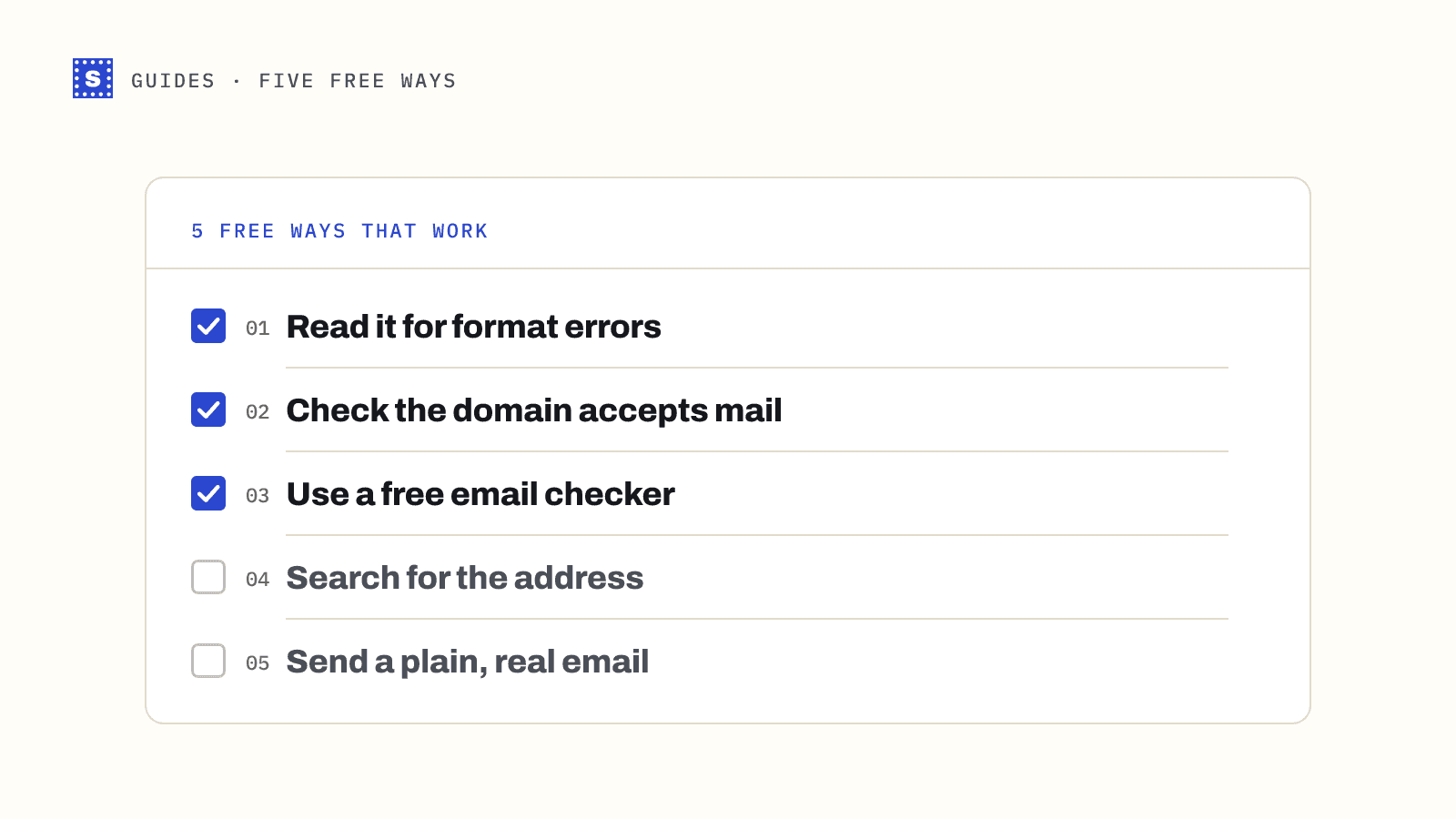
Below are five free ways to validate an email address, roughly in the order you'd try them.
1. Read it carefully for format errors
Start with your eyes. A surprising share of bad addresses are broken in ways you can see:
- A missing or doubled
@ - A trailing dot, as in
[email protected]. - Spaces inside the address
- A comma instead of a dot, as in
jane@company,com - A misspelled popular domain:
gmial.com,hotmial.com,yaho.com,outlok.com
The last one matters most. Typos in the domain are common on forms filled in on a phone, and they look almost right. Someone who types gmial.com will never get your email, and if you keep mailing that address you may be hitting a domain set up specifically to catch mail sent to typos.
If you're not sure whether something is legal, an email syntax checker will tell you which part breaks the rules.
2. Check that the domain exists and accepts mail
A valid-looking address on a domain that can't receive email is still useless. Every domain that receives mail publishes MX records in DNS. They tell other servers where to deliver.
You can look them up for free with an MX lookup tool. Type the part after the @ and see what comes back:
| What you see | What it means |
|---|---|
| One or more MX records, e.g. Google or Microsoft hosts | The domain is set up to receive mail |
| No MX records, but the domain resolves | Mail may still be delivered to the domain's main address, but it's often a sign of a parked or abandoned domain |
A "null MX" record (a single record pointing to .) | The domain explicitly says it accepts no mail |
| The domain doesn't exist | The address can't work |
This check alone catches dead company domains, expired startups and made-up addresses like [email protected].
3. Use a free email checker
Format and DNS checks tell you the domain is fine. They can't tell you whether jane.doe@ exists on it. For that you need a mailbox-level check, where a verification service connects to the domain's mail server and asks whether it would accept mail for that address, then disconnects before anything is sent.
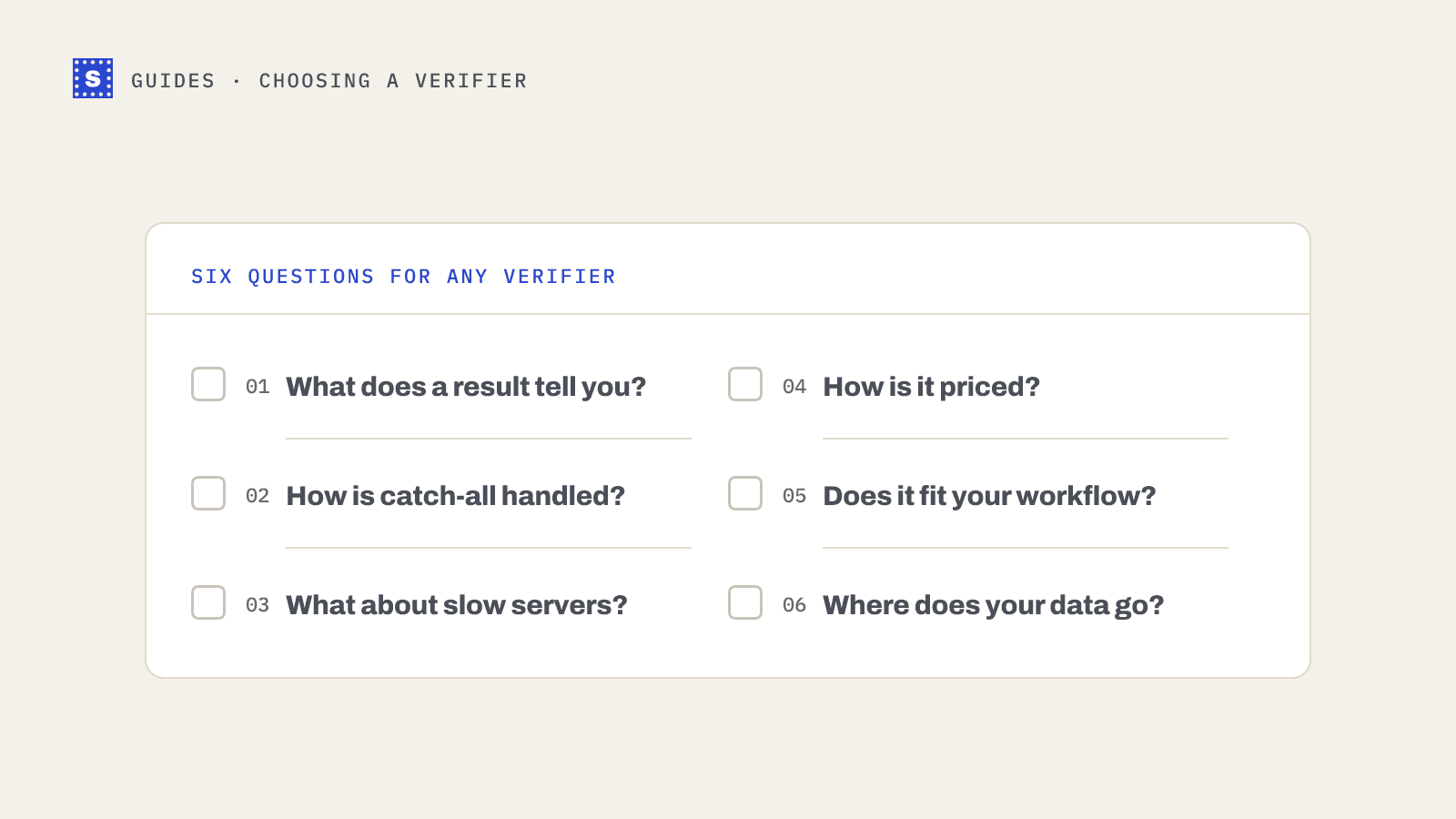
A free email checker does this in a few seconds. Look for one that gives a reason with every result. "Mailbox does not exist" and "server would not confirm" call for different decisions.
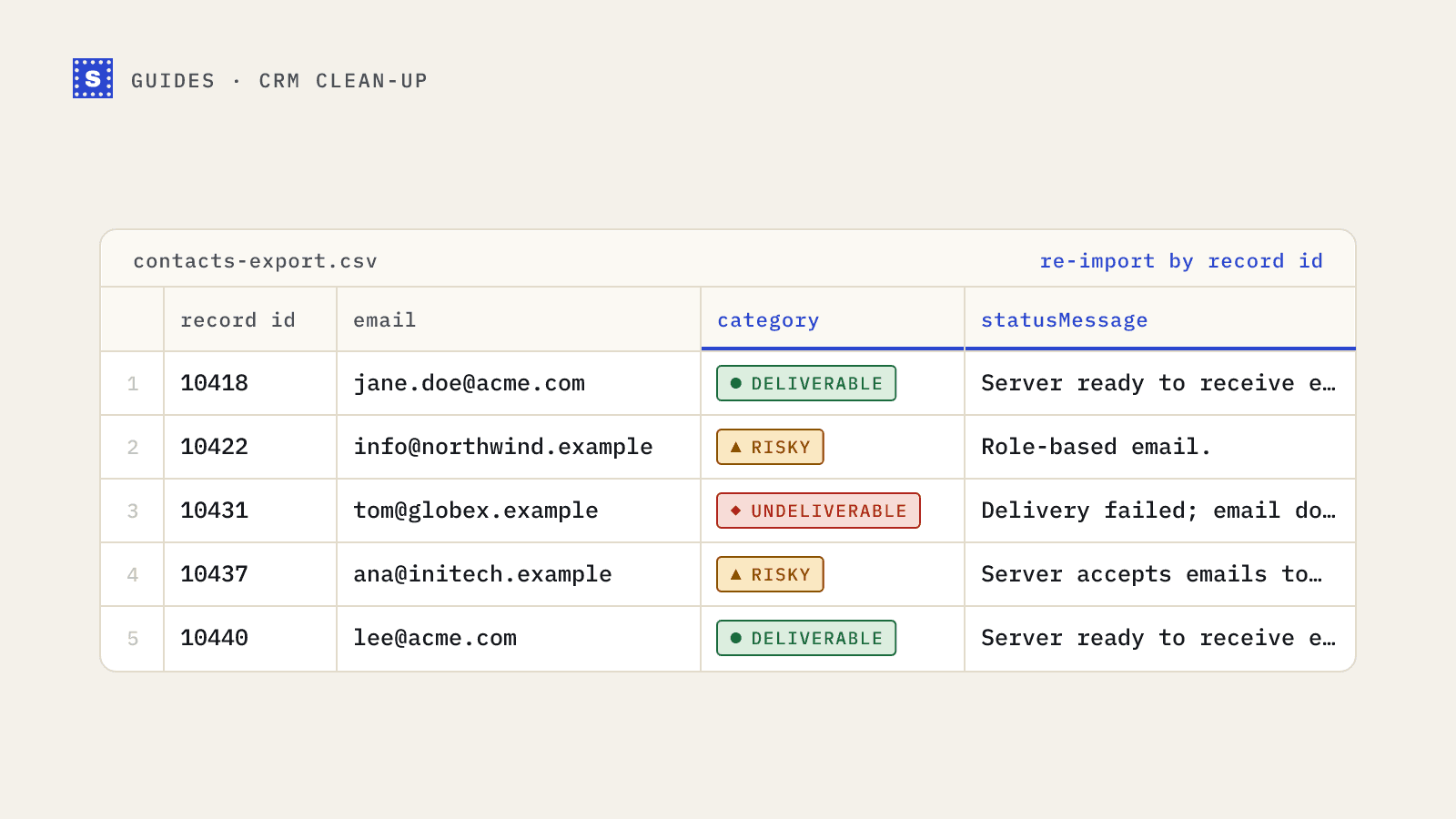
Expect one of three kinds of answer:
- Deliverable: the server accepted the mailbox.
- Undeliverable: the server rejected it, or the domain can't receive mail.
- Risky: the address might work, but something makes it uncertain. Common reasons are a catch-all domain, a disposable inbox, a shared role address like info@, or a server that wouldn't give a clear answer because it was slow or blocked the check.
Some tools put that last case in a separate Unknown bucket. SimpleCold keeps it in Risky and says why in the reason.
4. Search for the address
If the address belongs to a business contact, search for it in quotes. A person's work email often appears on a conference speaker page, a press release, a GitHub commit or an old forum post. If you find the exact address published by the person or their company, that's good evidence it existed at some point.
This doesn't prove it still works. People leave companies and their mailboxes get closed. Treat search as a way to confirm a format (does this company use first.last@ or flast@?) rather than as proof of deliverability.
5. Send a plain, real email
The oldest method still works for one-offs. Send a short, genuine message and see whether it bounces. If you get a bounce back within a few minutes with a code like 550 5.1.1, the mailbox doesn't exist.
There are good reasons not to do this at scale:
- Every hard bounce counts against your sending reputation.
- A message that doesn't bounce may still sit unread in a dead mailbox.
- Some servers accept a message and bounce it later, so the absence of an immediate bounce proves little.
For one important contact, sending a short human message is fine. For a list of 500, it's a bad idea.
Which method should you use?
| Situation | Best method |
|---|---|
| One address from a form looks odd | Read it, then run the email checker |
| Checking a company domain | MX lookup |
| Finding the right format for a contact | Search, then verify the guessed address |
| A few hundred addresses | A bulk upload rather than one at a time |
| An important one-off contact | Email checker, then a short real email if still unsure |
What free methods can't do
Free one-at-a-time methods don't scale, and the manual versions (connecting to mail servers yourself from a terminal) will get your IP address rate-limited or blocked quickly if you repeat them. They also tend to miss things that matter for lists: disposable domains, role addresses and catch-all behaviour.
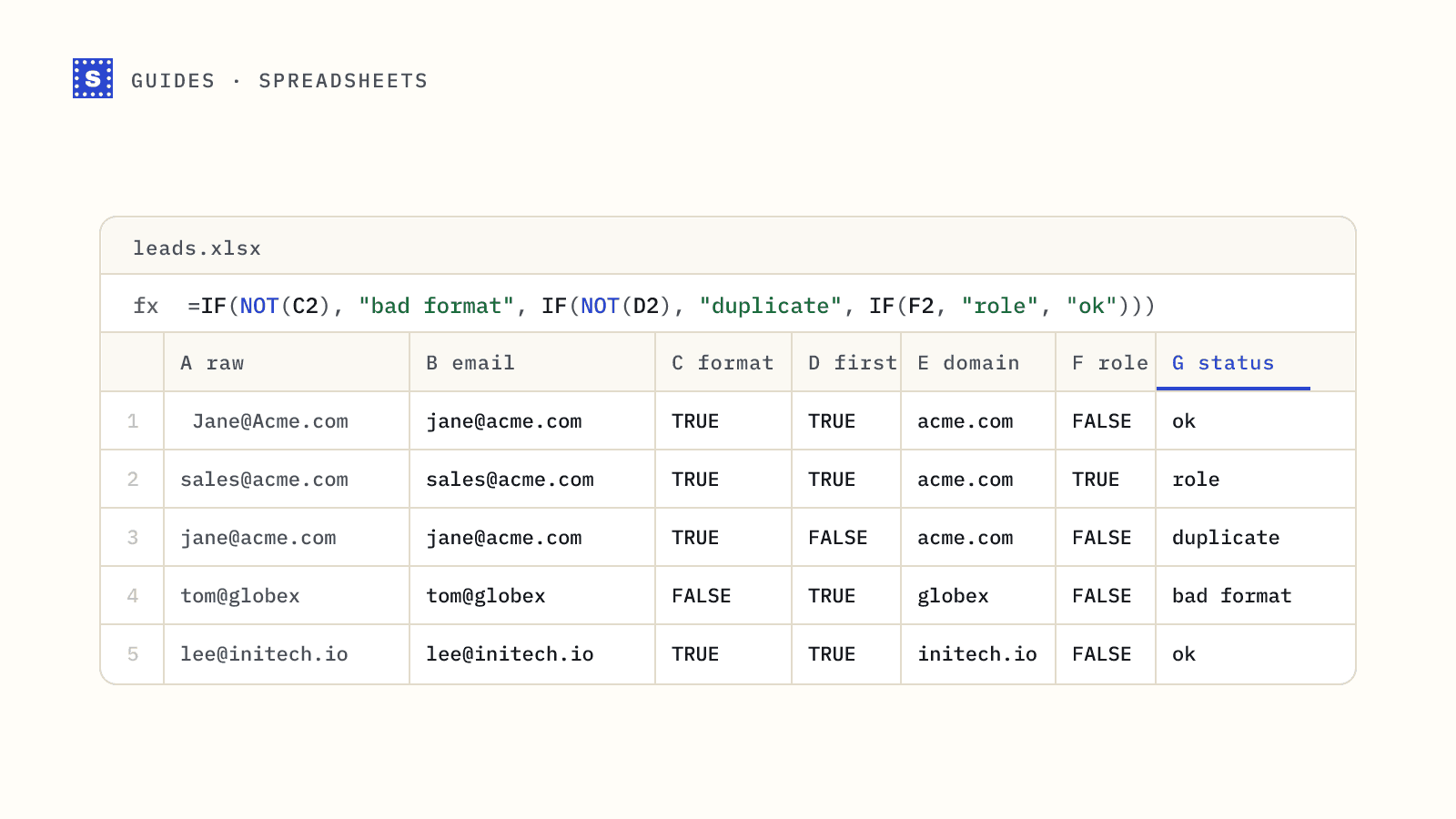
If you have a spreadsheet rather than a single address, look at validating emails in Excel and Google Sheets for the formula side, then upload the file to a bulk email verifier. SimpleCold's free checker gives you five checks a day without signing up, which covers most one-off questions.