Search for the best email verification tool and you'll find dozens of listicles, most written by vendors ranking themselves first. We're a vendor too, so we won't pretend to give you a neutral ranking. What we can do is explain the questions that separate a tool that fits your work from one that just looks good on a pricing page, and how to run a test that gives you your own answer.
Start with how you'll use it
The right tool depends heavily on the job. Write down which of these apply before you look at any vendor:
| Use case | What matters most |
|---|---|
| Cleaning lists before cold email | Catch-all handling, reasons, speed on large files, CSV that keeps your columns |
| Newsletter and marketing lists | Bulk speed, ESP-friendly exports, cost at volume |
| Signup and checkout forms | API latency, typo suggestions, disposable detection, uptime |
| Agencies with many clients | Separate jobs per client, team access, predictable billing |
| Data enrichment pipelines | API with batch support, consistent result codes, retries |
A tool that's excellent for one of these can be awkward for another.
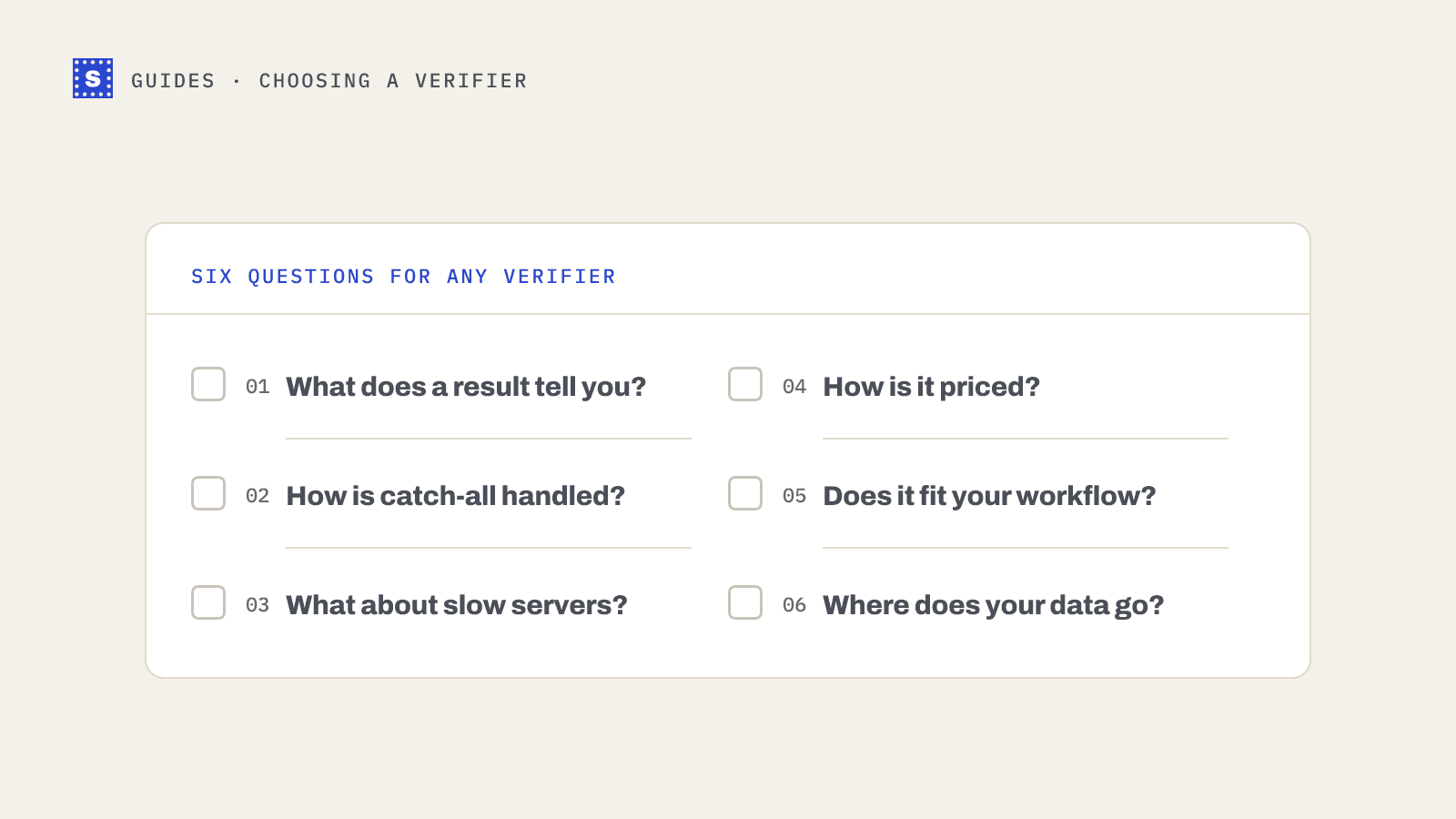
Question 1: what does a result actually tell you?
Every tool sorts addresses into a few buckets: valid, invalid, risky (or catch-all, accept-all), unknown. The names differ, and so does what's behind them.
Ask:
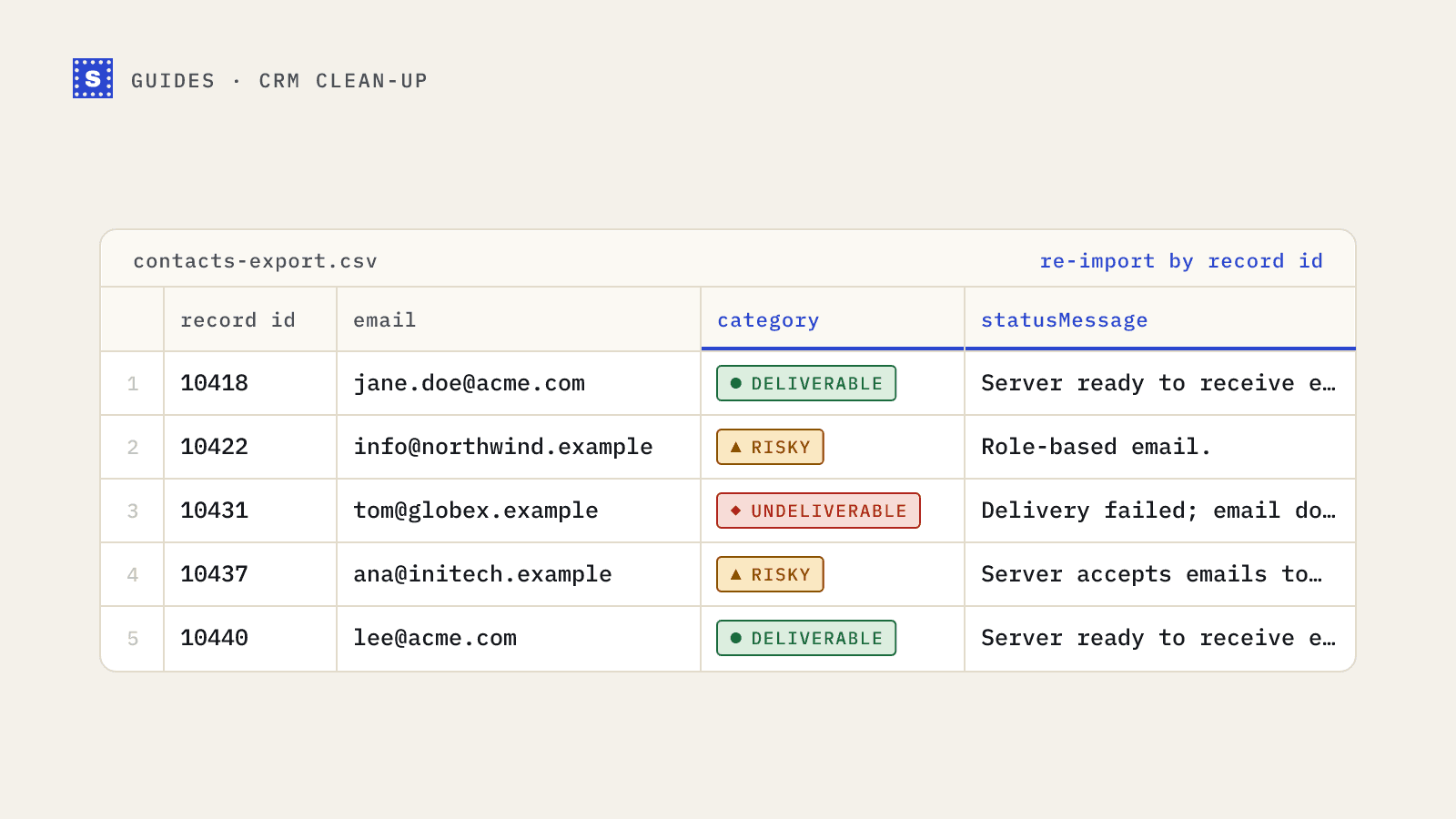
- Does each address come back with a reason, or just a label? "Risky" covers catch-all domains, disposable inboxes, role addresses and servers that block verification. Those need different handling.
- Is there a typo suggestion when a domain is misspelled?
- Are disposable and role-based addresses flagged separately?
- Can you tell a permanent failure (mailbox doesn't exist) from a temporary one (server timed out)?
Some tools offer a numeric score instead. Scores are compact, but hard to act on without knowing what drove them. We explain our own view in why we show a reason instead of a score.
Question 2: how does it handle catch-all domains?
A catch-all domain accepts mail for any address, so no SMTP check can confirm a specific mailbox. In B2B lists, these can be a large share of what you're checking, which makes this the most important question for cold email.
Good answers:
- The tool detects catch-all at the domain level and labels those addresses clearly.
- It's upfront that a catch-all address can't be confirmed by an ordinary mailbox check.
- If it claims to "resolve" catch-alls, it explains the method and doesn't promise certainty.
Be wary of tools that mark catch-all addresses as plain "valid". That turns a known uncertainty into a hidden one, and it shows up later as bounces. Our post on verifying catch-all emails goes through the techniques vendors use and their limits.
Question 3: what happens with slow or unresponsive servers?
Some mail servers greylist, rate-limit or answer slowly. A tool that gives up quickly returns lots of unknowns. A tool that waits forever makes your signup form hang.
Ask:
- How long does a single API check wait before returning?
- If it can't finish, does it return a pending status you can check later?
- Are you charged again when you ask a second time?
- How are unknown results billed?
Read the pricing terms on unknowns carefully. Practices vary, and on a list with many hard-to-reach servers it makes a real difference.
Question 4: how is it priced?
The common models:
| Model | Works well when | Watch for |
|---|---|---|
| Pay-as-you-go credits | Volume is irregular, or you verify lists before campaigns | Whether credits expire |
| Monthly subscription | Steady, predictable volume every month | Unused credits that reset, minimum commitments |
| Per-API-call plans | Signup verification at known traffic levels | Overage pricing |
Compare cost per thousand at your real volume, not the headline rate at the largest tier. Then add the hidden parts: are duplicates charged, are unknowns charged, are retries charged?
Question 5: does it fit your workflow?
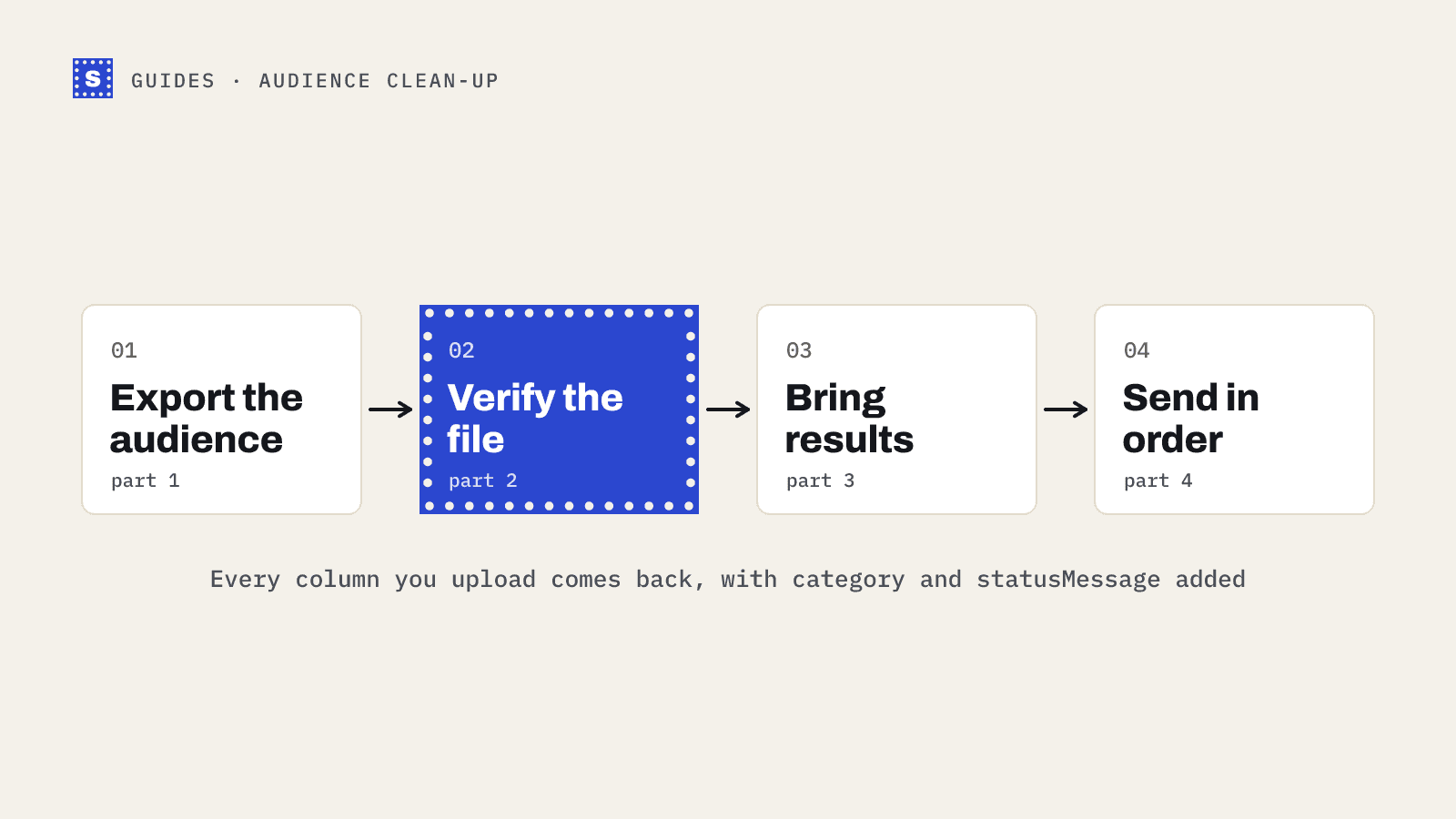
- CSV handling: Does the download keep all your original columns? Can it detect the email column automatically? What delimiters does it accept?
- API: Single checks for forms, batch endpoints for small groups, bulk jobs for large files. Clear error messages and documented rate limits.
- Integrations: If a vendor lists an integration, check whether it's a native connector or a CSV export and re-import guide. Both are fine; just know which one you're getting.
- Team features: Multiple users, separate API keys, audit trail.
Question 6: data handling
You're uploading personal data. Check where it's processed, how long uploaded files and results are kept, whether you can delete them, whether a DPA is available, and which subprocessors are involved. For European contacts this isn't optional.
How to run a fair test
The only comparison that matters is one on your own data. Here's a method that takes an afternoon:
- Build a test file of a few hundred addresses from a real list you plan to send to. Include a mix: fresh leads, old CRM records, and a few known-good addresses of colleagues.
- Add known-bad addresses you control the truth for: an invented mailbox at your own domain, a misspelled webmail domain, a domain you know has no mail server.
- Run the same file through each tool you're considering, on the same day.
- Compare categories side by side. Where tools disagree, look at the reasons. Disagreements are where you learn the most.
- Send to a sample of addresses that each tool marked deliverable, from a warmed-up mailbox you're comfortable testing with, and record actual bounces.
- Compare usability: time to results, clarity of the output, how much cleanup the CSV needed.
Red flags
- Accuracy claims with no method behind them
- Catch-all addresses reported as valid without any flag
- "Spam trap detection" presented as reliable (pristine traps can't be detected by verification; see what is a spam trap)
- Results with no reason codes
- Pricing that hides retry or unknown charges in the terms
Where SimpleCold fits
SimpleCold is built around a few of the answers above: every address comes back as Deliverable, Risky or Undeliverable with a plain reason, catch-all domains are detected with a per-domain probe and labelled Risky instead of guessed at, typo suggestions come with misspelled domains, and slow servers get a processing status that you can collect within 30 minutes without a second credit. On the billing questions above: duplicates in a CSV are checked and charged once, and results the server wouldn't confirm (no_response) are charged like any other finished check. Pricing is pay-as-you-go: You buy credits once, from 5,000 up, with the per-address rate dropping at higher volumes. There's no subscription and the credits don't expire. See pricing for the current rates.
Run it in your own test alongside the others. Start with the free email checker for a few addresses, or the bulk email verifier for a file. The email verification page walks through every check SimpleCold runs, if you want the detail first.