A spam trap is an email address that exists only to catch senders with poor list practices. Nobody reads it and nobody ever signed up with it, so any mail it receives is evidence that the sender got the address somewhere they shouldn't have, or kept mailing long after they should have stopped.
Mailbox providers and blocklist operators run these addresses. When your mail lands in one, it can hurt your sender reputation or get your domain or IP listed, and the hit tends to arrive without any bounce or warning.
This post covers the main types of spam trap, how senders usually hit them, and what verification can realistically do about each.
The main types of spam trap
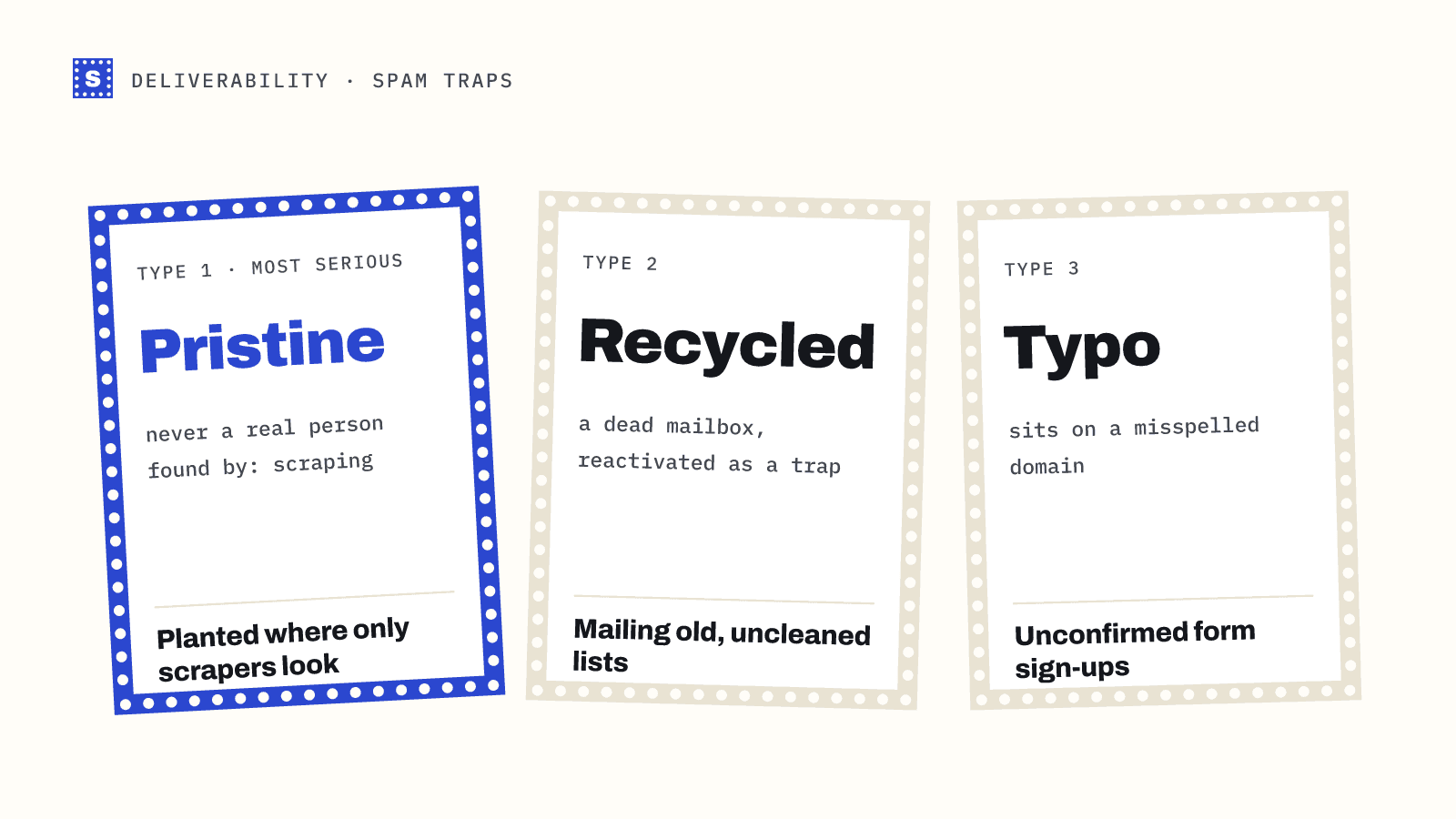
Pristine traps
A pristine trap has never belonged to a real person. The operator creates the address and plants it where only scrapers and list harvesters will find it: hidden in web page source, in old forum posts, in public data dumps. It never signs up for anything.
If a pristine trap receives your email, the conclusion is simple: the address came from scraping or a purchased list built by scraping. That's why pristine hits are treated as the most serious.
Recycled traps
A recycled trap used to be a real mailbox. The owner left, the account was closed, and for a long period the address bounced every message sent to it. Senders who paid attention to bounces removed it. Then the provider reactivated it as a trap.
Hitting a recycled trap says you've kept mailing an address that bounced for months, or that you're using an old list you haven't cleaned. It's less damning than a pristine hit, but repeated hits add up.
Typo traps
Typo traps sit on misspelled domains, such as variations of popular webmail domains. Someone types their address wrong in a form, and your system accepts it. If you never confirm the address, you keep mailing a domain the real person never used, and someone may be watching that domain.
How senders end up hitting spam traps
Almost every trap hit traces back to one of these:
| Cause | Trap type usually involved |
|---|---|
| Buying or renting a list | Pristine, recycled |
| Scraping websites for addresses | Pristine |
| Mailing a list that sat unused for a long time | Recycled |
| Ignoring hard bounces and keeping addresses on file | Recycled |
| Accepting signups without typo checks or confirmation | Typo |
| Importing old CRM contacts into a new sending tool | Recycled |
Notice that none of these are bad luck. They're all list sourcing or list maintenance problems.
What email verification can and can't catch
This is where a lot of marketing in our industry stretches the truth, so here it is plainly.
Pristine traps: verification can't reliably detect them. A pristine trap is a working mailbox on a working domain. The mail server says it exists, because it does. Any vendor claiming to identify pristine traps with confidence is either guessing from known lists that leak or overstating what they do. The real protection against pristine traps is not sourcing addresses from scrapers or list sellers in the first place.
Recycled traps: verification helps a lot, mostly indirectly. During the period when the address was dead, a verifier would have flagged it as undeliverable, and you would have removed it. Regular verification of older lists means you never carry those addresses forward to the point where they turn into traps.
Typo traps: verification and typo detection help directly. A check at signup that spots hotmial.com and suggests hotmail.com stops the bad address from entering your list at all. See our list of common email typos for the patterns that show up most.
Signs you may be hitting traps
You usually won't get a direct notice. Watch for:
- a sudden drop in inbox placement or open rates with no change in content
- a listing on a public blocklist (check with the free blacklist checker)
- a lower domain reputation in Google Postmaster Tools
- a warning or suspension from your email service provider
If any of these coincide with sending to a new or old list, that list is the first suspect.
How to avoid spam traps
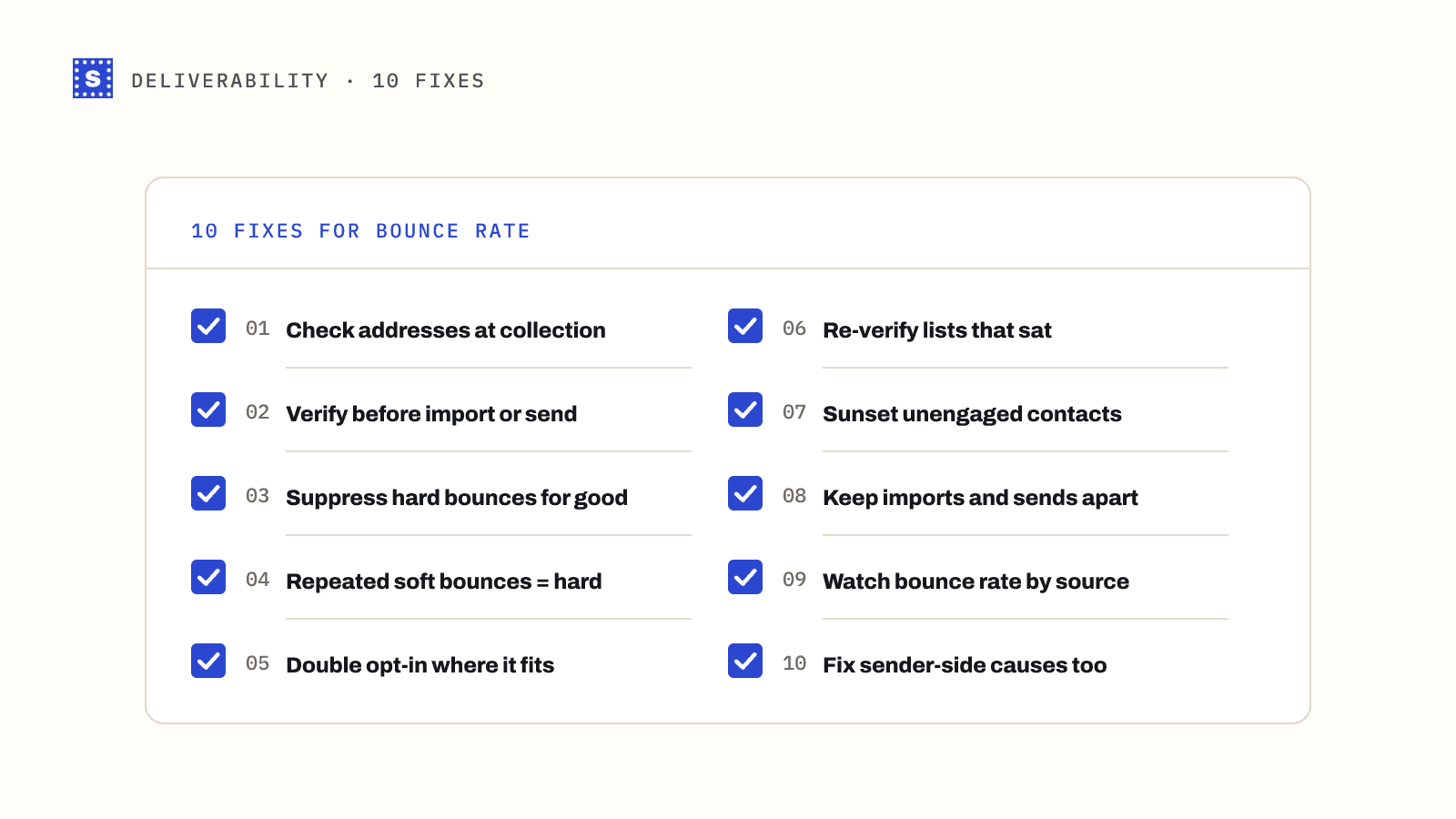
- Don't buy, rent or scrape lists. This is the only defence against pristine traps.
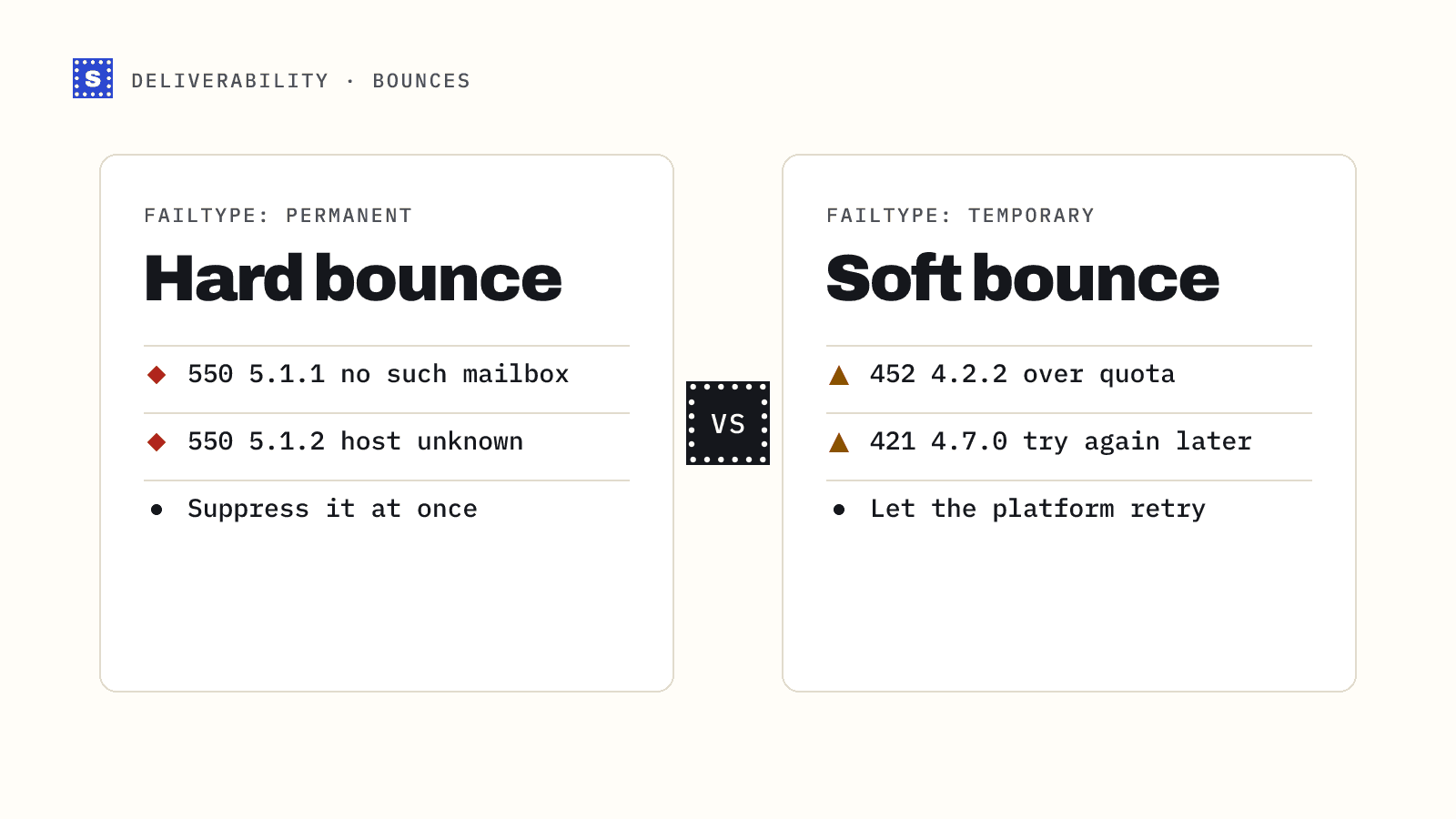
- Remove hard bounces immediately. One permanent failure is enough. Never retry an address that came back "user unknown".
- Verify old lists before mailing them. Anything that hasn't been mailed for several months should go through a bulk email verifier first. Our post on emailing an old list has a step-by-step plan.
- Verify at the point of capture. Real-time checks on signup forms catch typos and fake addresses before they're stored. The real-time verification page explains the setup.
- Use confirmed opt-in where it fits. A confirmation email proves someone controls the inbox. For newsletters and product signups it's the strongest single safeguard.
- Sunset unengaged contacts. If someone hasn't opened or clicked in a long time, stop mailing them or run a re-permission campaign. Recycled traps never engage.
- Keep a suppression list that survives exports, imports and tool migrations, so removed addresses don't creep back in.
Where SimpleCold fits
SimpleCold checks each address for syntax, typo domains, disposable and role-based addresses, dead domains, catch-all behaviour and mailbox existence, and returns a reason with every result. That catches the addresses that turn into recycled traps and the typos that feed typo traps. It doesn't claim to find pristine traps, because no verifier can do that reliably.
For the full picture of how traps relate to bounces, complaints and reputation, read our email deliverability guide, or see the short spam trap glossary entry.