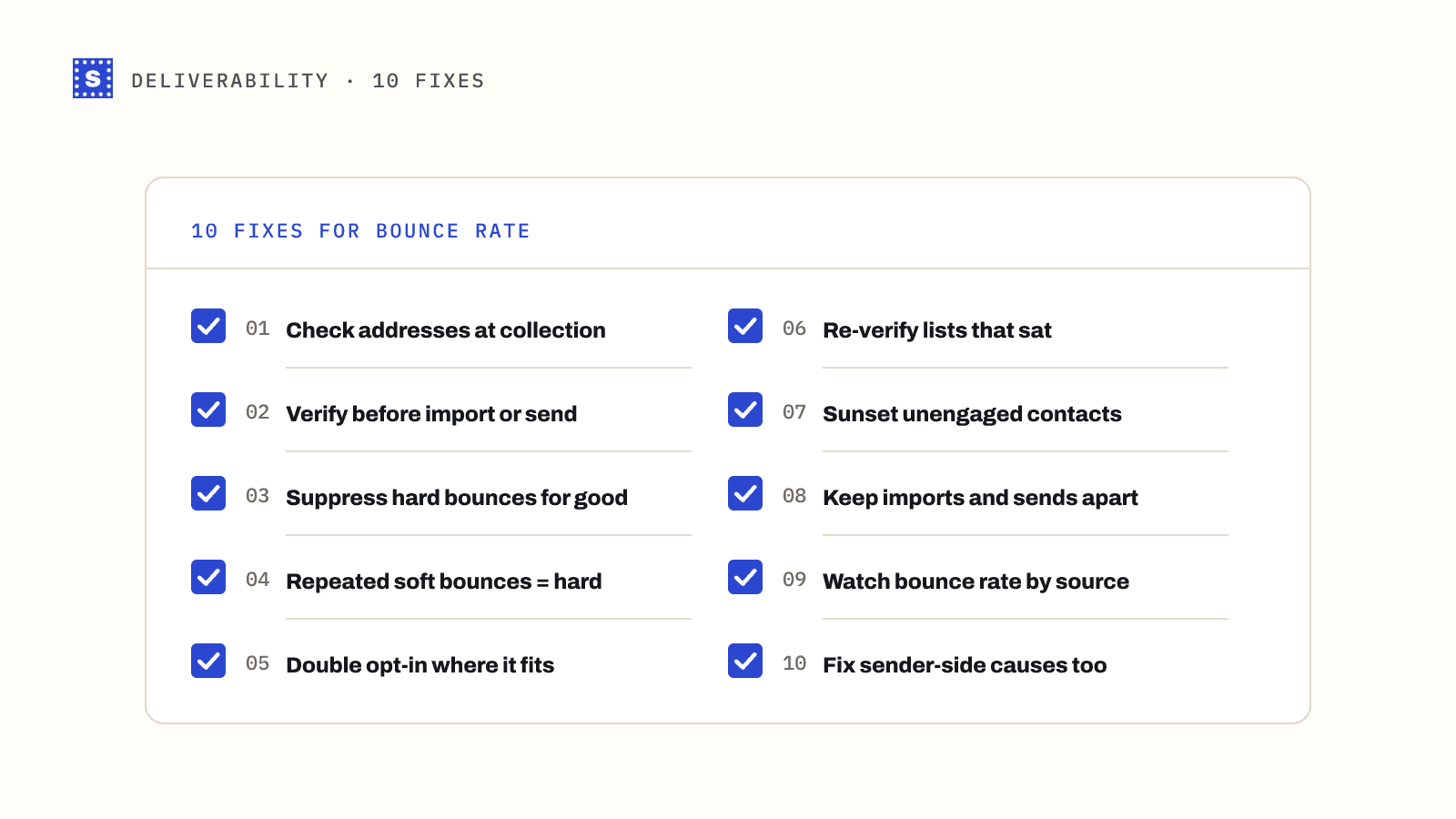
A high bounce rate is a symptom. Somewhere between the moment an address enters your system and the moment you mail it, something went wrong: a typo, an old record, an import nobody checked. The fixes below are ordered by how much they usually help, starting with the ones that stop bad addresses getting in at all.
1. Check addresses where they're collected
The cheapest bounce to prevent is the one that never makes it into your database. Every form that collects an email (sign-up, checkout, demo request, gated content, newsletter) should check the address before accepting it.
At minimum that means a format check and a typo suggestion for common domain misspellings. Better is a real-time verification call that also confirms the domain has mail servers and the mailbox exists. Show a helpful message ("Did you mean [email protected]?") rather than a cold rejection.
Real-time email verification and the typo detection page cover how this works in practice.
2. Verify every list before you import or send it
Anything that didn't come through your own forms should be verified before it touches a campaign: event lists, partner lists, CRM migrations, spreadsheets from sales, enrichment exports. These are where most bounce spikes start.
Upload the file to a bulk email verifier and sort the results:
| Result | Action |
|---|---|
| Deliverable | Import normally |
| Undeliverable | Don't import; add to suppression |
| Risky (catch-all) | Import into a separate segment and send cautiously |
| Risky (disposable) | Don't import for marketing |
| Risky (role-based) | Decide per list; often fine for small businesses |
| Risky (no response) | Re-verify later before mailing |
3. Suppress hard bounces permanently
Every hard bounce should go on a suppression list that survives re-imports. Most ESPs do this automatically within their own platform. Problems appear when you re-upload a CSV that still contains the bounced addresses, or move to a new platform without carrying the suppression list across.
Export your suppression list regularly and keep it somewhere independent of your ESP.
4. Treat repeated soft bounces as hard ones
A single soft bounce is normal. A mailbox that has been "full" for six weeks is abandoned. Set a rule: after a handful of consecutive soft bounces over a period of days or weeks, suppress the address. Many platforms do this by default, with thresholds that vary, so check your ESP's settings rather than assuming. The difference is covered in hard bounce vs soft bounce.
5. Use double opt-in where it makes sense
Double opt-in asks new subscribers to click a confirmation link before they're added. Anyone who mistyped their address never confirms, so they never enter your list. It costs some sign-ups, because some real people never click, but the list you end up with bounces far less and complains less.
For a newsletter, it's usually worth it. For a product sign-up where the account matters more than the newsletter, a confirmation email for account activation does the same job.
6. Re-verify lists that have been sitting
Addresses decay even when nobody touches them. People leave jobs and their work mailboxes are closed. Companies rebrand or shut down and domains lapse. If a segment hasn't been mailed in several months, verify it before the next send rather than finding out through bounces. See how often should you clean your email list.
7. Sunset unengaged contacts
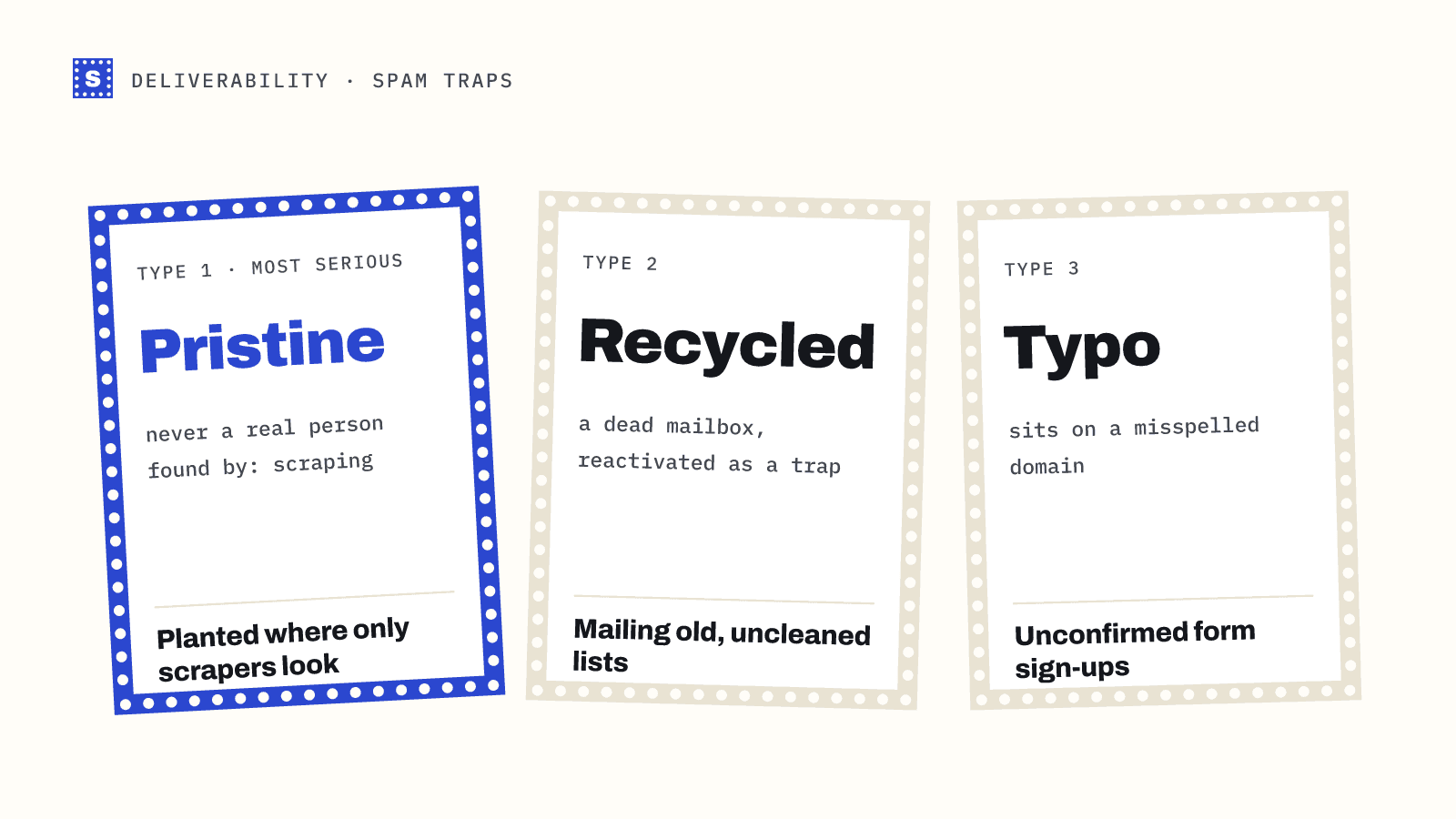
Contacts who haven't opened or clicked in a long time don't just drag down engagement. Some of those addresses have been abandoned and will start bouncing. A few may eventually be recycled as spam traps.
A typical sunset policy:
- Identify contacts with no engagement in the last 6 to 12 months (pick a window that fits your sending frequency).
- Send a short re-engagement series.
- Suppress anyone who still doesn't respond.
Note that open tracking has become less reliable since Apple Mail Privacy Protection started preloading images, so use clicks, replies, purchases and logins where you can.
8. Keep imports and sends separate
Many bounce spikes happen because an import and a campaign happen the same day. Build a rule into your process: nothing imported today gets mailed today. That gap gives you time to verify and segment, and stops a bad file from going straight out.
9. Watch bounce rate by source
A single bounce rate per campaign hides where the problem comes from. Tag contacts with their source at entry (form, event, import, partner, enrichment tool) and report bounces per source. One bad source can be cut off. A bad average can't be acted on.
10. Fix the sender-side causes too
Not every bounce is about the recipient. If you see policy rejections (5.7.1, 5.7.26 and similar), the receiving server is refusing you, not the address. Check SPF, DKIM and DMARC, and whether your domain or IP is on a blocklist. The codes are explained in SMTP 550 error and other bounce codes.
What a good result looks like
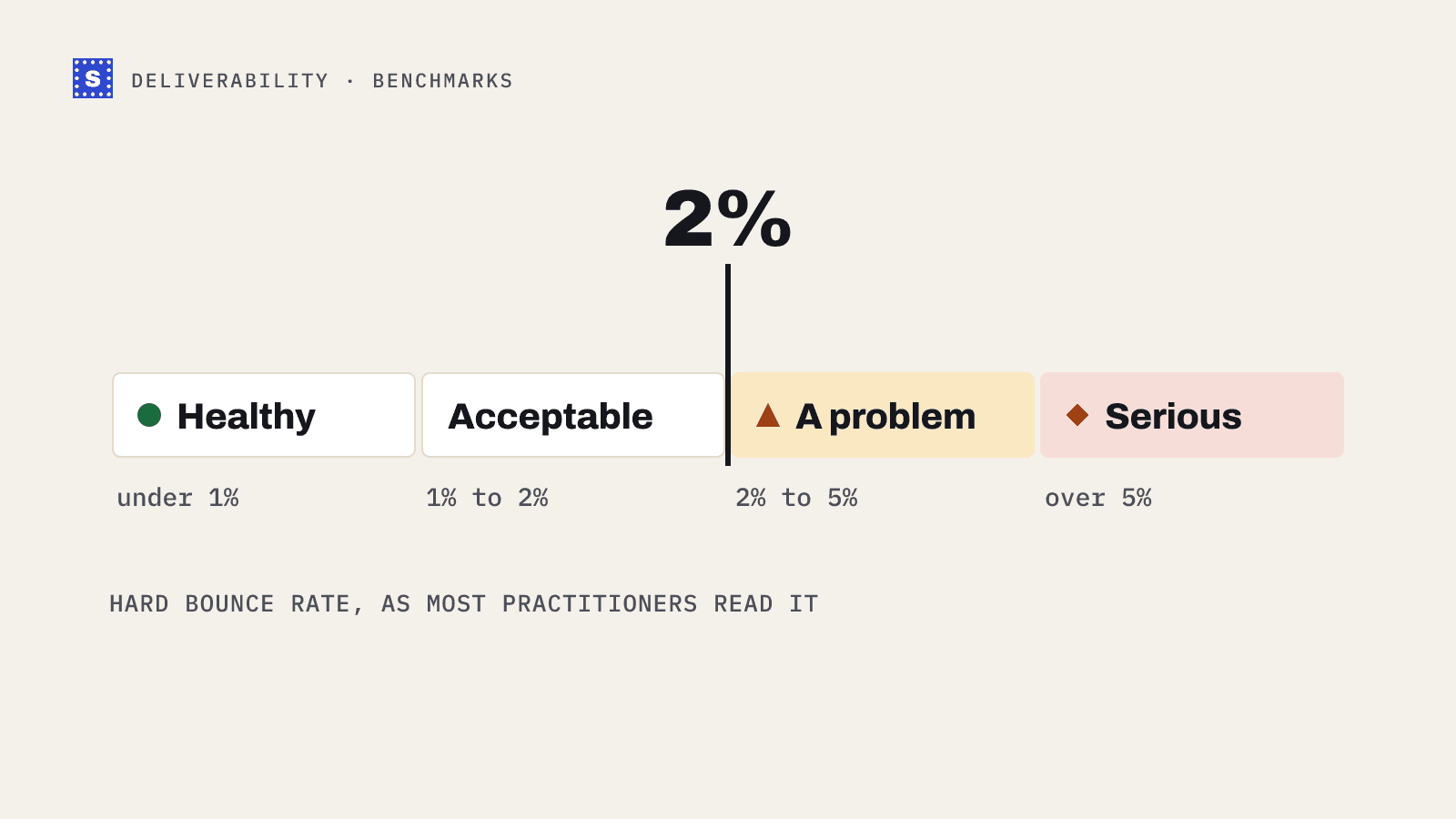
For an opt-in list with checks at capture and regular cleaning, hard bounces on routine campaigns should be well under 1%. The email bounce rate benchmarks post explains where the common 2% ceiling comes from and why it isn't a published provider rule.
Where to start this week
If you only do two things: add a verification check to your main sign-up form, and verify your largest segment before its next send. Those two changes cover new bad addresses and old ones.
SimpleCold does both. The email verification API checks addresses at sign-up, and bulk uploads keep every original column in the CSV, adding a category and a plain reason for each address so the cleaned file can go straight back into your ESP. You can try a single address first with the free email checker.