Email deliverability is the chance that a message you send ends up in the recipient's inbox. Delivery is a simpler question: did the receiving server accept the message at all? A message can be delivered straight to spam. Deliverability is about the inbox.
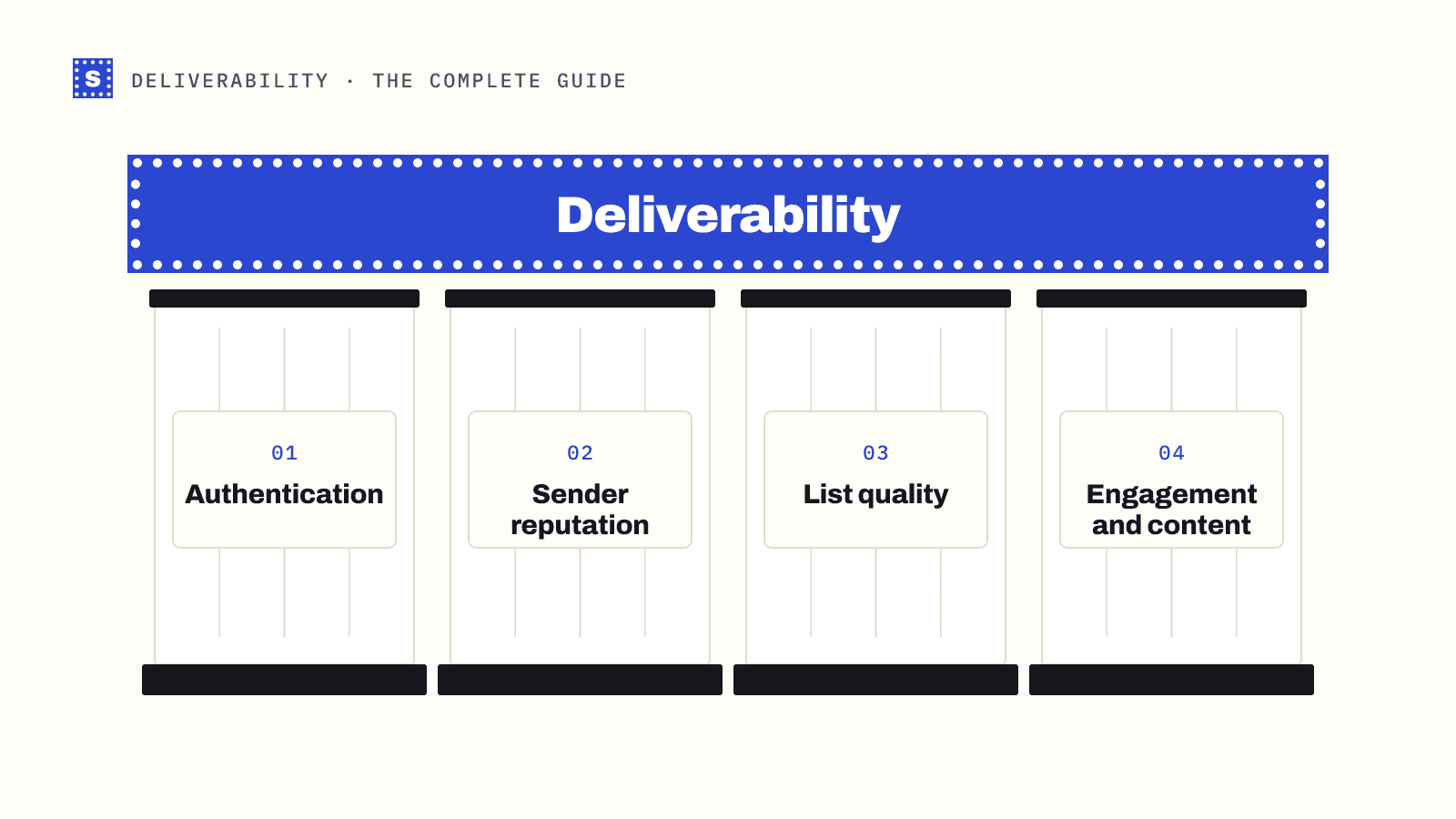
Mailbox providers like Gmail, Yahoo and Outlook decide inbox placement using signals you only partly control. The good news is that the signals fall into four groups, and each group has a clear set of fixes. This guide covers all four, in the order they usually need attention, and links to deeper posts on each.
One honest note before we start. SimpleCold is an email verification product, so it helps with one of these four groups: list quality. The other three matter just as much, and no verification tool can fix them for you.
The four pillars of email deliverability
| Pillar | The question providers are asking | Where you fix it |
|---|---|---|
| Authentication | Is this mail really from who it says? | DNS records |
| Reputation | Has this sender behaved well before? | Sending history over time |
| List quality | Does this sender mail real people who expect it? | How you collect and clean addresses |
| Engagement and content | Do recipients want this mail? | What you send and to whom |
Problems in one pillar spill into the others. Bad lists cause bounces and spam-trap hits, which hurt reputation. Poor targeting causes complaints, which hurt reputation. Missing authentication can make everything else irrelevant.
Pillar 1: authentication
Authentication proves your mail is legitimate. Three DNS records do the work:
- SPF lists the servers allowed to send mail for your domain.
- DKIM signs each message so the receiver can check it wasn't altered and that it came from your domain.
- DMARC tells receivers what to do when SPF or DKIM fail and checks that they align with the visible From domain.
Since February 2024, Google and Yahoo have required bulk senders to publish all three, with at least a p=none DMARC policy and the From domain aligned with SPF or DKIM. Microsoft announced similar requirements for high-volume senders to Outlook.com consumer addresses, effective May 2025. Even small senders need at least SPF or DKIM, plus valid forward and reverse DNS for their sending IPs.
Start here because it's binary. If authentication fails, nothing else you do will help much. Read SPF, DKIM and DMARC explained, then test your domain with the SPF, DKIM and DMARC checkers.
Pillar 2: sender reputation
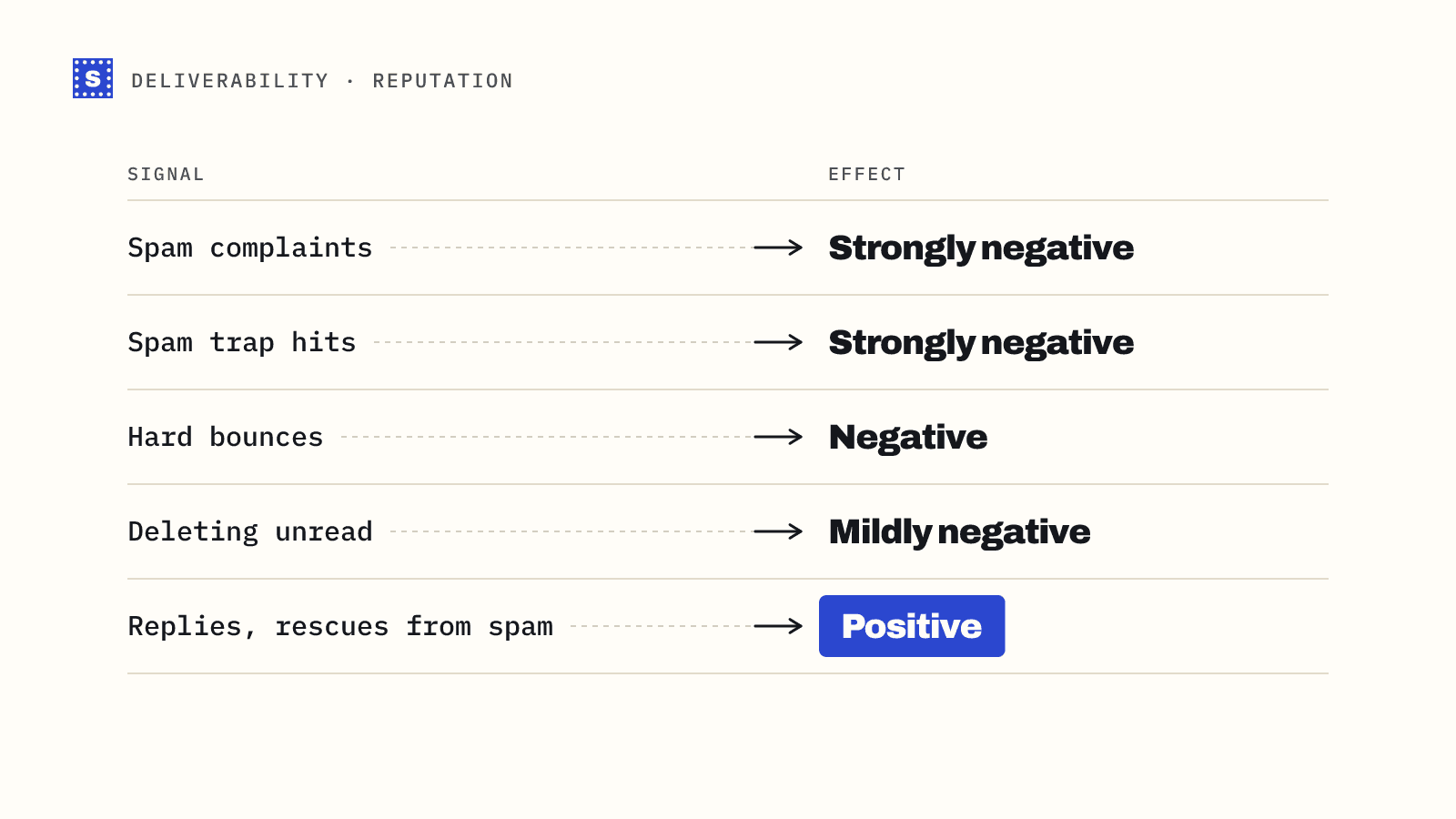
Reputation is the history providers keep on your sending domain and IPs. They build it from how recipients react (opens, replies, spam complaints, deletions) and from how your mail behaves (bounces, spam-trap hits, sudden volume spikes).
Key points:
- Domain reputation now matters most. Providers increasingly judge the domain in your From address and DKIM signature, so changing IPs doesn't escape a bad domain history.
- Spam complaints are the sharpest signal. Google and Yahoo ask bulk senders to keep the spam rate shown in Postmaster Tools below 0.3%, and Google advises staying under 0.1%.
- Consistency helps. Steady volume looks like a business. Large spikes look like a compromised account or a spammer.
- New domains start with no reputation. They need warming up. See how to warm up a new domain.
Monitor with Google Postmaster Tools for Gmail traffic and Microsoft SNDS if you send from your own IPs. Check blocklists with the blacklist checker. The sender reputation post covers each tool.
Pillar 3: list quality
This is where email verification helps. A low-quality list causes:
- Hard bounces from mailboxes that don't exist, which signal to providers that you don't maintain your list.
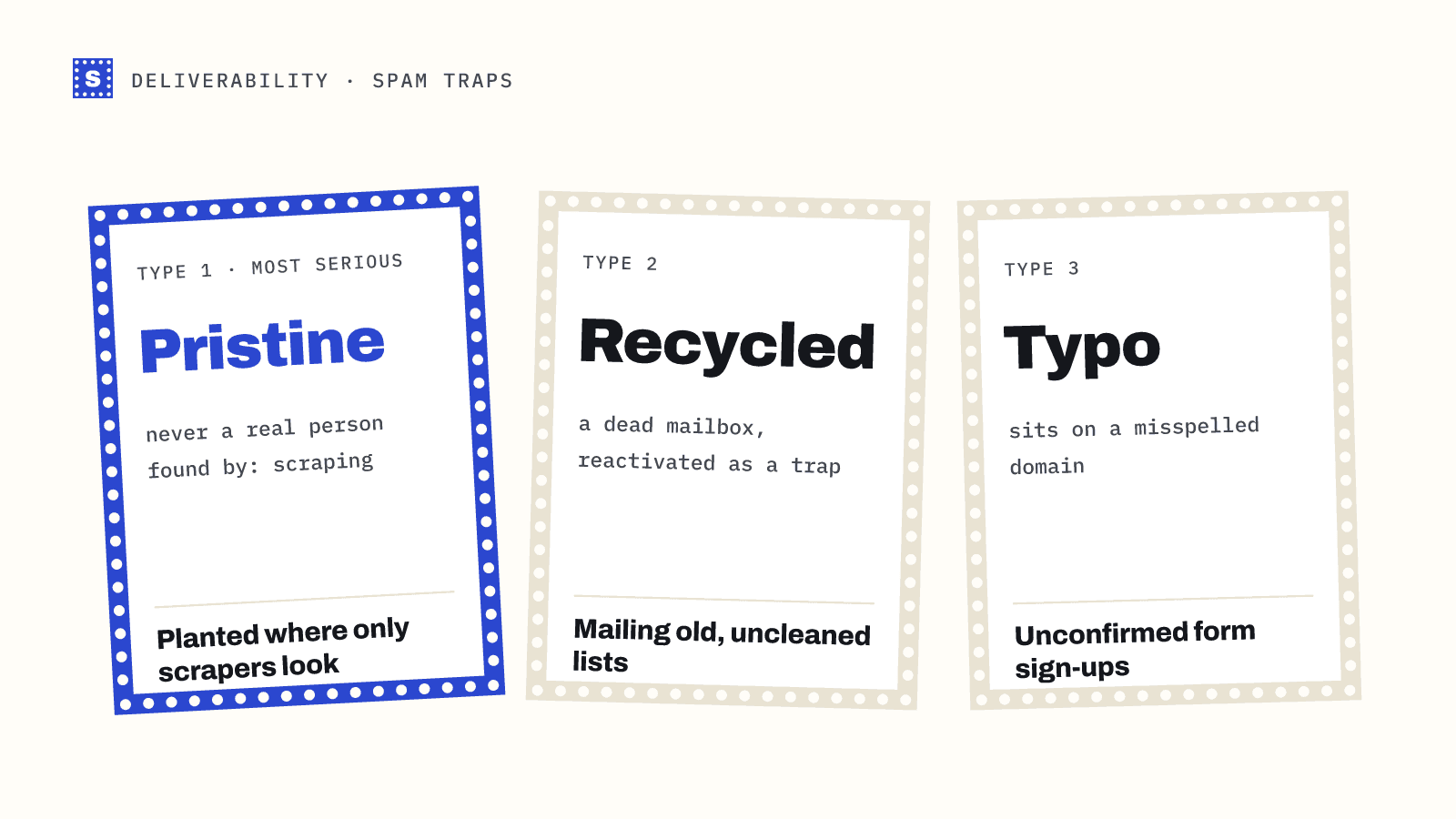
- Spam-trap hits from old addresses recycled as traps and from typo domains.
- Low engagement from abandoned inboxes, which drags down how providers rate the rest of your mail.
- Complaints from people who don't remember signing up.
What to do:
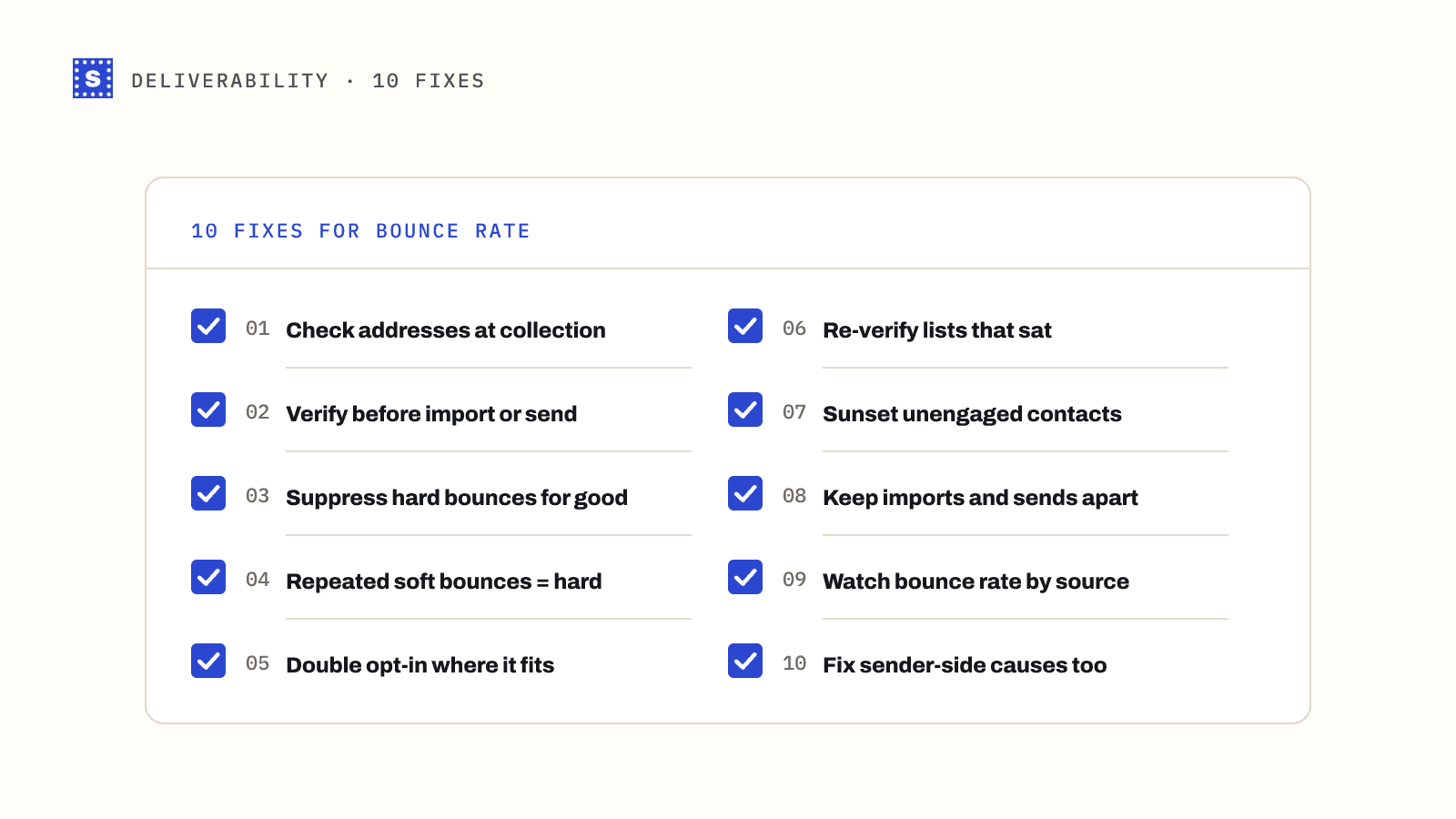
- Verify at the point of capture. Check addresses on forms in real time and suggest corrections for typos. The real-time verification page explains how.
- Verify every import before it reaches your sending tool, especially lead databases and event lists.
- Re-verify on a schedule. Lists decay as people change jobs and abandon inboxes. See how often should you clean your email list.
- Suppress hard bounces everywhere, across every tool you send from.
- Treat risky results deliberately. Catch-all, role-based and unconfirmed addresses deserve their own segment and their own rules.
No mailbox provider publishes a bounce-rate threshold. Keeping bounces under about 2% is an industry rule of thumb, and many cold email teams aim far lower. The bounce rate benchmarks post goes into the numbers.
Pillar 4: engagement and content
Providers watch what recipients do with your mail. Replies, reads and "not spam" clicks help. Deletions without reading, spam complaints and long periods of no interaction hurt.
- Send to people who want the mail. This is mostly about list sources and targeting.
- Make unsubscribing easy. Google and Yahoo require one-click unsubscribe (RFC 8058) for bulk marketing mail and expect unsubscribes to be processed within two days. An easy unsubscribe is much better for you than a spam complaint.
- Sunset unengaged contacts. Mailing people who never open teaches providers your mail isn't wanted.
- Keep content honest. Subject lines that match the body, a recognisable sender name, and a reasonable ratio of text to images and links.
For cold email, where nobody opted in, engagement depends almost entirely on relevance and volume. The cold email deliverability checklist covers the cold-specific setup.
How to diagnose a deliverability problem
When results drop, work through the pillars in order:
- Check authentication. Look at DMARC reports and run your records through the checkers. A broken DKIM key after a DNS change is a common culprit.
- Check bounces. Group recent bounces by code. Lots of 5.1.x codes mean a list problem; 5.7.x codes mean authentication, policy or reputation. Why do emails bounce has a full table.
- Check reputation. Postmaster Tools, blocklists, complaint rates.
- Check the segment. Did this campaign go to an older or less engaged audience than usual?
- Check volume. Did you send a lot more than normal?
Most problems show up clearly in one of those five places.
A deliverability checklist
| Area | Task |
|---|---|
| Authentication | SPF, DKIM and DMARC published and aligned; PTR records for sending IPs |
| Reputation | Postmaster Tools set up; spam rate well under 0.3%; steady volume |
| List quality | Real-time verification on forms; verify imports; re-verify on a schedule; suppress bounces |
| Engagement | One-click unsubscribe; sunset policy; relevant targeting |
| Monitoring | Bounce codes reviewed per campaign; blocklist checks; DMARC reports read |
Where SimpleCold fits
SimpleCold covers pillar 3. Check a single address with the free email checker, clean a CSV with the bulk email verifier, or verify at sign-up with the email verification API. Each result comes back Deliverable, Risky or Undeliverable with a plain reason, so you know why an address was removed and can decide what to do with the risky ones.
Pick the weakest of the four pillars for your setup and fix that first. If you don't know which one it is, start by running your domain through the authentication checkers and your last campaign's bounces through a quick sort by code.