A brand-new domain has no sending history. Mailbox providers don't know whether you're a real business or a spammer who registered the domain yesterday, so they treat early mail with suspicion. Warming up is the process of building enough positive history that your mail gets judged on its merits.
Done badly, it wastes a domain. Done well, it takes a few weeks and gives you a sending setup that holds up under real campaigns. Here's the process, including the parts most warm-up advice skips.
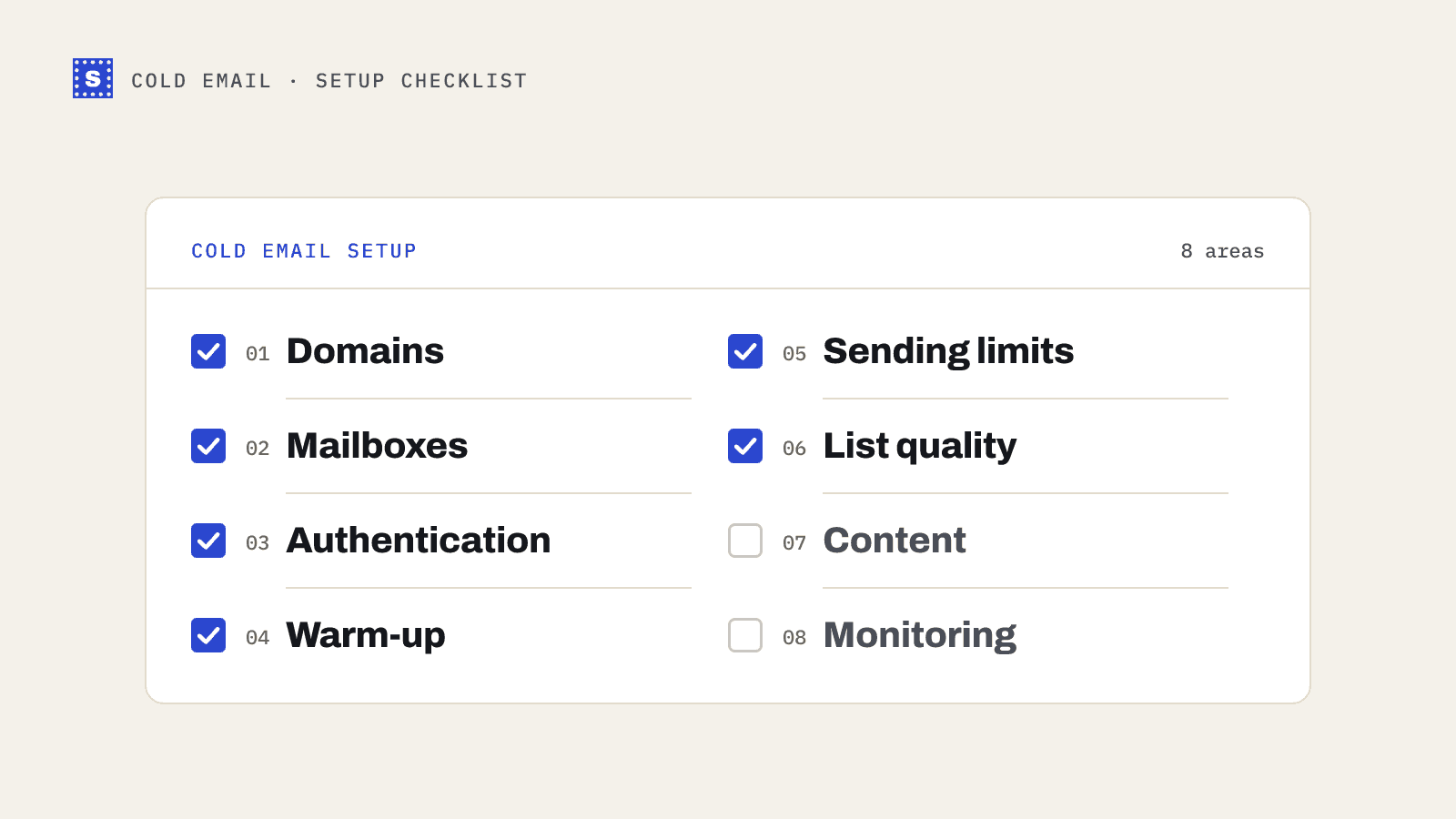
Before you send anything: set up the domain properly
Warm-up can't fix a broken setup. Get these in place first.
Use a separate sending domain
Most cold email teams send from a secondary domain (for example getacme.com or acmehq.com) rather than the main company domain. If cold outreach damages its reputation, your main domain, which handles invoices, support and internal mail, isn't affected. Redirect the secondary domain's website to your main site so recipients who check it land somewhere real.
Authenticate everything
Publish:
- SPF, listing the services allowed to send for the domain. Keep within the 10 DNS-lookup limit in RFC 7208.
- DKIM, so your mail is signed. Your mail provider generates the key; you publish it in DNS.
- DMARC, starting with
p=noneand a reporting address so you can see what's passing and failing.
Google and Yahoo have required SPF, DKIM and DMARC for bulk senders since February 2024. Even below the bulk threshold, unauthenticated mail from a new domain has a hard time. Check your records with the SPF checker, DKIM checker and DMARC checker. If any of that is new to you, SPF, DKIM and DMARC explained covers it.
Give the domain a little age
A domain that starts sending the day it was registered looks suspicious. Many teams let a new domain sit for a week or two with DNS configured before sending, and use the time to set up mailboxes, signatures and a simple website.
Set up a few mailboxes, not one
Spread volume across several mailboxes on the domain rather than pushing everything through one. Each mailbox has its own sending pattern, and a modest number of sends per mailbox looks more like a person than a system.
How to warm up a new domain: a sample schedule
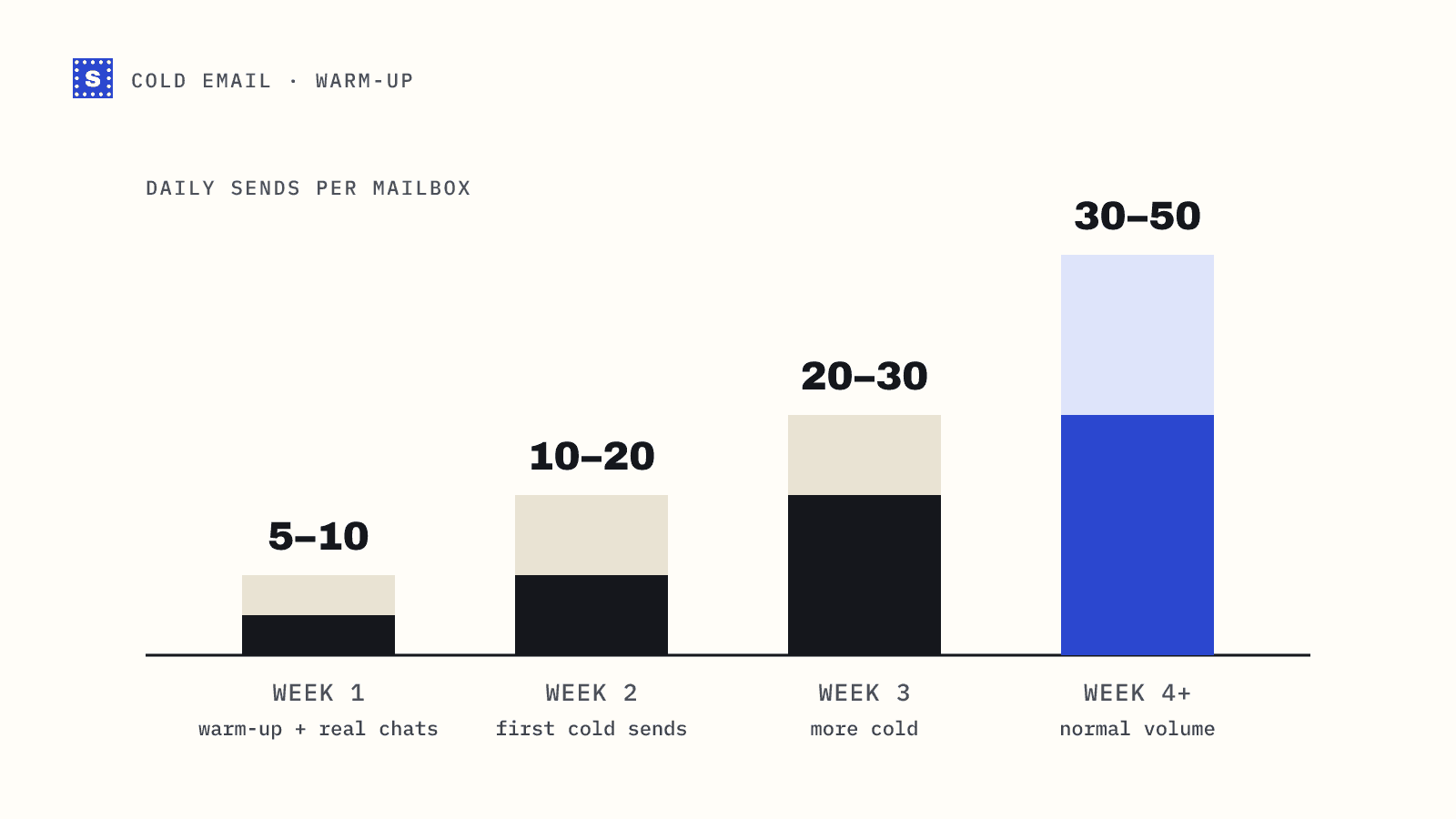
The aim is to raise volume slowly while the mail gets opened, replied to and not marked as spam. The numbers below are per mailbox per day and are a conservative starting point, not a rule from any provider. Adjust based on what you see.
| Week | Daily sends per mailbox | What to send |
|---|---|---|
| 1 | 5 to 10 | Warm-up traffic and real conversations with people who know you |
| 2 | 10 to 20 | Add a small number of cold emails to your best-fit, verified leads |
| 3 | 20 to 30 | Increase cold share; keep warm-up running |
| 4 and on | 30 to 50 | Normal campaign volume, if metrics stay healthy |
Raise volume only if the previous week looked healthy: no bounce spikes, no rise in spam placement, replies arriving. If anything goes wrong, drop back a step for a week.
What warm-up tools do, and what they don't
Automated warm-up tools connect your mailbox to a network of other mailboxes that exchange mail with you, open it, move it out of spam, and reply. This creates positive engagement signals while your real volume is still low.
They are useful for getting started. They are not a reputation shield. Some limits worth knowing:
- Engagement from a warm-up network is a different pattern from real prospects. Providers may give it less weight than genuine replies.
- Warm-up traffic doesn't protect you from bounces. If your first cold batch has a high bounce rate, weeks of warm-up can be undone quickly.
- Running warm-up at high volume alongside campaigns can blur your metrics. You can't tell whether a dip in replies is real.
Treat warm-up as a supplement. Real replies from real people are the strongest signal you can generate.
Verify the list before day one of cold sending
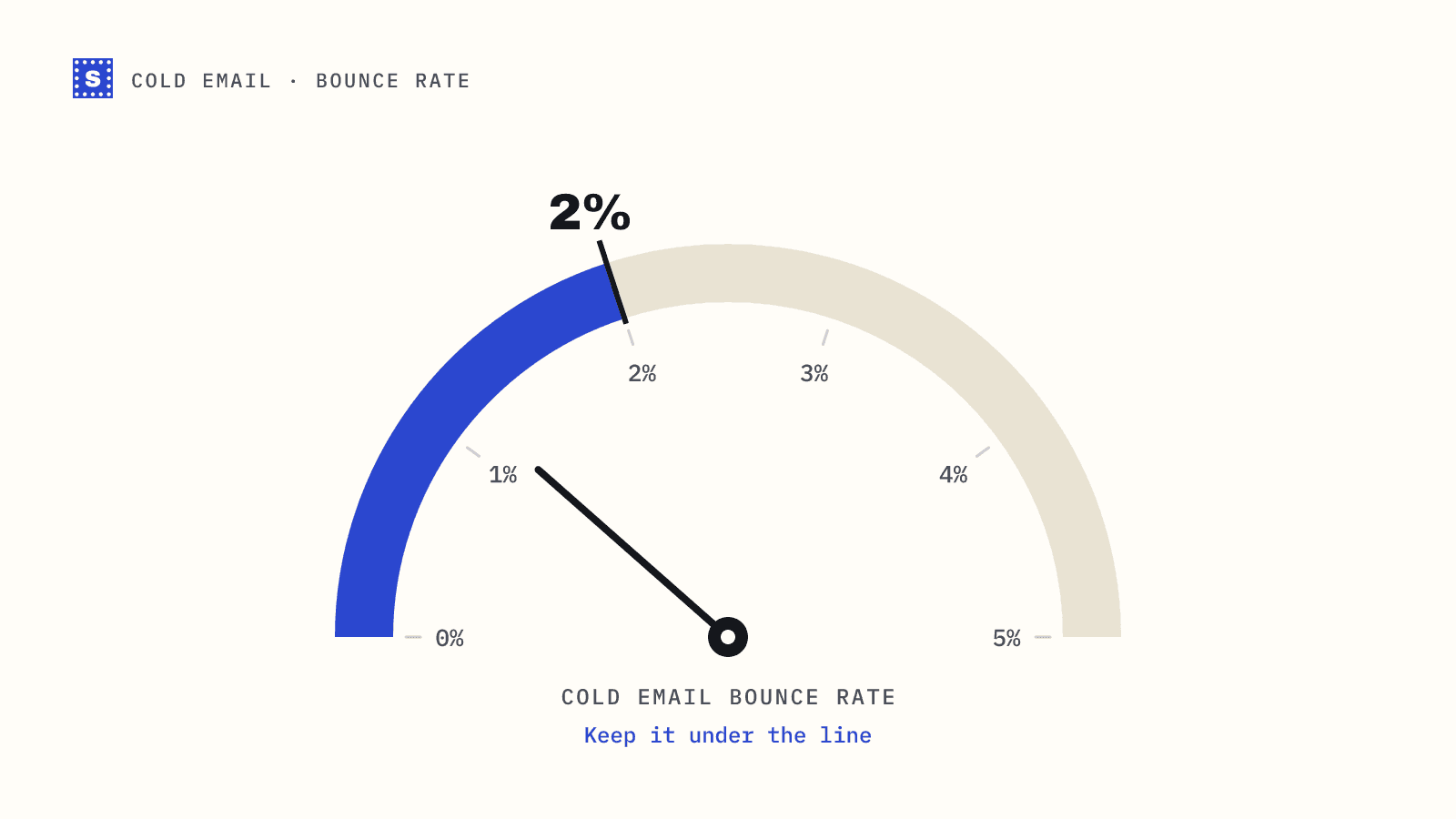
This step decides whether the warm-up was worth it. A fresh domain has a thin reputation, so early signals carry extra weight. Five hard bounces out of 500 sends from an established domain is a blip. The same bounces in your first week on a new domain can push it toward the spam folder before it has any credit.
Before the first cold email goes out:
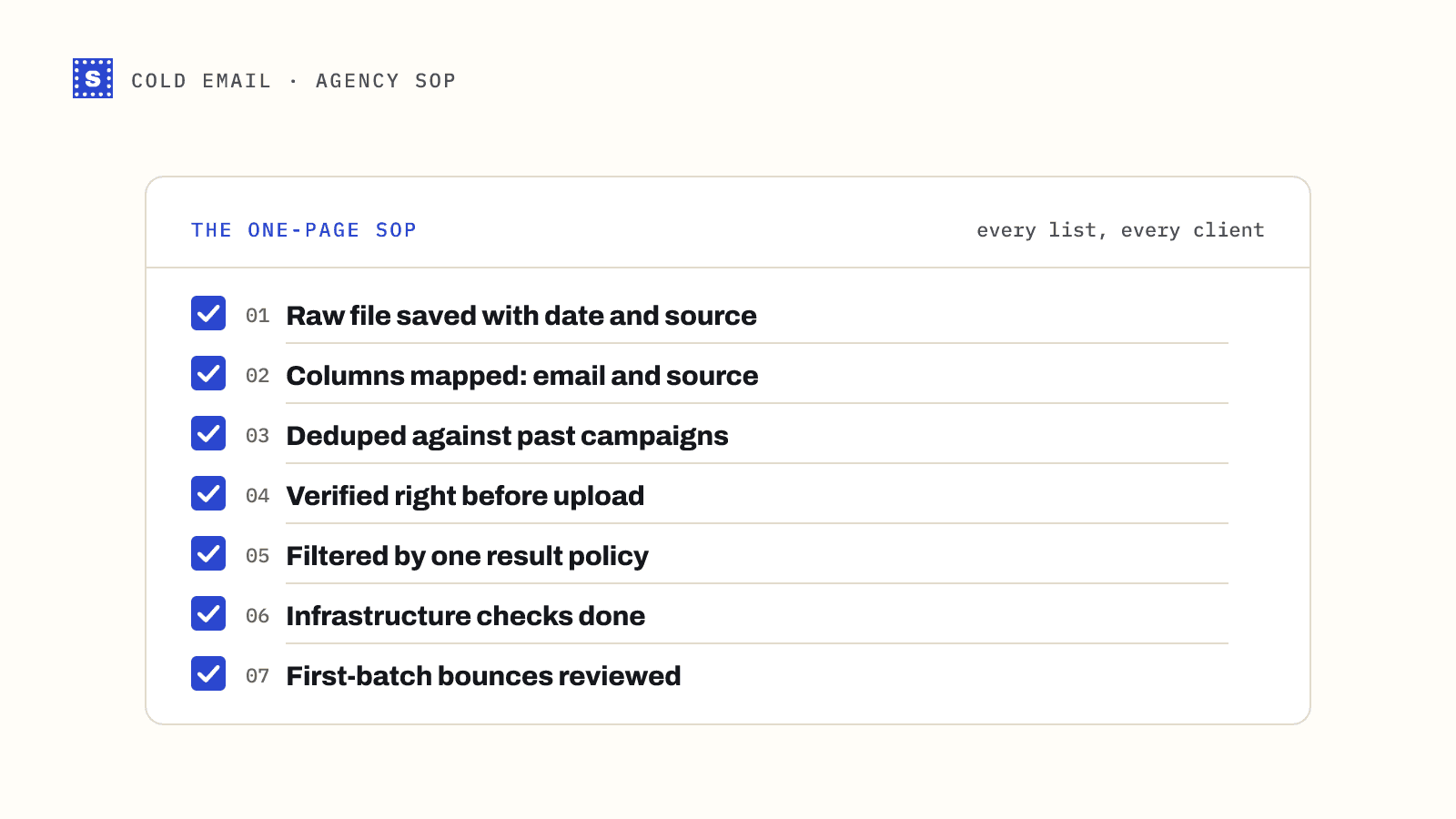
- Verify every address. Run the list through a bulk email verifier and remove everything undeliverable.
- Hold back catch-all and no-response addresses. In the first weeks, send only to addresses confirmed deliverable. Bring risky segments in later, in small batches. See should you send to catch-all emails.
- Drop role addresses for now.
info@andsales@inboxes are shared, often filtered, and rarely reply to cold outreach. They add risk without much upside. - Start with your best-fit leads. The people most likely to reply should get your first sends, since replies are the best warm-up there is.
Signs the warm-up is going wrong
Watch these every few days:
- Bounce rate rising. Usually a list problem. Stop and re-verify.
- Replies drop to zero while opens look normal. Open tracking is unreliable, so this often means you're landing in spam.
- Gmail Postmaster Tools shows reputation falling. Once you send enough volume to Gmail, Postmaster Tools reports domain reputation and spam rate. Keep the spam rate well below the 0.3% limit.
- Blocklist listings. Check the domain with the blacklist checker weekly during warm-up.
If two of these show up together, cut volume back to week-one levels and look for the cause before pushing again.
Keep it warm after warm-up
Reputation isn't a one-off achievement. A domain that goes quiet for a month and then sends 2,000 emails in a day looks like a spammer again. Keep volume consistent, keep the list clean, and rotate in new domains before you need them so each one has time to mature.
The cold email solution page shows how SimpleCold fits into this workflow: verify every list before it reaches your sequencer, and keep risky segments separate. Set up the DNS today, register the mailboxes, and put the first verification run on your calendar for the day before cold sending starts.