When an in-house sales team burns a domain, they lose a few weeks. When an agency burns a client's domain, it can lose the client. Agencies send on behalf of many brands, with lists from many sources, under deadlines that make it tempting to skip a step. That is why lead gen agency email verification needs to be a written process rather than something each account manager does their own way.
This post lays out a process you can adapt: how lists come in, how they get checked, what happens to each result, and how to handle the cost.
Why agencies carry more list risk
- Lists come from everywhere. Data providers, client CRMs, scraped sources, event exports, a spreadsheet the client found. Quality varies wildly.
- Domains are not yours. You often send from domains the client owns, or secondary domains set up in their name. A reputation problem lands on them.
- Volume adds up across clients. A team running twenty clients sends a lot of mail, and one bad list in one account can trigger reviews by a sequencer or mailbox provider that affect others if infrastructure is shared.
- Turnaround pressure. "Can we launch tomorrow?" is how unverified lists get sent.
The answer is a gate: no list goes into a sequencer until it has passed through the same steps, every time.
Step 1: Standardise intake
Ask every client and every researcher to deliver lists in the same shape:
- CSV, UTF-8, one row per contact.
- An
emailcolumn, plus first name, last name, company, title and source. - A
sourcevalue on every row (provider name, CRM export, event).
Keep the raw file in a client folder with the date. If a campaign goes badly, you will want to know exactly what came in and from where.
Step 2: Dedupe across campaigns as well as within the file
Within the file, remove duplicates in the usual way. Then check against:
- Everyone already contacted for this client in the last few months.
- The client's existing customers and open opportunities, if they provide a list.
- Your agency-wide suppression list: hard bounces, unsubscribes, "do not contact" requests and anyone who complained.
Contacting a client's existing customer with a cold pitch is an embarrassing mistake that verification will not catch.
Step 3: Verify every list, every time
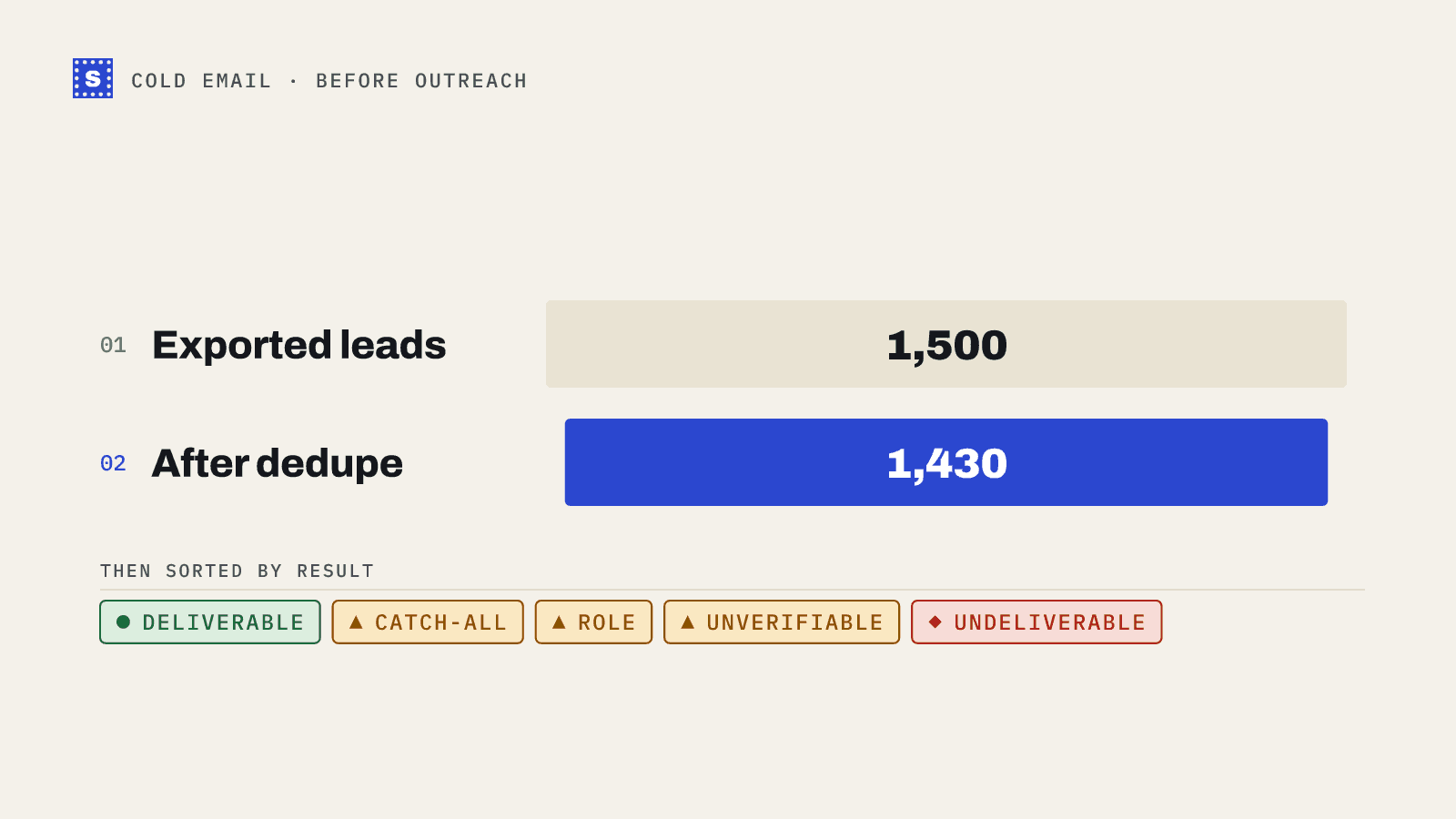
Run each list through a bulk email verifier right before it goes into a sequence. Not when it was bought, not last month: right before. B2B data goes stale as people change jobs, and a list that was fine in March can carry new dead mailboxes by June.
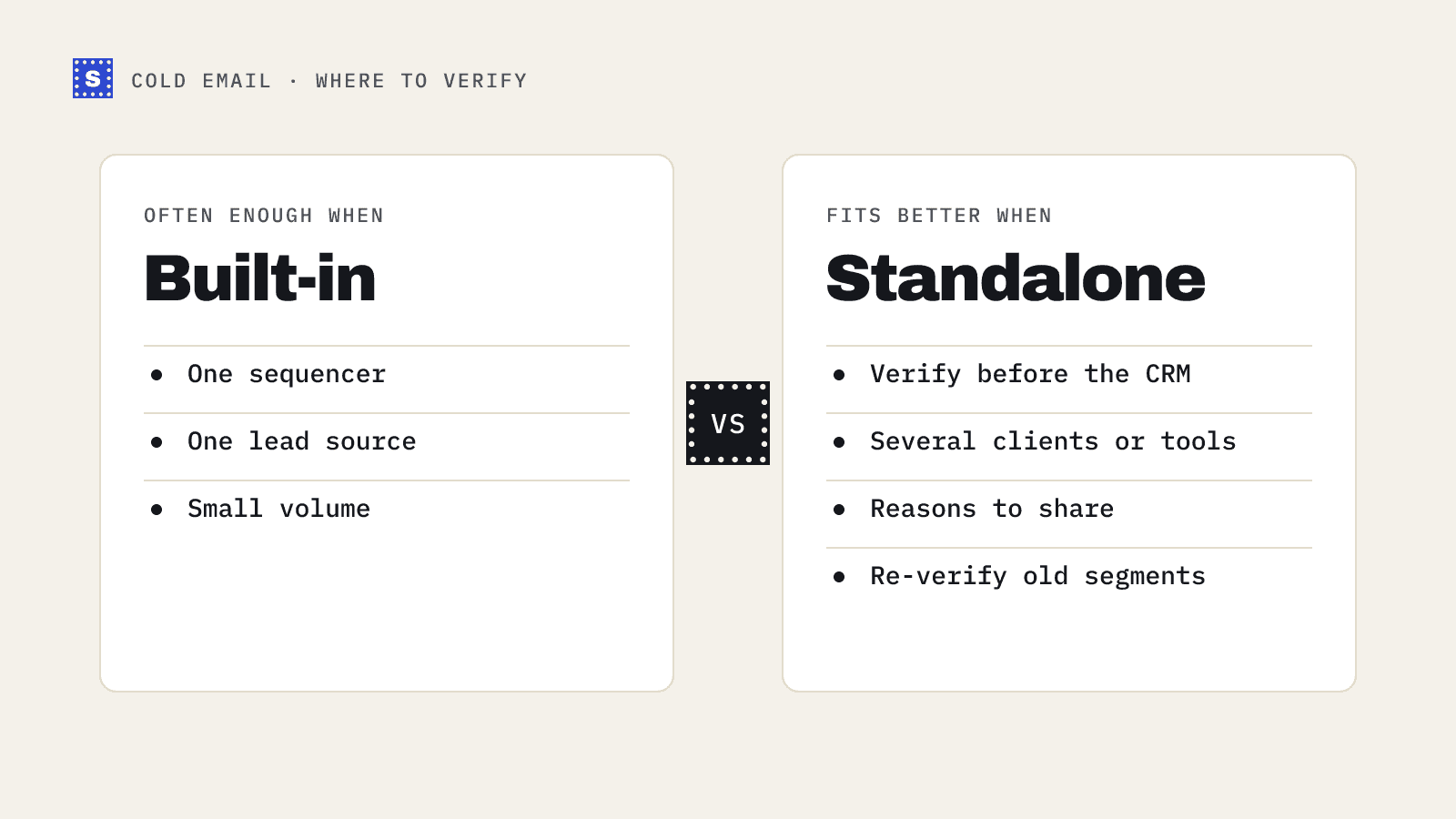
SimpleCold keeps the original columns and adds a category, a status and a plain-language reason for each row, so the file that comes back is ready to filter and import into Instantly, Lemlist or whichever sequencer you use. Our guides for Instantly, Lemlist and Apollo cover the round trip for each.
Step 4: Apply one result policy across clients
Decide the rules once and write them down. A reasonable default for cold outreach:
| Result | Policy |
|---|---|
| Deliverable | Send |
| Risky: catch-all / no response | Separate campaign, lower daily volume, only for high-fit accounts |
| Risky: role-based | Skip unless the role fits the offer (for example partnerships@ for a partner pitch) |
| Risky: disposable | Remove |
| Undeliverable | Remove and add to suppression |
| Still processing (API only) | Collect the result before deciding |
Some clients will want to be stricter, for example skipping catch-all entirely on a brand-new domain. Record exceptions per client so everyone knows.
Step 5: Check the sending infrastructure too
A clean list on broken infrastructure still lands in spam. Before launch, the account manager should confirm:
- SPF, DKIM and DMARC pass for each sending domain. Use the SPF, DKIM and DMARC checkers.
- Mailboxes are warmed up and daily limits are set conservatively. See how to warm up a new domain.
- Sending domains are not on blocklists (blacklist checker).
Step 6: Watch the first day
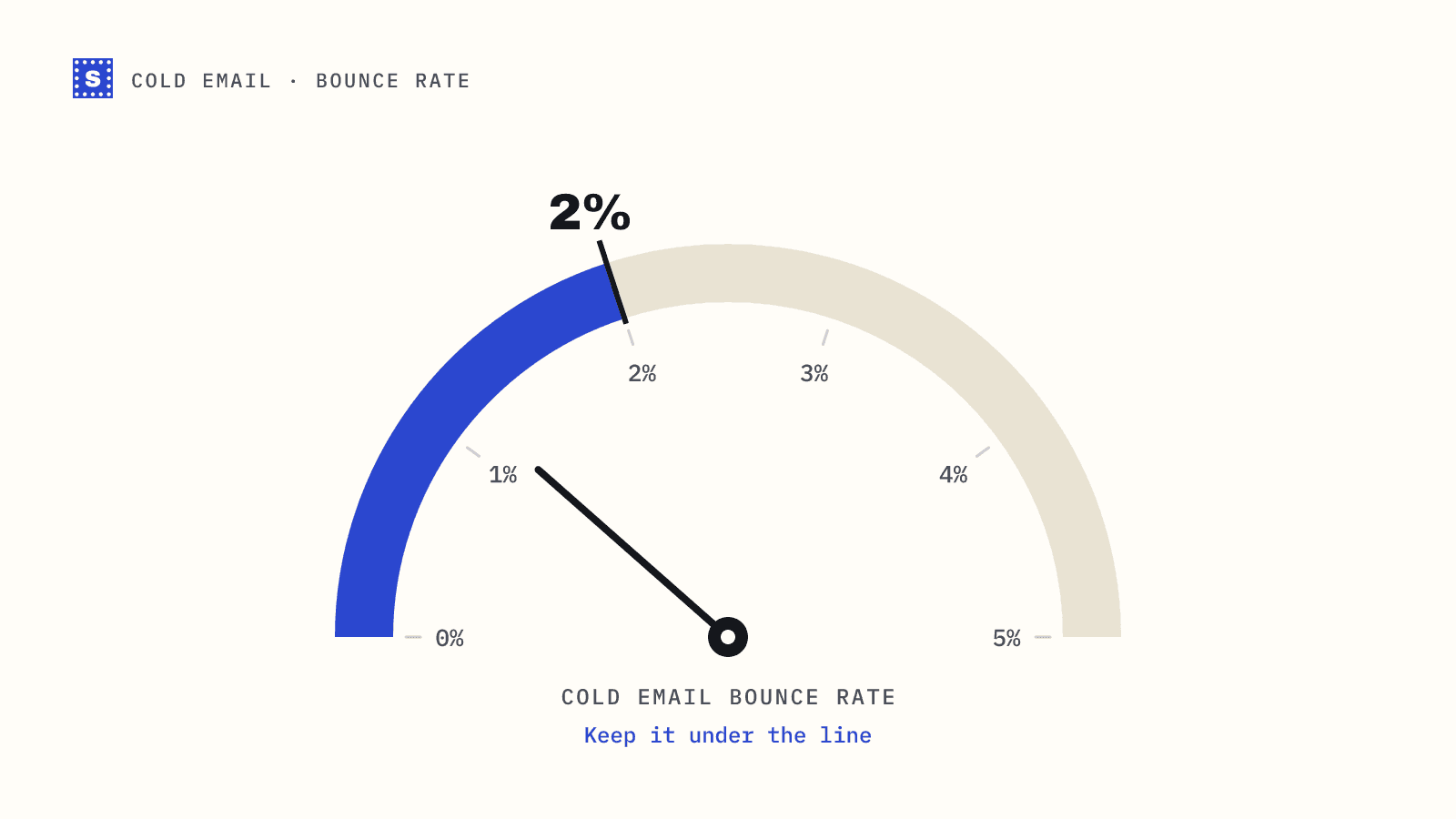
After launch, check bounces after the first batch goes out, not at the end of the week. If hard bounces are higher than your normal baseline, pause and look at the reasons. A spike from one source tells you to stop using it; a spike across all sources usually points at a verification step that got skipped.
Handling the cost
Verification is a small line item next to data and sending infrastructure, but it adds up across many clients. Agencies usually handle it one of three ways:
- Bundle it into the retainer as part of list preparation. Simplest for the client.
- Pass it through at cost, itemised per list. Transparent, more admin.
- Charge a list prep fee that covers verification, dedupe and research time.
Whichever you choose, pay-as-you-go credits suit agency work better than a fixed monthly allowance, because volume swings with client launches. SimpleCold sells credits with no subscription, starting at 5,000, and they don't expire; see pricing. The agencies page covers running several clients' lists from one account.
The one-page SOP
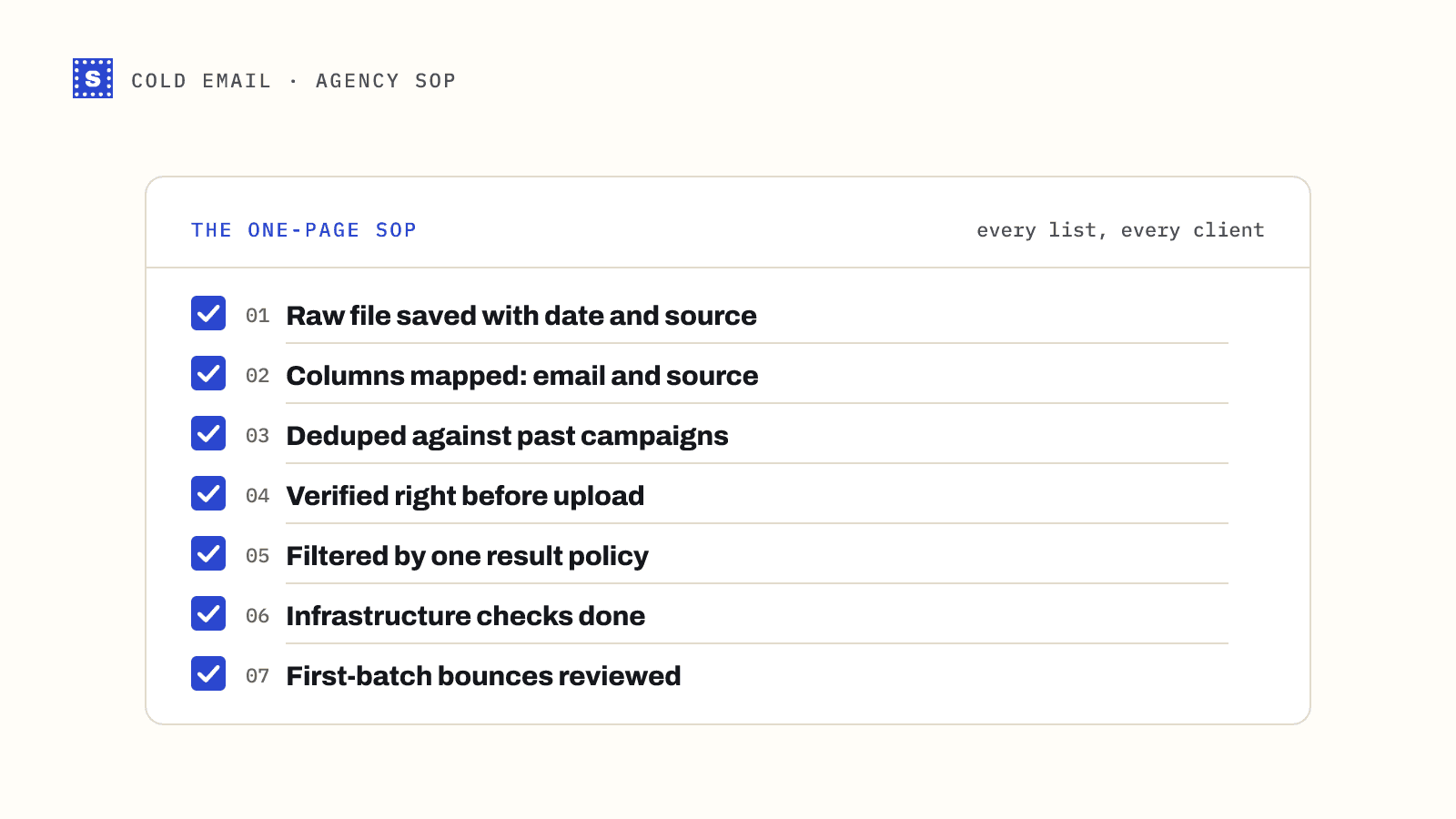
Give new team members this list:
- Raw file saved to the client folder with date and source.
- Columns mapped;
emailandsourcepresent. - Deduped within the file, against past campaigns, and against suppression.
- Verified right before upload.
- Filtered by the result policy; exceptions noted for the client.
- Infrastructure checks done.
- First-batch bounces reviewed before full volume.
None of these steps is hard. The point is doing all seven on every list, including the rushed ones.