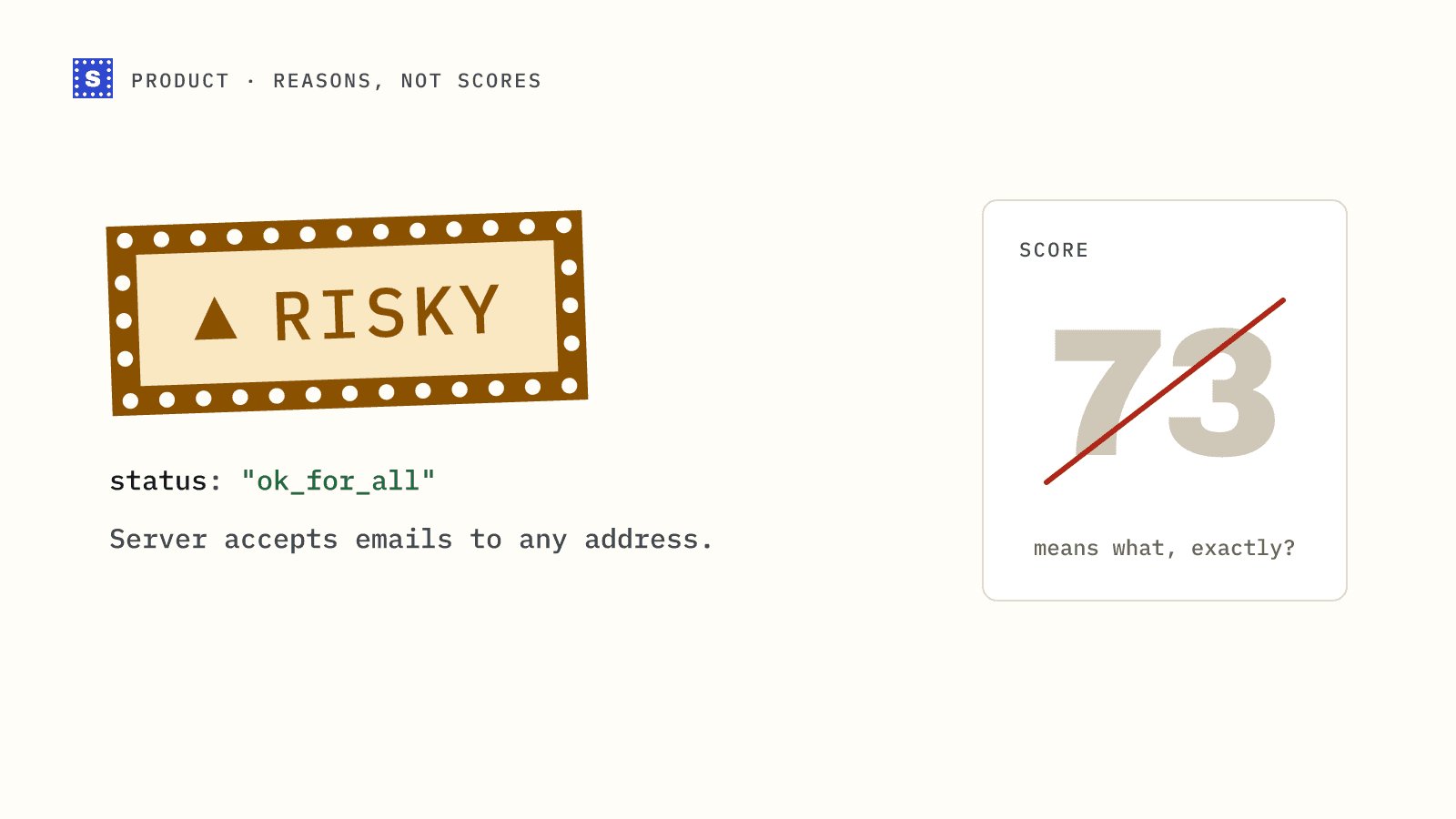
Many email verification tools give each address a score. Ninety-two means good, forty-one means probably not, and somewhere in the middle you are left to pick a cutoff. We decided early on that SimpleCold would not do that. Every address gets one of three categories and a plain sentence explaining why.
This post explains that choice, what the reasons look like, and how they change what you can do with your results.
The problem with a score
A score feels precise. It is a number, it sorts nicely, and it fits in one spreadsheet column. The trouble starts when you try to act on it.
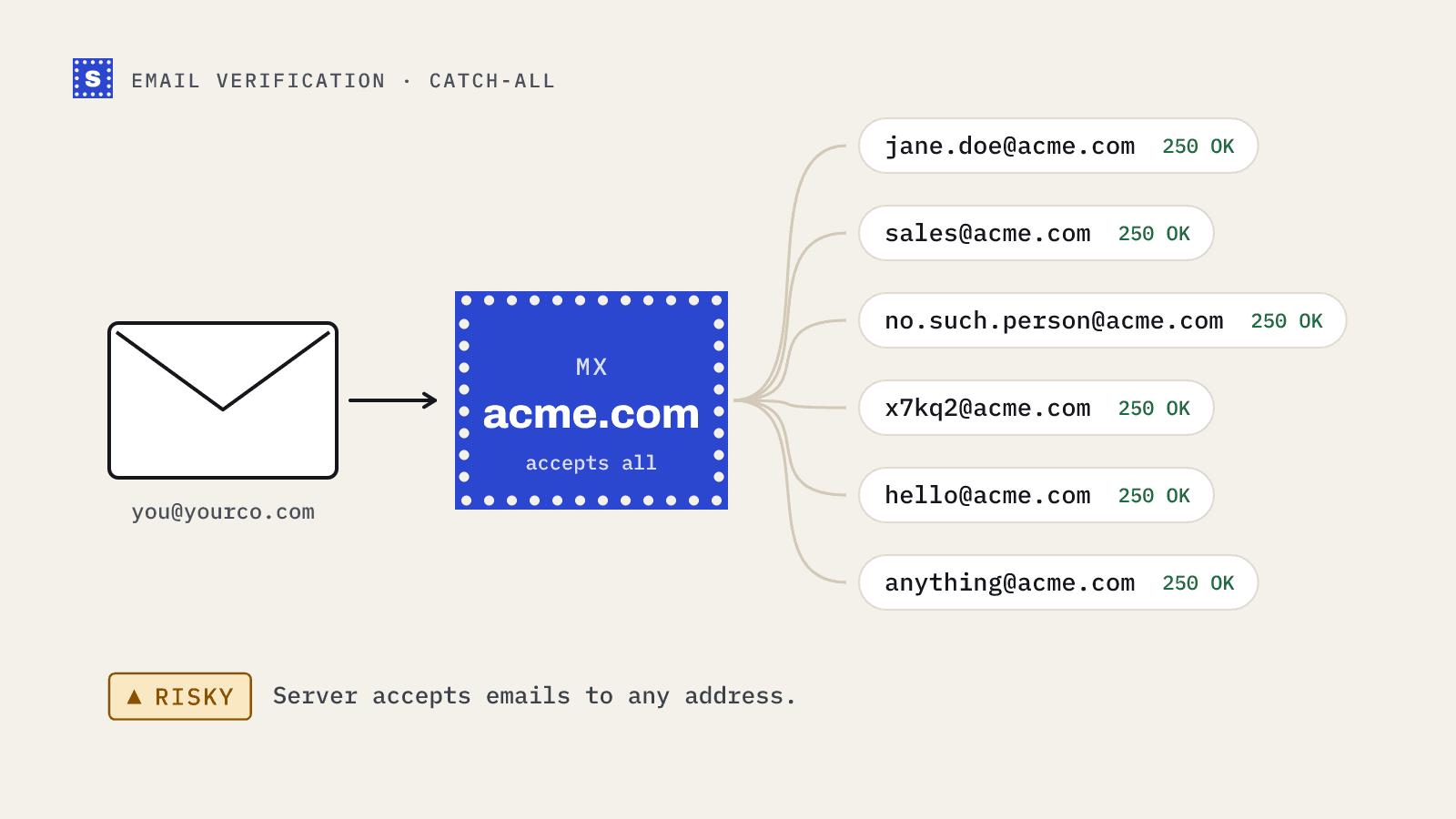
Say two addresses both score 60. One is at a catch-all domain where the server accepts every address. The other is a mailbox at a company whose mail server blocked the verification attempt with anti-spam filtering. Those are different situations with different fixes. One is about the domain's setup, the other about the server's defences. A single number hides the difference.
Scores also invite false confidence. A cutoff of 70 sounds like a policy, but nobody can tell you what 70 means, or why 69 is worse. When bounces come in, you cannot trace them back to anything.
And scores change meaning between tools. A 75 from one vendor is not a 75 from another. If you ever switch providers, every threshold you set has to be relearned.
What we return instead
Every result in SimpleCold has three parts.
- A category: Deliverable, Risky or Undeliverable. While a slow server is still being checked, the API shows
pendinguntil the answer is in. - A status code: a short machine-readable value such as
mailbox_found,accept_all,role_addressormailbox_not_found. - A reason: a sentence you can read without a glossary.
Some examples:
| Category | Status | Reason |
|---|---|---|
| Deliverable | mailbox_found | The mailbox exists and accepts mail. |
| Risky | accept_all | The domain accepts mail for any address, so this mailbox can't be confirmed. |
| Risky | role_address | This is a shared role address, like info@ or sales@, not a person. |
| Risky | disposable | This is a throwaway inbox that will likely stop working soon. |
| Risky | blocked_by_server | The mail server blocked the check. |
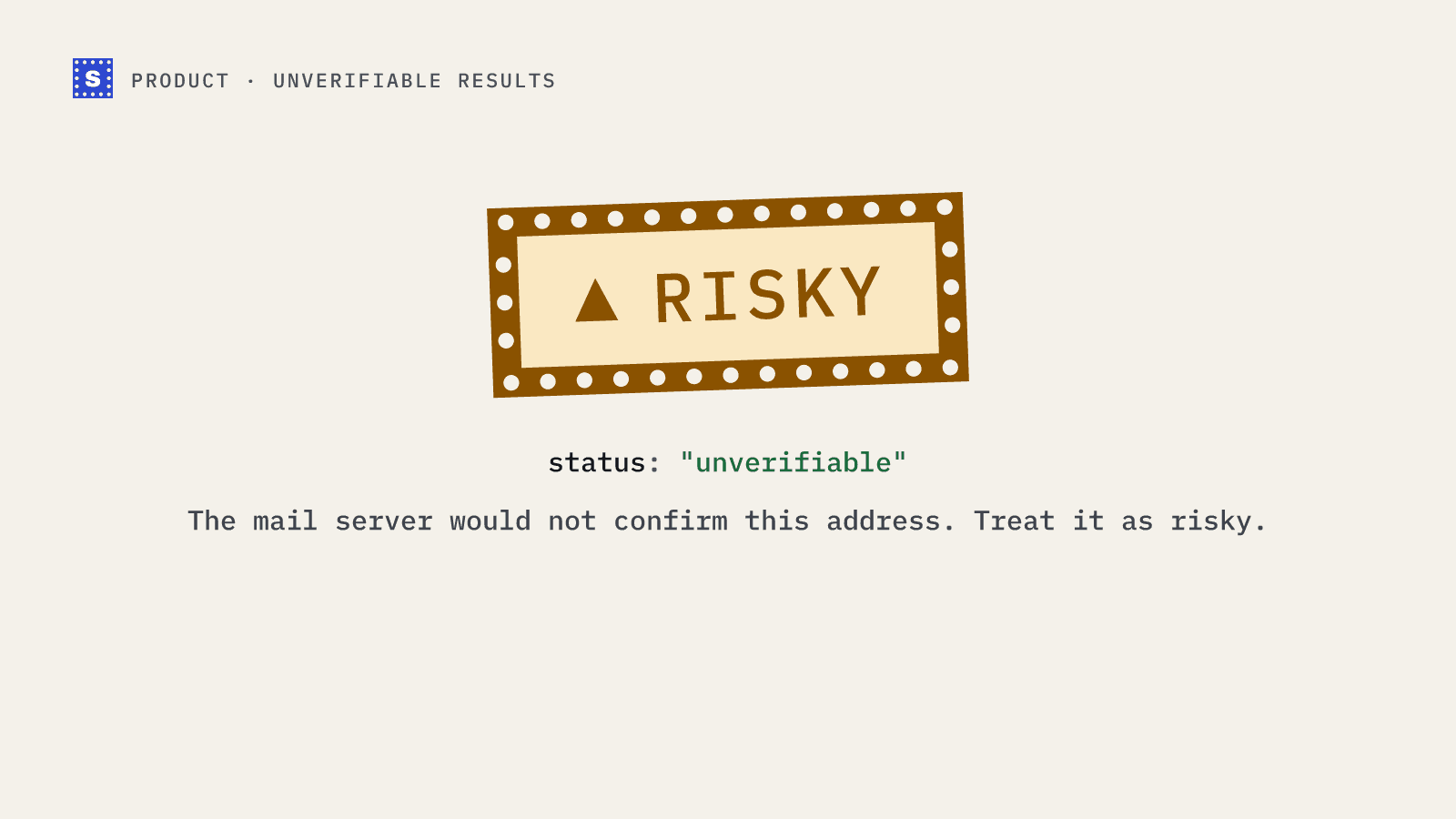
| Risky | no_response | The mail server would not confirm this address. |
| Undeliverable | mailbox_not_found | This mailbox does not exist. |
| Undeliverable | no_mail_server | This domain can't receive email. |
| Undeliverable | invalid_format | This isn't a valid email address. |
If we spot a likely typo in the domain, the result also carries a suggestion, so [email protected] comes back with [email protected] as the address the person probably meant.
Why reasons are more useful
You can make different decisions for different risks
Risky is a broad bucket on purpose, and the reason tells you what kind of risk you are looking at. A cold email team might send to catch-all addresses in small, careful batches, drop disposable addresses entirely, and keep role addresses only for very small companies. A product team verifying signups might block disposable addresses and accept everything else. With a reason on every row, each team writes its own rule. With a score, everyone shares one cutoff.
You can explain the result to someone else
When a sales rep asks why their contact was removed, "the mail server says this mailbox does not exist" ends the conversation. "It scored 38" starts one.
You can trace problems back
If a send produces bounces, you can look at what the verification said about those addresses. If they were Risky catch-all addresses, the result was honest and the decision to send was a judgment call. If they were Deliverable, something changed between the check and the send, and that is worth knowing too.
Reasons don't drift
A status like mailbox_not_found means the same thing in January as in October. You can build automations against it, in your CRM, sequencer or code, without retuning thresholds.
What about addresses nobody can confirm?
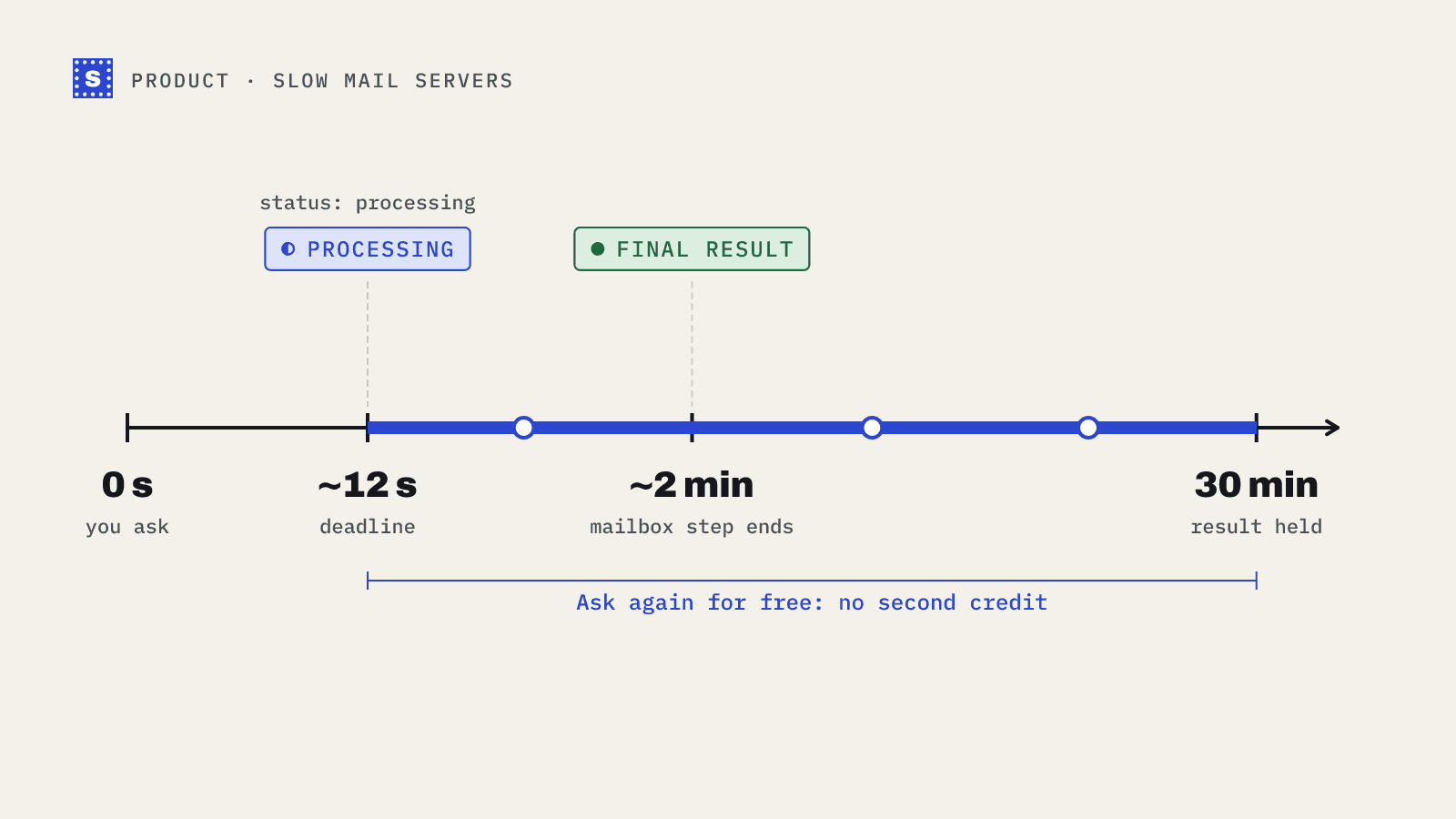
Sometimes a mail server will not give a clear answer. It may be slow, it may be greylisting, or it may refuse to talk to anyone it does not recognise. When that happens we tell you. A slow server can come back as processing first, and you can collect the answer any time in the next 30 minutes without using another credit. If the server still will not confirm the address, the result is Risky with the status no_response and a reason that says so plainly. We don't keep a separate Unknown bucket, because "we couldn't confirm it" is a kind of risk, and the status already tells you which kind.
We think that is better than turning uncertainty into a confident-looking number. If we do not know, the result should say we do not know. There is more detail in our post on how SimpleCold handles slow mail servers.
How to use reasons in practice
- In a CSV from the bulk email verifier, filter the
Resultcolumn first, then theReason codecolumn within Risky. - In code, branch on
categoryfor the broad decision and onstatusfor the exceptions. Our guide on mapping categories to send decisions shows a full example. - In a CRM, store both the category and the reason as contact properties so anyone can see why a contact was suppressed.
Try it on a real address
The quickest way to see what this looks like is to check an address you know. The free email checker shows the category and the reason, with no sign-up needed for five checks a day. If you want the full breakdown for a list, create an account and upload a CSV.