Every email verifier returns some results that are not a clean yes or no. Vendors call them unknown, unconfirmed, accept-all, risky or something else, and they rarely explain where they come from. That makes it hard to decide what to do with them, and hard to compare tools.
This post explains why an unknown email verification result happens, which causes are temporary and which are permanent, and how SimpleCold labels each one so you can act on it. SimpleCold itself has no Unknown category. Every finished check lands in Deliverable, Risky or Undeliverable, and the uncertain cases sit in Risky with their own status.
How a mailbox check normally ends
A verifier connects to the domain's mail server over SMTP and asks, in effect, "will you accept mail for this address?" using the RCPT TO command. Then it disconnects without sending a message. A clean result needs the server to give a clear answer:
- A
250reply means the server accepts the recipient. - A
550with a code like5.1.1means the mailbox does not exist.
When the conversation does not end in one of those clear answers, the verifier has to report something less certain. The reasons fall into a few groups.
Cause 1: The server is slow or temporarily unavailable
Some mail servers take a long time to answer, or refuse connections when they are busy. A few deliberately slow down unfamiliar senders, a practice called tarpitting. If the check runs out of time, there is no answer to report.
This is usually temporary. Asking again later often gets a definite result.
Cause 2: Greylisting
Greylisting is an anti-spam technique. The first time a server sees a new sender, it replies with a temporary failure (a 4xx code) and expects a legitimate server to retry a few minutes later. Spam software often does not retry.
For a verifier, greylisting looks like "try again later." A verifier that gives up on the first temporary error will report unknown far more often than one that retries sensibly.
Cause 3: Anti-spam systems that block the check
Some servers, and many secure email gateways sitting in front of corporate mailboxes, detect verification attempts and refuse to answer honestly. They may reject the connection, accept every recipient regardless, or return a generic error. The check reached the server, but the server would not confirm anything.
This is not temporary. Retrying usually returns the same thing.
Cause 4: The server will not confirm either way
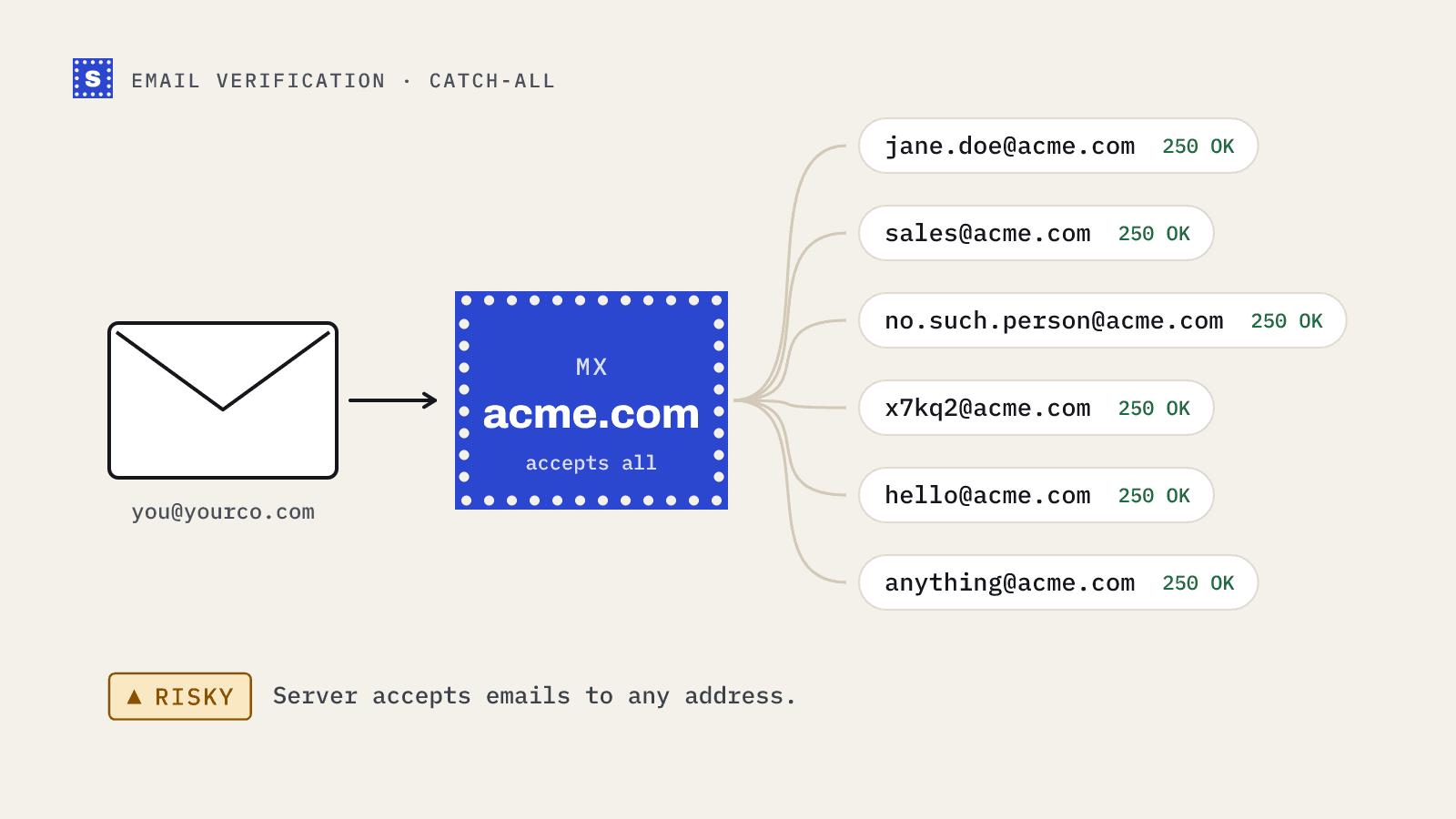
Some servers accept the connection and answer, but their answer does not tell you whether the mailbox exists. They might accept every address at the protocol level and decide later. That is close to a catch-all domain, and for practical purposes you treat it the same way.
How SimpleCold reports these cases
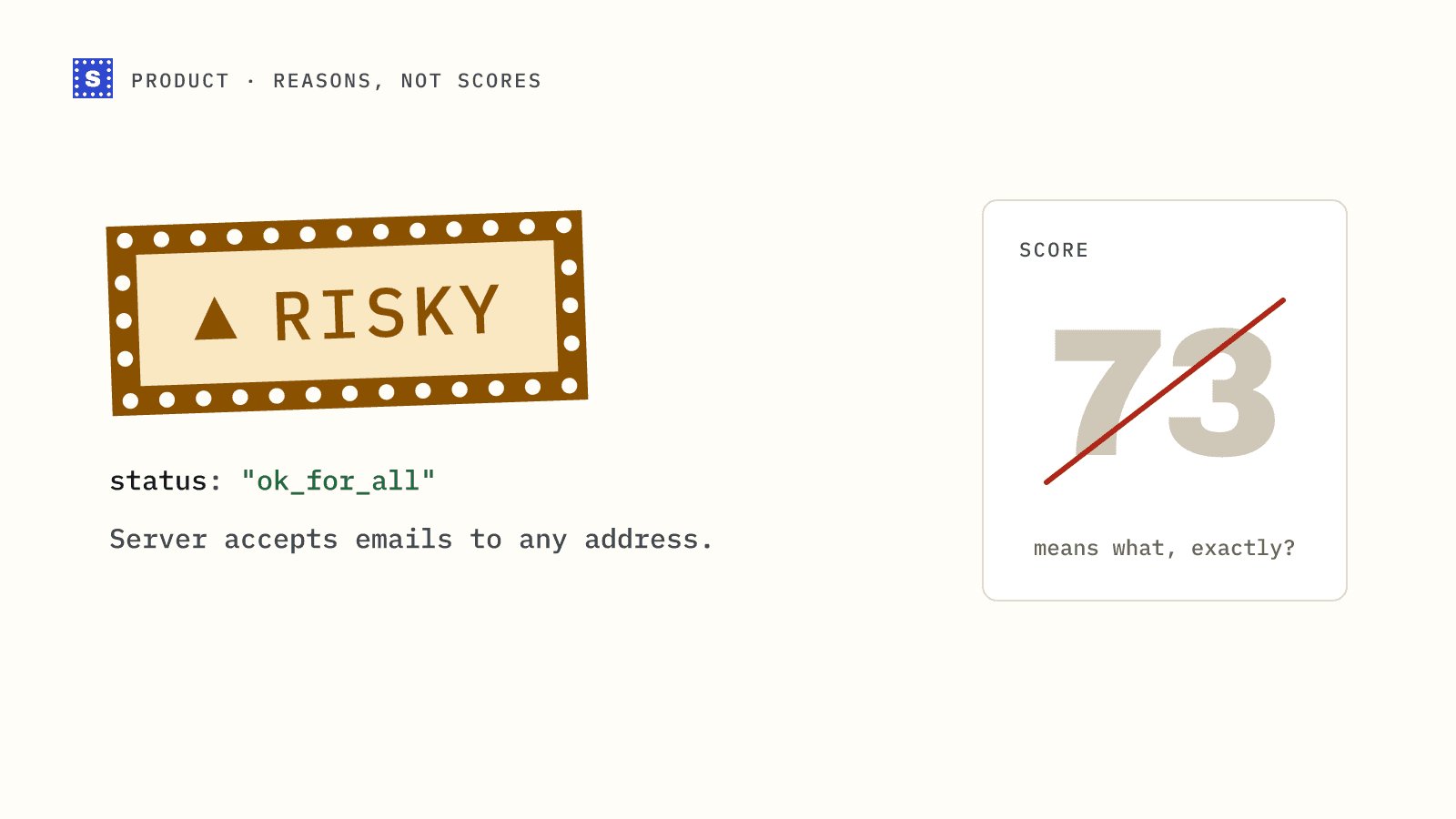
We think "unknown" as a single bucket hides too much. So each case gets its own status and a reason in plain words:
| Situation | Status | Category | Reason shown |
|---|---|---|---|
| Server still answering when the response is due (about 12 seconds for one address, 25 for a batch) | processing | Pending | Still checking this mailbox; ask again in about a minute |
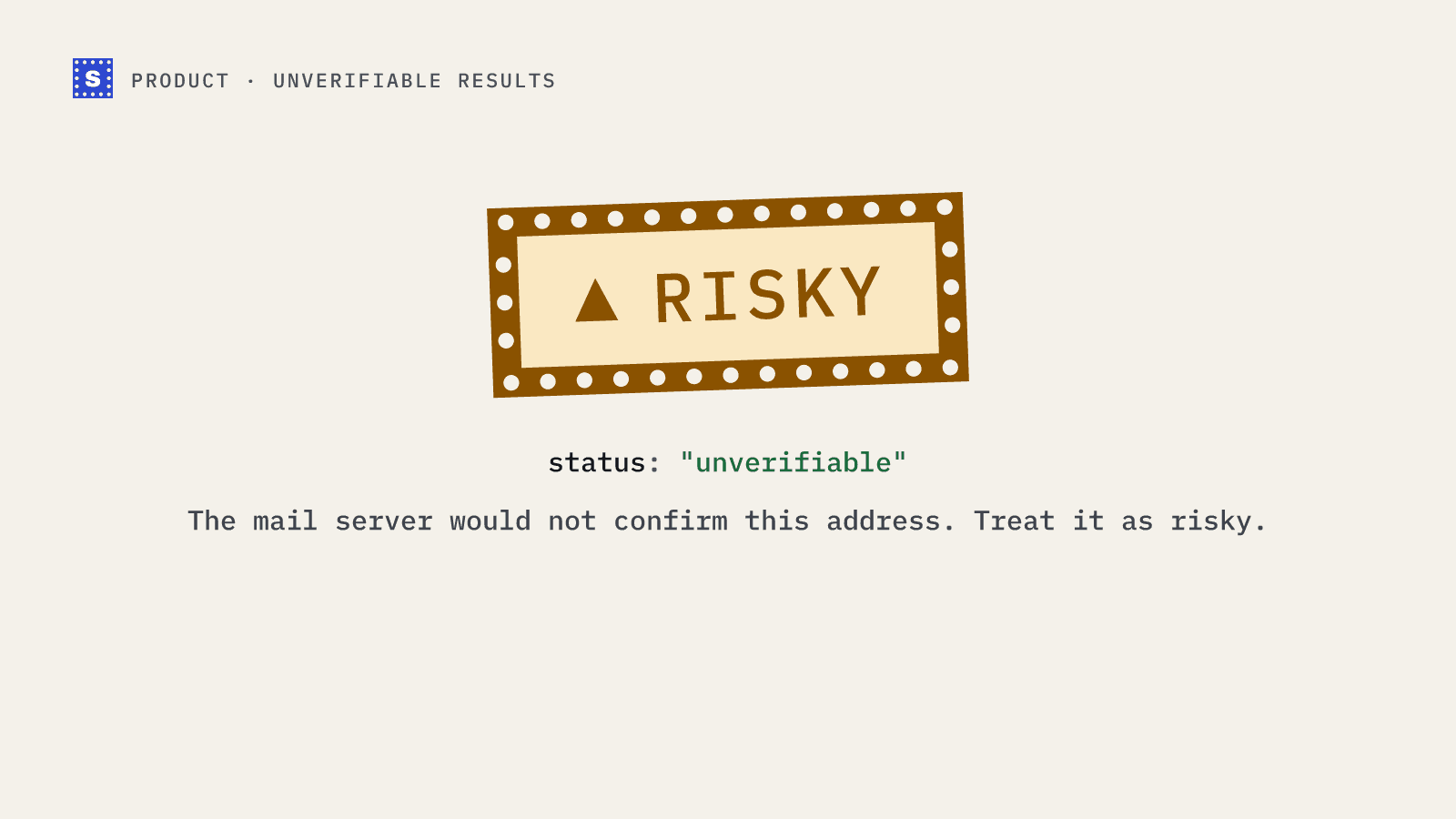
| Server would not confirm the address | no_response | Risky | The mail server would not confirm this address |
| Check blocked by anti-spam technology | blocked_by_server | Risky | The mail server blocked the check |
| Domain accepts every address | accept_all | Risky | The domain accepts mail for any address, so this mailbox can't be confirmed |
| Server accepted the connection but gave no deliverability detail | mailbox_unconfirmed | Risky | The mailbox seems to exist, but the server would not confirm it accepts mail |
Slow servers get more time
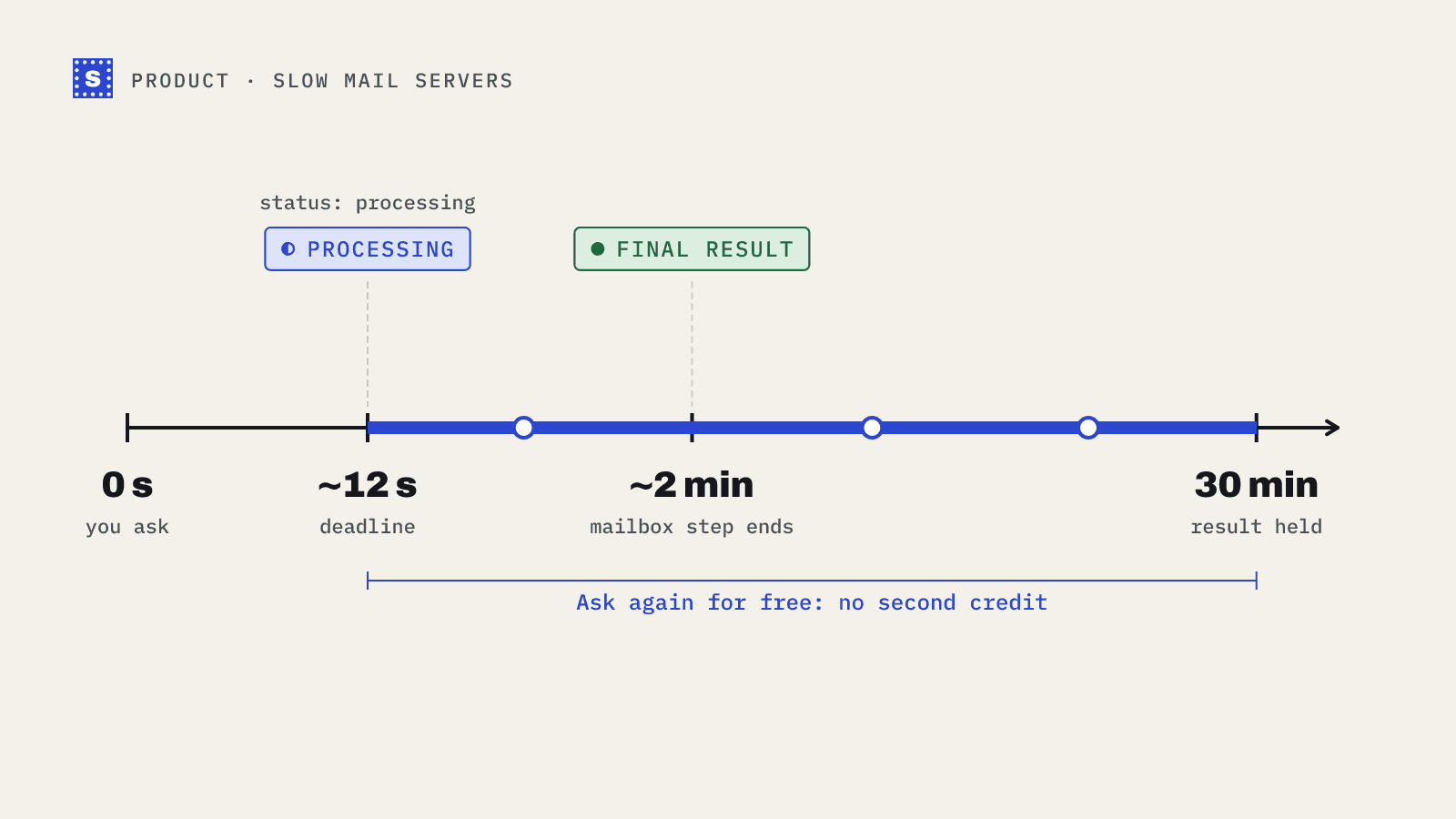
When a server is slow, we do not mark the address unknown and move on. A single check answers within about 12 seconds, and a batch within about 25. If the mailbox check has not finished by then, the result comes back with status processing. The check keeps running in the background, and most finish within a minute or two. Ask again any time in the next 30 minutes and you get the final answer without being charged a second credit for the same address.
In bulk files there is no 12-second cut-off to worry about. A job's status shows its progress, and you download the file once it has finished.
No response means risky, with a reason
If the server answered but would not confirm the mailbox, calling it "deliverable" would be a guess, and "undeliverable" would throw away a contact that may be fine. So it comes back Risky, with the reason. You decide whether that risk is acceptable for your campaign.
On billing, to be plain about it: a no_response result is a finished check and uses a credit, the same as any other answer. The only free repeat is collecting a result that was still processing.
What to do with each one
- Processing: wait and ask again. In code, poll the result endpoint after about a minute; our guide on handling processing results has examples.
- No response and catch-all: keep them in their own segment. Send to them in smaller batches, after your confirmed-deliverable contacts, and watch the bounce report. Our post on whether to send to catch-all emails has a decision framework.
- Anti-spam blocked: common for larger companies with gateways in front of their mail. Treat like catch-all. Prioritise contacts you have other reasons to trust.
- Mailbox unconfirmed: treat as risky and send carefully.
How to compare vendors on this
If you are evaluating verifiers, ask each one:
- What share of a typical list comes back unknown or unconfirmed, and how do they define it?
- Do they retry greylisted and slow servers, or give up on the first temporary error?
- Do they split catch-all, anti-spam and timeout cases, or merge them?
- How do they bill for results that are not definitive, and for re-checking the same address?
Run the same small test file through each tool and compare the uncertain results side by side. The tool with the fewest unknowns is not automatically the best. One that marks catch-all addresses "valid" will look better on paper and bounce more in practice.
To see how SimpleCold labels a specific address, try it in the free email checker. For lists, the bulk email verifier adds the status and reason as columns next to your data.