Most email verification checks finish quickly. A few do not. The domain's mail server takes its time to answer, or refuses the first attempt and expects a retry, or sits behind a filter that inspects every connection. If a verifier waits for every one of those, your signup form hangs and your API calls time out. If it gives up too early, you get a vague answer for an address that might have been fine.
This post explains what happens in SimpleCold when a mail server is slow, what the processing result means, and how to handle it in your own code.
Why some servers are slow
Checking whether a mailbox exists means talking to the mail server that handles it. We look up the domain's MX records, connect, and ask the server whether it would accept mail for that address. Most servers answer in a moment. Some take much longer, for reasons that have nothing to do with you:
- Greylisting. The server rejects the first attempt from a sender it has not seen with a temporary error, and only accepts a retry after a delay. It is a common anti-spam technique.
- Tarpitting. The server deliberately slows down its replies to make bulk probing expensive.
- Security gateways. Many companies route mail through a filtering service that inspects connections before passing anything on.
- Plain load. Small self-hosted servers sometimes struggle to keep up.
None of these mean the address is bad. They mean the answer takes longer.
What we do
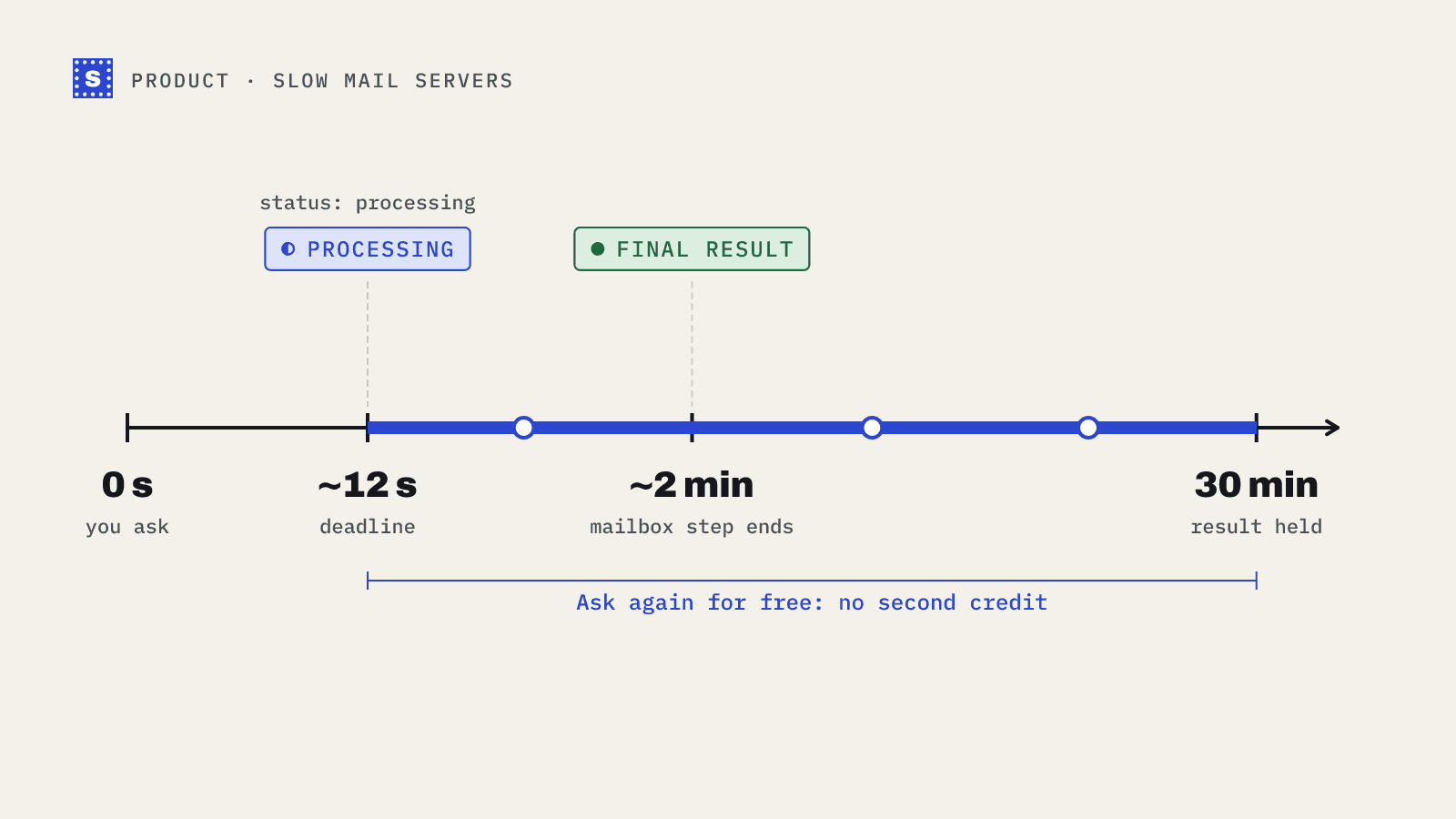
When you check a single address, we give the check about 12 seconds to finish. A batch of up to 50 addresses through the API gets about 25 seconds, because it covers more servers at once. Most addresses are done well within either limit.
If the mail server has not answered in time, we do not make you wait, and we do not guess. The result comes back with:
{
  "email": "[email protected]",
  "status": "processing",
  "category": "pending",
  "statusMessage": "Still checking this mailbox. Ask again in about a minute; you will not be charged again."
}
The check keeps running on our side. When the server finally answers, the result is stored and held for you.
How long a slow check can take
Most slow checks settle within a minute or two. The mailbox step gives up after about two minutes, so that is the practical ceiling for a final answer. If the server still hasn't said anything useful by then, the result becomes no_response (more on that below) rather than staying in limbo.
The pending check itself stays readable for 30 minutes. You don't have to come back at exactly the right moment. Ask after 30 seconds, after five minutes or after twenty, and you get either the finished result or processing again.
Asking again without paying again
This is the part we care about most. While a check is still pending, asking about the same address again within 30 minutes uses no second credit. If the check has finished by then, you get the result. If it hasn't, you get processing again and can wait a little longer. You can either call the single endpoint again, or use the dedicated result endpoint:
curl -s -G https://simplecold.com/api/v1/api-validation/single/result \
  --data-urlencode "[email protected]" \
  -H "Authorization: Bearer $SIMPLECOLD_API_KEY"
If there is no check in progress for that address, the result endpoint returns a 404 with the message "No check in progress for this email." That happens when you have already collected the finished result, or when the 30 minutes have passed. Save the result the first time you see it. A fresh check after that is a new check and uses a credit.
What if the server never answers clearly?
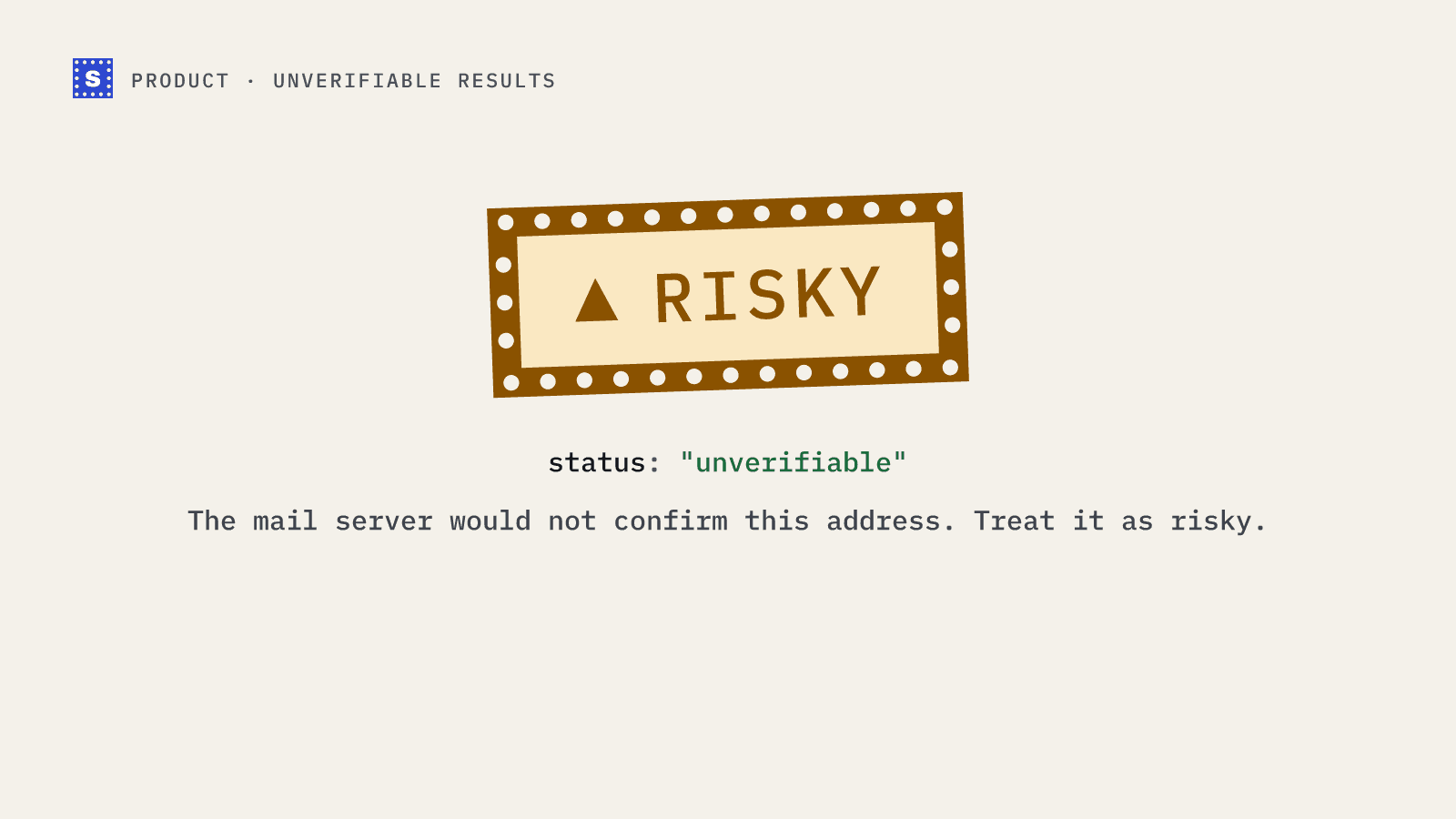
Sometimes, even after waiting, a server will not confirm or deny the address. It might accept the connection and then close it, or block the check outright. In those cases the result says so. A server that would not confirm the address comes back as no_response with the reason "The mail server would not confirm this address." A server that blocked us with anti-spam filtering comes back as blocked_by_server, also in the Risky category.
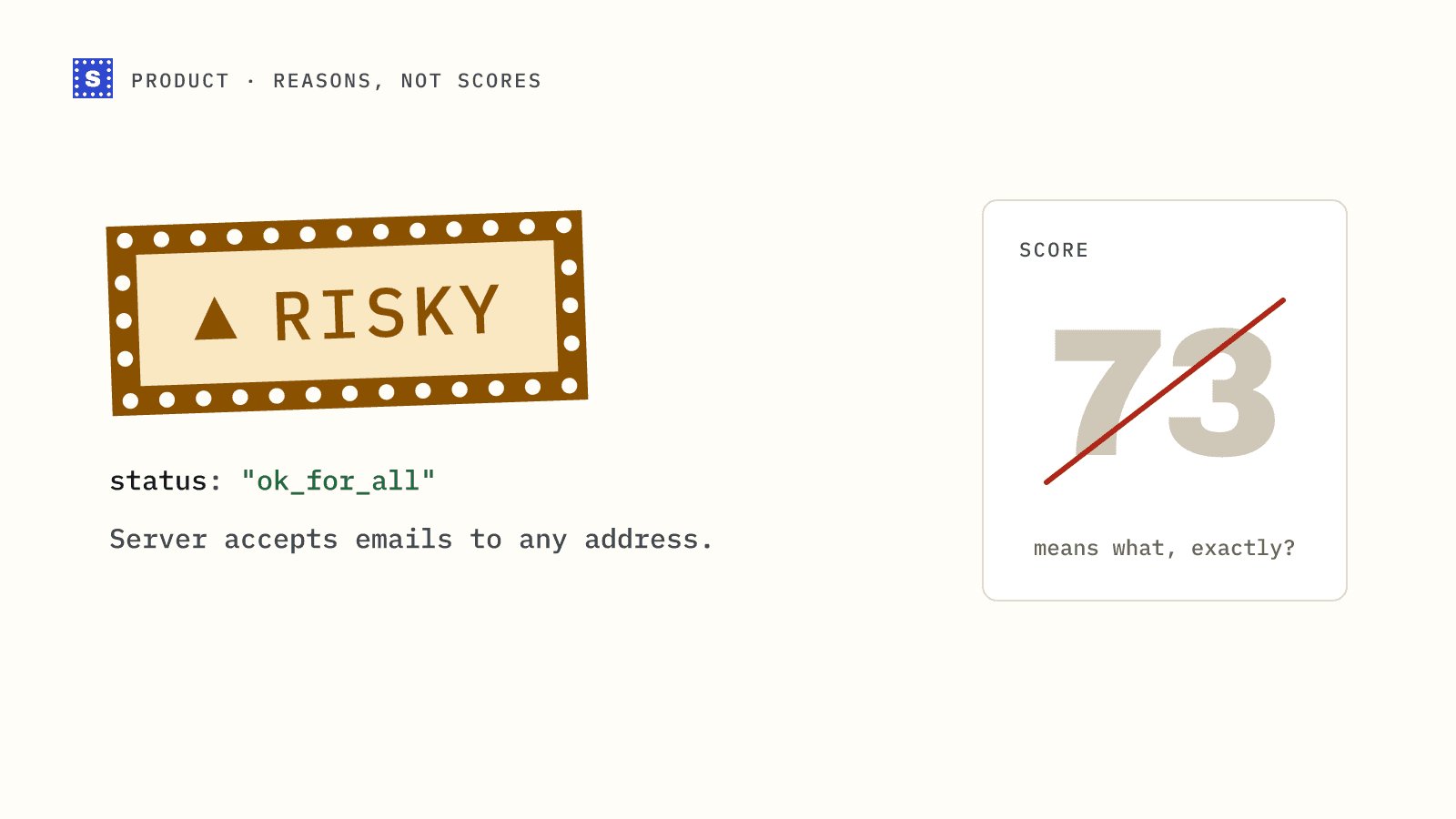
We think that is more useful than a confident-looking guess. You know exactly which addresses we could not confirm, and you can decide how to treat them.
These are finished checks, so they are charged like any other result. The free retry covers one case only: asking again about an address that is still processing. A no_response answer won't change if you ask a minute later, so there is nothing to gain from asking straight away. Re-checking in a few weeks can give a different answer, since server setups change. Our post on why we show a reason instead of a score explains the thinking behind this.
Handling processing in your code
The pattern depends on where the check runs.
On a signup form
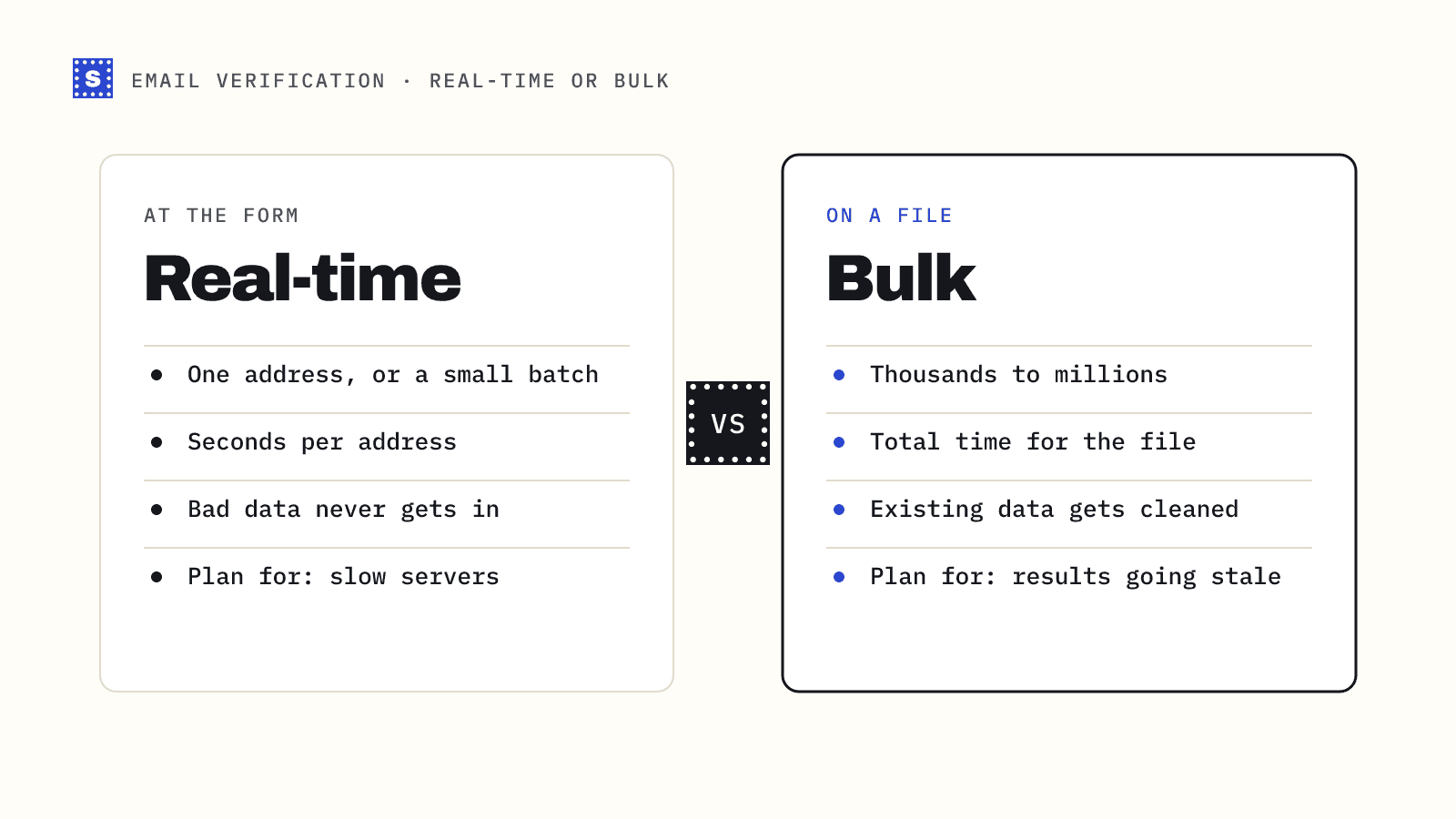
Do not block the user. If the result is processing, create the account, mark the email as pending, and check again a little later from a background job.
if (result.status === "processing") {
  await createAccount(email, { emailCheck: "pending" });
  await queue.add("recheck-email", { email }, { delay: 30_000 });
  return;
}
In a batch script
Collect the processing addresses, wait, and ask again for just those. Because retries within the window do not use another credit, you can safely loop a couple of times before giving up.
pending = [r["email"] for r in results if r["status"] == "processing"]
time.sleep(30)
for email in pending:
    finished = get_result(email)  # calls /api-validation/single/result
The full pattern, including backoff and what to do when retries run out, is in our guide on handling processing results.
In bulk jobs
For CSV uploads you do not need to do anything. A bulk job keeps working on slow addresses in the background, and the status endpoint shows progress, an estimated time remaining and when the next update is expected. You download the file once the job is complete, and every row in it has a finished result. Slow servers make a big job take longer. They don't leave holes in the file.
What this means for your results
A few practical points:
- If you see
processing, the check is still going. It is not an error. - If you see
no_responseorblocked_by_server, the check finished and the server would not give a clear answer. Treat those addresses as risky. - Slow servers are often at companies with strict security. Those addresses can be perfectly real. Sending to them in smaller batches is usually safer than dropping them.
Try it
You can see how results look with the free email checker, or read the API overview for the full set of endpoints. If you are building a signup flow, real-time verification covers the rest of the setup.