Email verification comes in two shapes. Real-time verification checks one address at the moment it arrives, usually on a form or inside an app. Bulk verification checks a whole list at once, usually a CSV before a campaign. The checks underneath are the same. What differs is timing, workflow and who on your team owns it.
Most teams eventually use both. The question is where to start and how to split the work.
How real-time verification works
Real-time verification runs as part of another action. A visitor types an email into your signup form, your server calls a verification API, and the result comes back before the account is created. A sales rep pastes a contact into the CRM, and a workflow checks it before it lands in a sequence.
The goal is to stop bad data at the door:
- Typos like
[email protected]get caught while the person is still on the page and can fix them. - Disposable addresses can be turned away before they create a throwaway trial.
- Addresses at dead domains never make it into your database.
The trade-off is time. A full check includes an SMTP conversation with the recipient's mail server, and some servers are slow. A good real-time integration sets a timeout, accepts the user if the check is not finished, and follows up afterwards.
How bulk verification works
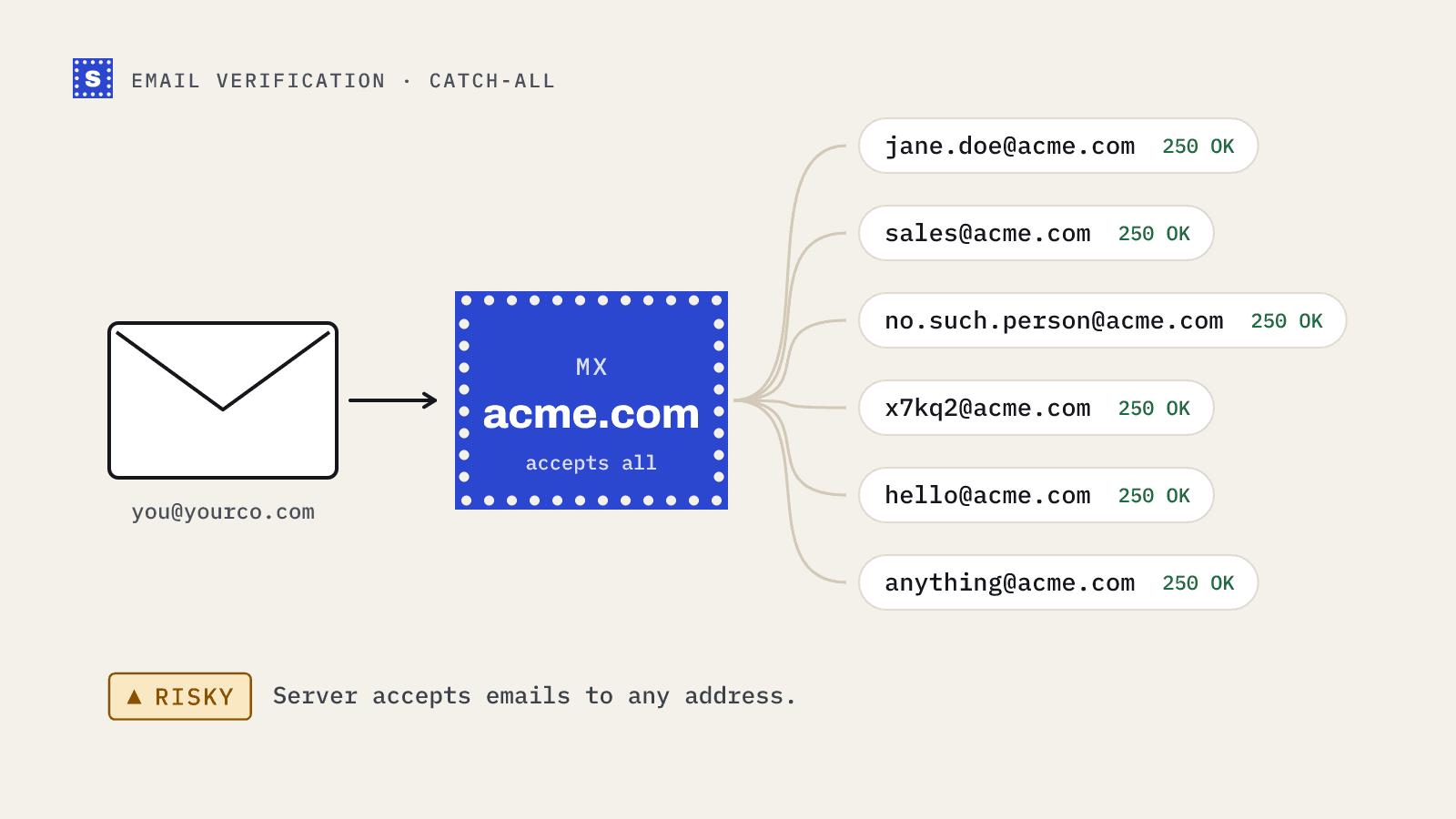
Bulk verification runs on a file. You export a list from your CRM, email platform or lead database, upload it, and wait for the results. A bulk tool processes thousands of addresses in parallel, groups them by domain so it can run the catch-all check once per domain, and gives you back the file with result columns added.
Bulk is the right tool when:
- You bought, rented or exported a list and have not mailed it yet.
- You are about to mail a segment that has been quiet for months.
- You are migrating to a new email platform and want to start clean.
- You run cold email and every campaign starts from a fresh export.
The trade-off is that bulk is a snapshot. The list is clean on the day you check it, and starts to decay the day after.
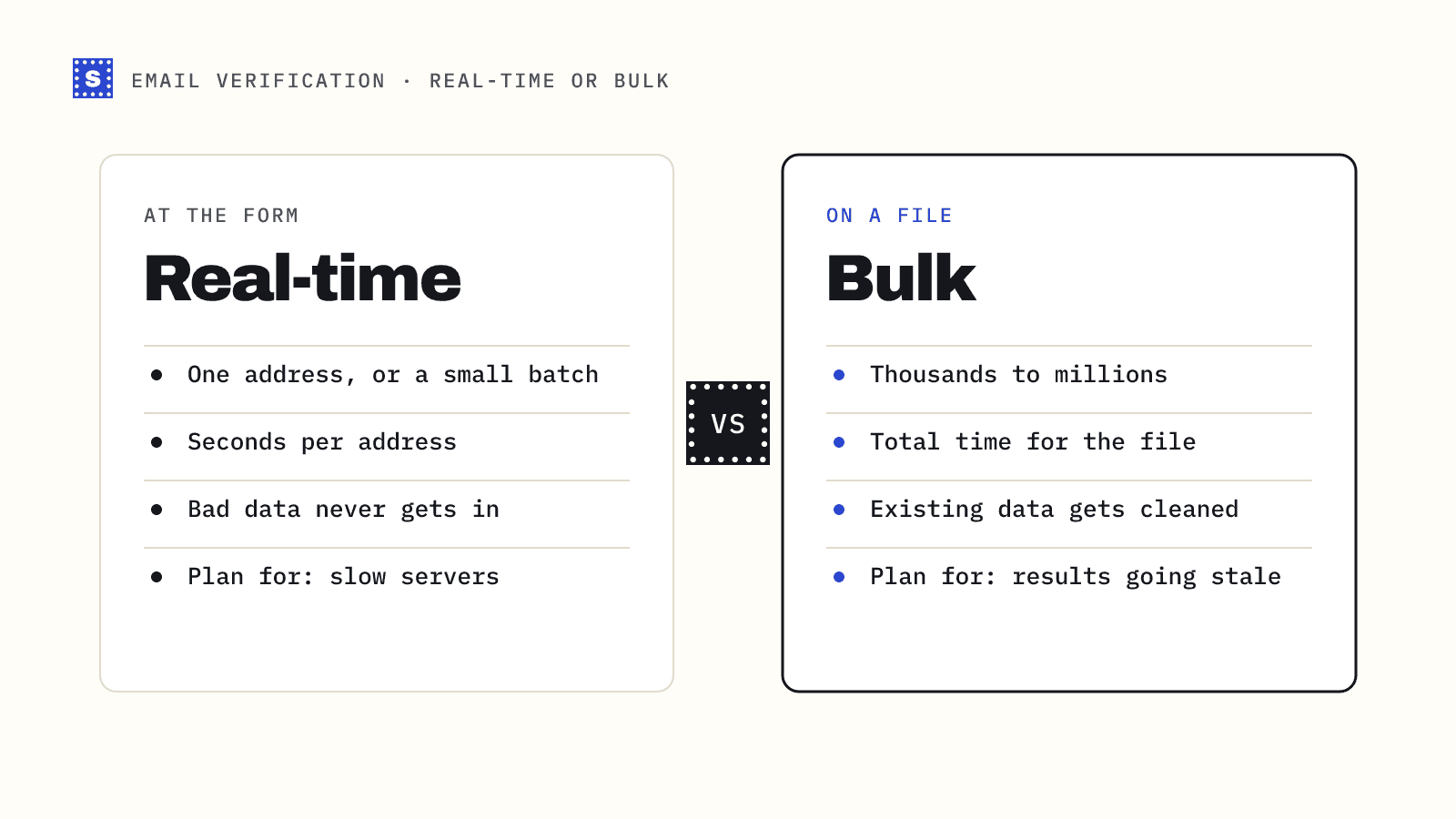
Real-time vs bulk at a glance
| Real-time | Bulk | |
|---|---|---|
| Trigger | A form submit or an app event | You upload a file |
| Volume per call | One address, or a small batch | Thousands to millions |
| Speed that matters | Seconds per address | Total time for the file |
| Typical owner | Product or engineering | Marketing ops, sales ops, agencies |
| Main benefit | Bad data never gets in | Existing data gets cleaned |
| Integration | API call from your backend | CSV upload, or an API job |
| Failure mode to plan for | A slow mail server during signup | Results go stale after the check |
Which one should you start with?
Start with real-time if
- You run a product with self-serve signups and see fake or mistyped addresses.
- Your lists come mostly from your own forms.
- You want to stop trial abuse from disposable inboxes.
Start with bulk if
- You run outbound and import leads from tools like Apollo or a data vendor.
- You have an existing database of contacts that has not been checked in a long time.
- You are planning a big send to an older segment.
Use both if
You capture leads through forms and also import lists. Real-time keeps new data clean. Bulk catches decay in the data you already have.
Designing a real-time integration
A few rules make real-time checks safe to put in front of users.
- Call from your server. Never put your API key in browser code.
- Check on blur or on submit. Checking on every keystroke burns credits and adds noise.
- Show typo suggestions. If the result includes a suggested address, offer it: "Did you mean [email protected]?" That one prompt recovers a lot of good signups.
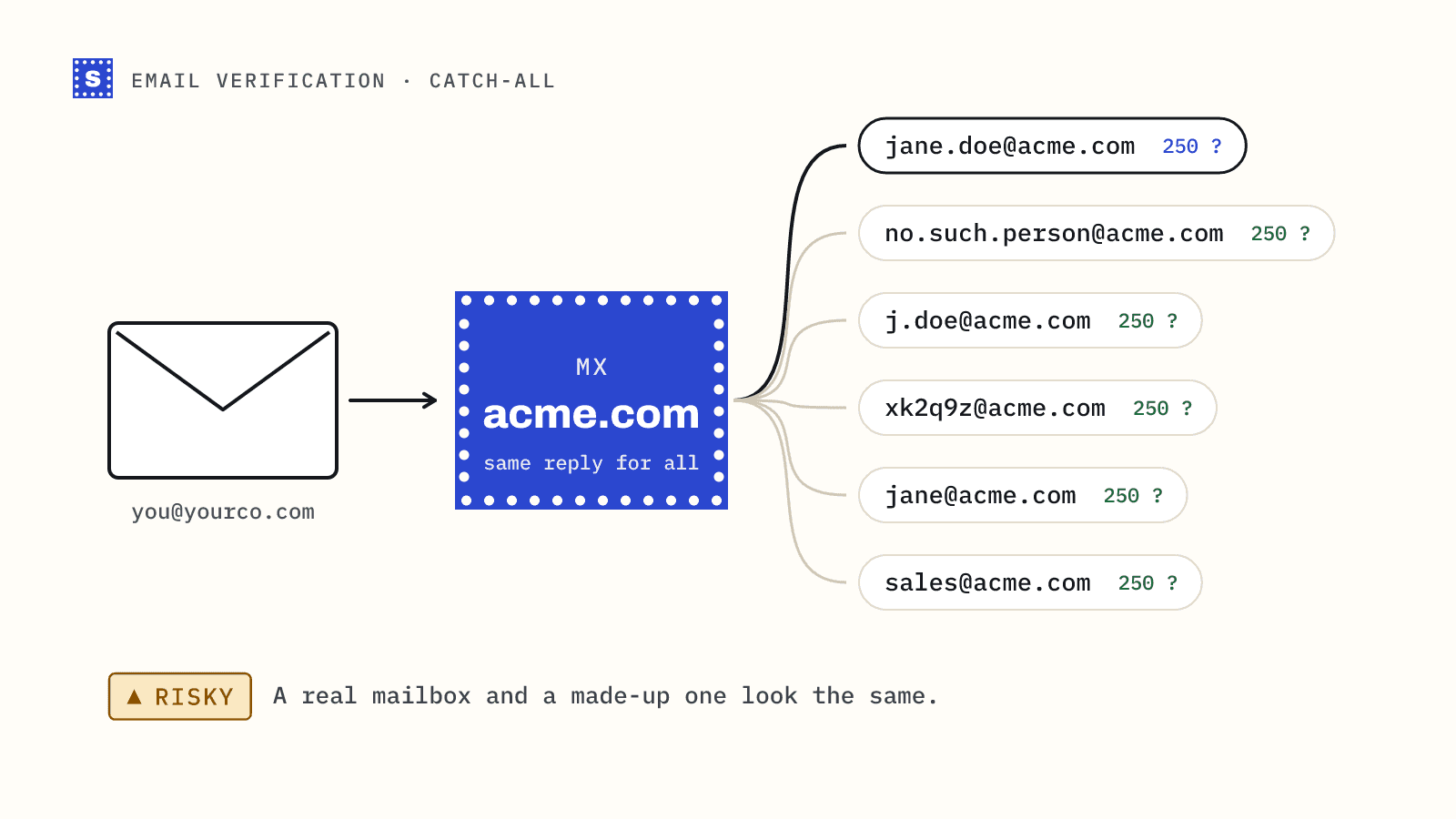
- Only hard-block what is clearly bad. Block undeliverable addresses, and disposable ones if that matters to you. Let other risky addresses through, including ones the server wouldn't confirm.
- Have a timeout plan. With SimpleCold, a check that is not finished within about 12 seconds returns
processing. Accept the user and check again later. The answer usually settles within a minute or two, and asking again within 30 minutes while it's pending does not use another credit.
Our Node.js signup guide shows the full pattern with code.
Designing a bulk workflow
A bulk workflow is mostly about what happens after the results come back.
- Export the list with an ID or the email column you will match on.
- Upload it. SimpleCold keeps your original columns and adds
Result,Reason,Reason code,SuggestionandRetry later, among others. - Filter undeliverable rows into a suppression list.
- Decide on risky rows by reason: catch-all, role-based, disposable.
- Re-import with a "verified on" date so you know when to check again.
The bulk job guide shows how to automate this with the API instead of the dashboard, including polling for job status.
Cost and volume
Both kinds of check use the same credits, so the cost per address is the same. What changes is how many addresses you check. Real-time volume tracks your signups or new leads. Bulk volume tracks the size of the lists you clean and how often you clean them. If you mostly import lists, bulk will be most of your spend. If you mostly capture signups, real-time will. The pricing page has the current rates. There's no subscription, and the per-address rate drops as you buy more.
The short version
Real-time verification protects the front door. Bulk verification cleans the house. Start with whichever problem is costing you more today. If that is fake signups, read about real-time email verification. If that is campaign bounces, start with the bulk email verifier.