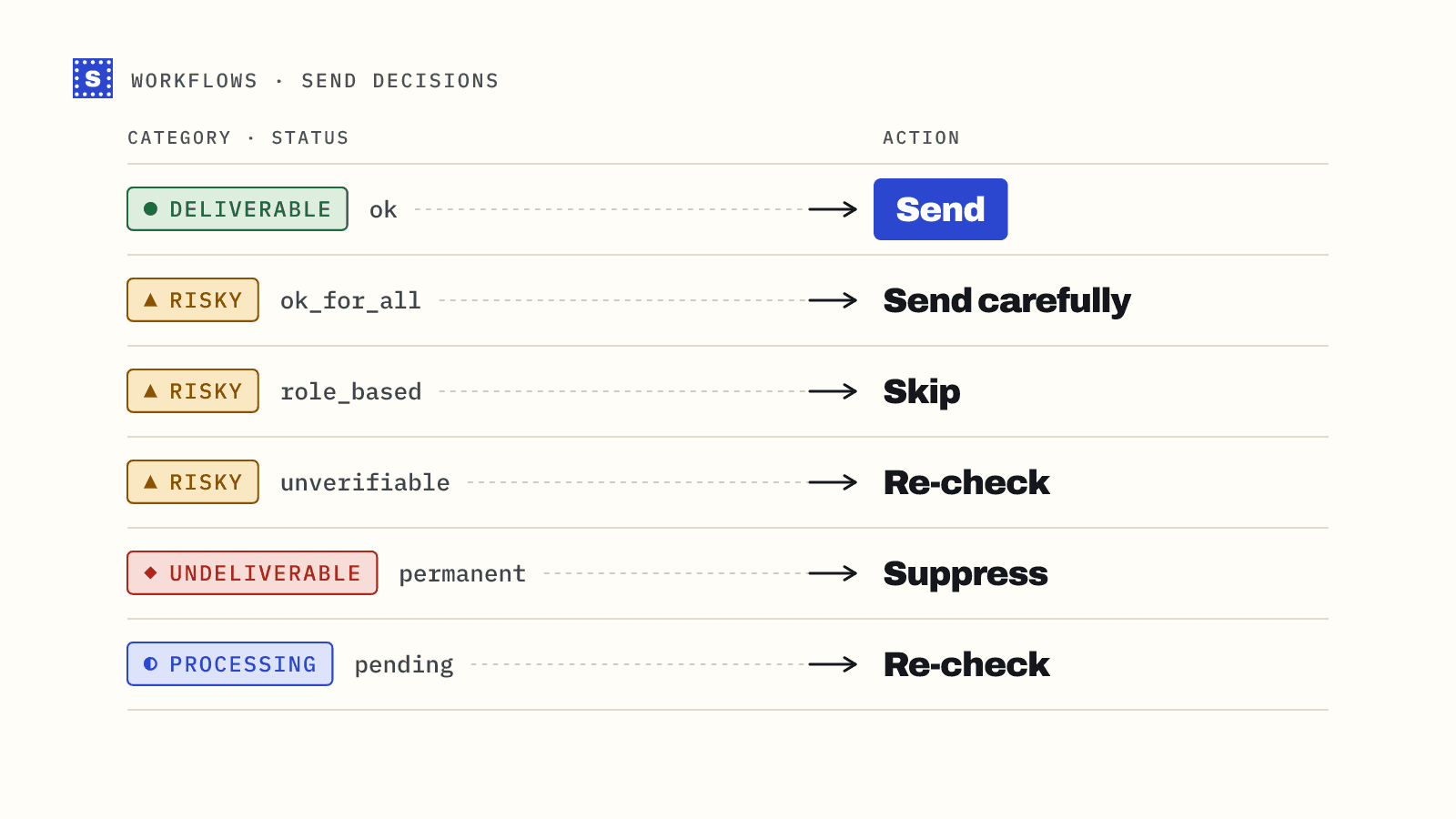
A verification result is only useful once it becomes a decision: send, hold, suppress, or check again. SimpleCold gives you two levels to decide on. The category is the broad bucket. The status is the specific reason. Most rules can use the category alone, and the status lets you fine-tune the risky middle.
This guide lists every status, explains what causes it, and gives default actions for three common setups: cold outreach, newsletters and sign-up forms. Copy the tables, then adjust them to your own risk tolerance.
Categories
| Category | Meaning | Default action |
|---|---|---|
deliverable | The mail server accepted this mailbox | Send |
risky | The address may work, but something stops a confident yes | Depends on status and use case |
undeliverable | The address or domain can't receive mail | Suppress |
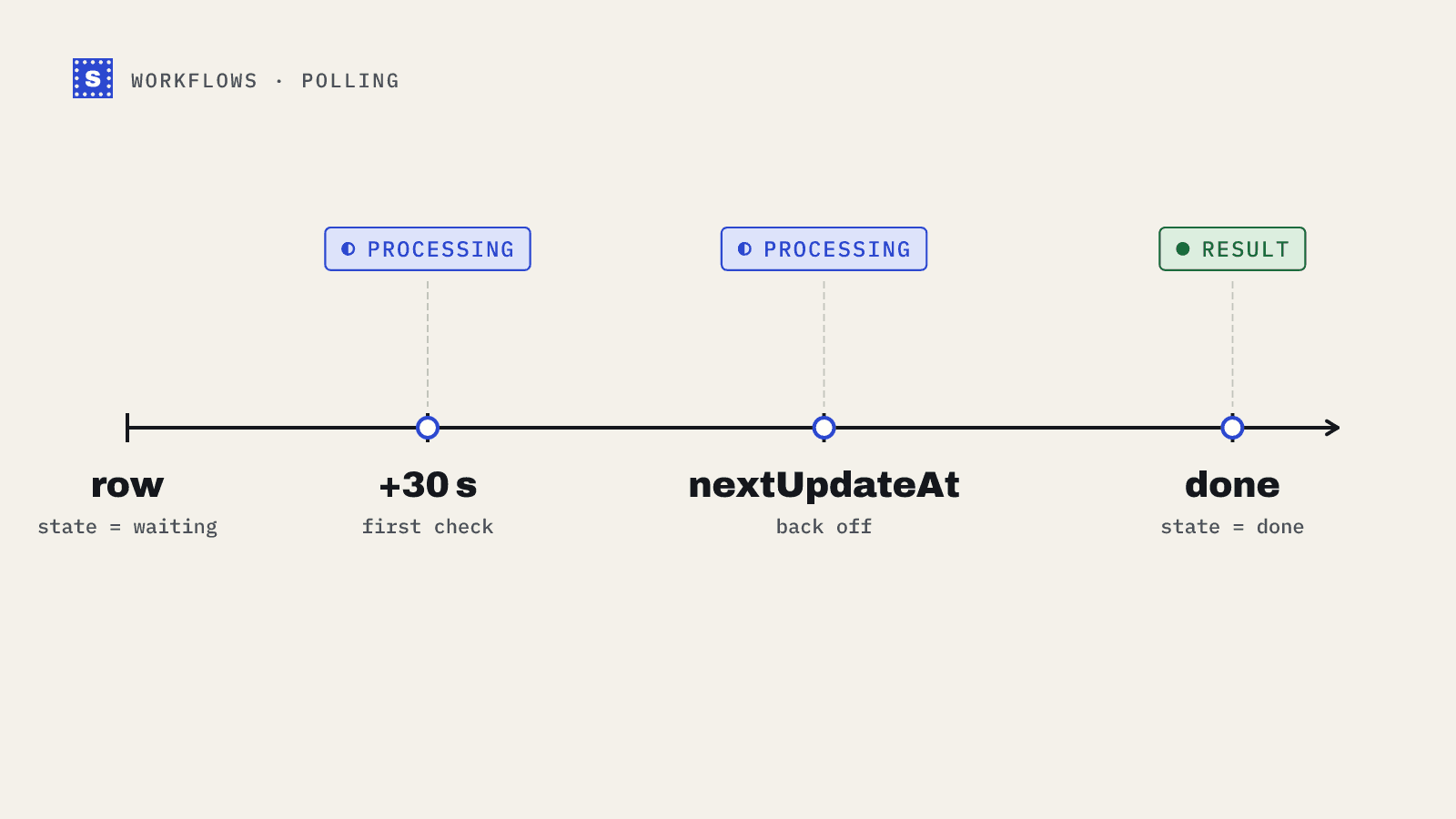
pending | Still being checked (status: "processing") | Collect the result later |
pending only appears while a check is running. Once you collect the final result it becomes one of the other three. There is no separate unknown bucket: when a mail server won't give a clear answer, the result is risky with the status no_response, and like every finished check it uses a credit. See handle processing results.
Every status, grouped
The status field holds a reason code. Each code belongs to exactly one category and has a fixed failType.
Deliverable
| Status | Reason shown | Notes |
|---|---|---|
mailbox_found | The mailbox exists and accepts mail. | The only deliverable status. Bulk downloads with verifiedOnly=true return just these rows. |
Risky
| Status | Reason shown | What's going on |
|---|---|---|
accept_all | The domain accepts mail for any address, so this mailbox can't be confirmed. | Catch-all domain. The server says yes to every address, real or not, so this one can't be confirmed. |
mailbox_unconfirmed | The mailbox seems to exist, but the server would not confirm it accepts mail. | The mailbox appears to exist, without full confirmation that mail will be accepted. |
blocked_by_server | The mail server blocked the check. | A security layer refused to answer the check. Common at larger companies. failType is temporary. |
no_response | The mail server would not confirm this address. | The check finished without a yes or no. failType is temporary. |
disposable | This is a throwaway inbox that will likely stop working soon. | A throwaway inbox service. |
role_address | This is a shared role address, like info@ or sales@, not a person. | A shared address such as info@, sales@ or support@. |
Undeliverable
| Status | Reason shown | failType |
|---|---|---|
mailbox_not_found | This mailbox does not exist. | permanent |
mailbox_disabled | This mailbox exists but is disabled or suspended. | permanent |
rejected | The mail server refused mail for this address. | permanent |
no_mail_server | This domain can't receive email. | permanent |
invalid_format | This isn't a valid email address. | permanent |
possible_typo | Possible typo. Did you mean ...? The fix is in suggestion. | permanent |
server_error | The mail server returned an error. | temporary |
The reason shown for each code is fixed, so you can match on the code and show statusMessage as you receive it.
failType helps sort the undeliverable group. permanent means the problem won't fix itself, such as a missing mailbox or a domain that doesn't exist. temporary points to something that may clear up: a server error during the check (server_error). In the risky group, blocked_by_server and no_response are also temporary. If you want to be careful, suppress permanent failures right away and give temporary ones one more check a few days later before suppressing.
Decisions by use case
Cold outreach
Cold email has the least room for error. You have no prior relationship with the recipient, and bounces count against domains you may have spent weeks warming up.
| Result | Action |
|---|---|
deliverable | Main sequence |
risky / accept_all | Separate, smaller campaign from a sending domain you can afford to risk; watch bounces closely |
risky / mailbox_unconfirmed | Same as catch-all |
risky / blocked_by_server, no_response | Re-check in a few weeks, or send in the small separate campaign |
risky / role_address | Usually skip. Shared inboxes rarely reply to cold email and are more likely to mark it as spam. Small businesses where info@ is the owner can be an exception. |
risky / disposable | Skip |
undeliverable | Remove |
pending | Don't send yet. Collect the result. |
The cold email solutions page covers the wider workflow.
Newsletters and marketing lists
These are people who opted in. You can be more forgiving with risky results, because a real person gave you the address.
| Result | Action |
|---|---|
deliverable | Send |
risky / accept_all, mailbox_unconfirmed, blocked_by_server, no_response | Send; suppress on first hard bounce |
risky / role_address | Send if they opted in |
risky / disposable | Send what they signed up for, but expect the inbox to vanish |
undeliverable | Suppress |
pending | Collect the result before the send |
Sign-up forms
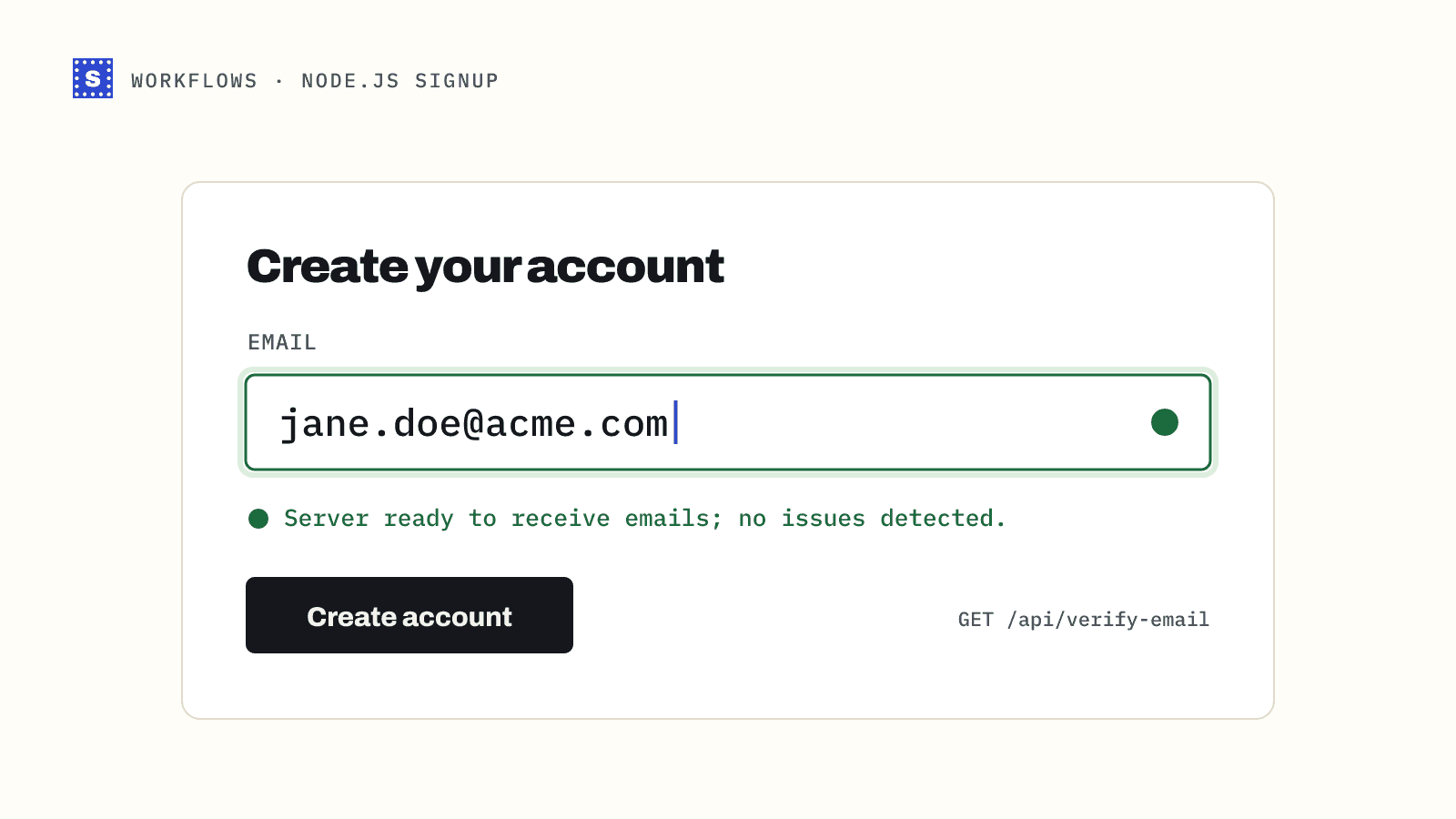
At sign-up a person is waiting, so the goal is catching mistakes, not filtering hard.
| Result | Action |
|---|---|
Has a suggestion | Show "Did you mean ...?" before anything else |
undeliverable | Ask the person to check the address |
risky / disposable | Block, if your product needs a lasting address |
Other risky | Allow |
pending, errors, timeouts | Allow, finish the check in the background |
The sign-up guide implements this table.
The same rules in code
Keep the mapping in one place so every service makes the same call. A JavaScript version for cold outreach:
const RISKY_SEND_CAREFULLY = new Set(["accept_all", "mailbox_unconfirmed"]);
const RISKY_RECHECK = new Set(["blocked_by_server", "no_response"]);

export function coldEmailAction(r) {
  if (r.status === "processing") return "recheck";
  switch (r.category) {
    case "deliverable":
      return "send";
    case "undeliverable":
      return r.failType === "temporary" ? "recheck" : "suppress";
    case "risky":
      if (r.status === "disposable" || r.status === "role_address") return "skip";
      if (RISKY_SEND_CAREFULLY.has(r.status)) return "send-carefully";
      if (RISKY_RECHECK.has(r.status)) return "recheck";
      return "review";
    default:
      return "recheck"; // a category added later
  }
}
And in Python for a list job:
def newsletter_action(r: dict) -> str:
    if r["status"] == "processing":
        return "recheck"
    cat = r["category"]
    if cat == "deliverable":
        return "send"
    if cat == "undeliverable":
        return "suppress"
    if cat == "risky":
        return "send"  # opted-in subscribers; suppress on first hard bounce
    return "recheck"
Always include a default branch. New statuses can be added over time, and an unrecognised value should fall into "review" or "recheck", never into "send".
Applying it to a bulk result file
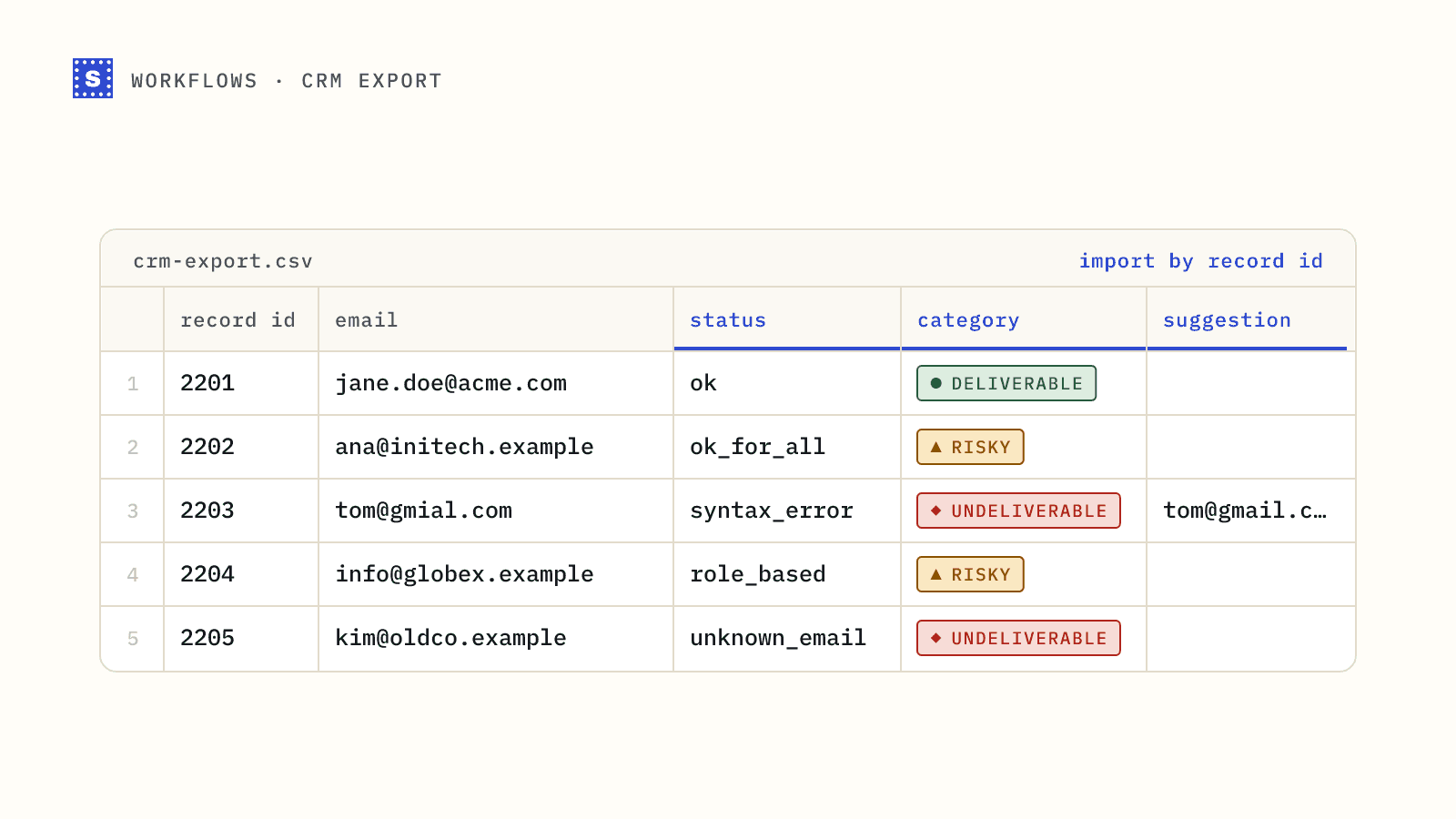
A bulk CSV download keeps your original columns and adds Result, Reason, Reason code, Suggestion and Retry later columns, among others. This script splits it into one file per action:
import csv
from collections import defaultdict


def cold_email_action(r):
    result, code = r["Result"], r["Reason code"]
    if result == "Processing":
        return "recheck"
    if result == "Deliverable":
        return "send"
    if result == "Undeliverable":
        return "recheck" if r["Retry later"] == "Yes" else "suppress"
    if result == "Risky":
        if code in ("disposable", "role_address"):
            return "skip"
        if code in ("accept_all", "mailbox_unconfirmed"):
            return "send-carefully"
        return "recheck"
    return "recheck"


groups = defaultdict(list)
with open("results.csv", newline="", encoding="utf-8-sig") as f:
    reader = csv.DictReader(f)
    fields = reader.fieldnames
    for row in reader:
        groups[cold_email_action(row)].append(row)

for action, rows in groups.items():
    with open(f"results-{action}.csv", "w", newline="", encoding="utf-8") as out:
        w = csv.DictWriter(out, fieldnames=fields)
        w.writeheader()
        w.writerows(rows)
    print(action, len(rows))
Upload results-send.csv to your main campaign and results-send-carefully.csv to the small one, and add results-suppress.csv to your suppression list.
When to re-check
Results age. A deliverable address today can bounce in six months when someone leaves a company. Re-verify before any send to a list older than a few months, and treat no_response and blocked_by_server results as worth another look after a few weeks.
The full status list with descriptions is in the API docs. To run these rules against a whole file, start with run a bulk job end to end.