A B2B contact list starts going out of date the day you build it. People change jobs, get promoted into new departments, retire, or leave to start something of their own. Companies merge, rebrand, change domains and shut down. Each of those events quietly breaks a record in your CRM, and none of them send you a notice.
That process is B2B data decay. You will see figures quoted for how fast it happens, often without a source behind them. The exact rate depends on industry, seniority, company size and where the data came from, so treat any single number with caution. What is safe to say is that business email data goes stale far faster than consumer data, because work addresses are tied to a job and jobs change.
What actually decays
Decay is not one thing. Different fields break in different ways, and some break without anyone noticing.
| Event | What breaks | How you find out |
|---|---|---|
| Person leaves the company | Email address, phone, title | Hard bounce, or an auto-reply saying they have left |
| Person changes role internally | Title, department, sometimes email | Usually you don't, unless they reply |
| Company rebrands or changes domain | Every address at the old domain | Bounces once the old domain stops forwarding |
| Company is acquired | Domain, sometimes the whole team | Bounces months later, after the migration |
| Company closes | Domain stops resolving | Hard bounces, dead domain |
| Domain is let lapse | MX records disappear, domain may be parked | Bounces, or mail to a parked page |
The awkward cases are the slow ones. When a company is acquired, the old domain often keeps forwarding mail for a while. Your list looks healthy, then a batch of addresses all start bouncing the week IT finally switches the old domain off.
Signs your data has decayed
You do not need a report to notice decay. Look for these:
- Bounce rates creeping up on sequences that use older contacts.
- More "no longer with the company" auto-replies.
- Replies from someone other than the person you addressed.
- Lots of contacts with job titles that no longer exist on the company's website.
- Segments built from a list you bought or exported more than a year ago.
If you run cold outreach, decay shows up in your bounce numbers faster than anywhere else, because you are mailing people who have never engaged and whose records you have never refreshed.
Why it matters
Mailing decayed data costs you in three ways.
First, bounces. Every address that no longer exists returns a hard bounce, and mailbox providers notice when a sender keeps hitting dead mailboxes. Second, wasted effort. Personalised sequences, research time and sales calls aimed at people who left last spring produce nothing. Third, reporting. Pipeline forecasts, territory plans and market sizing all lean on the CRM. If a meaningful share of it is out of date, the plans are built on sand.
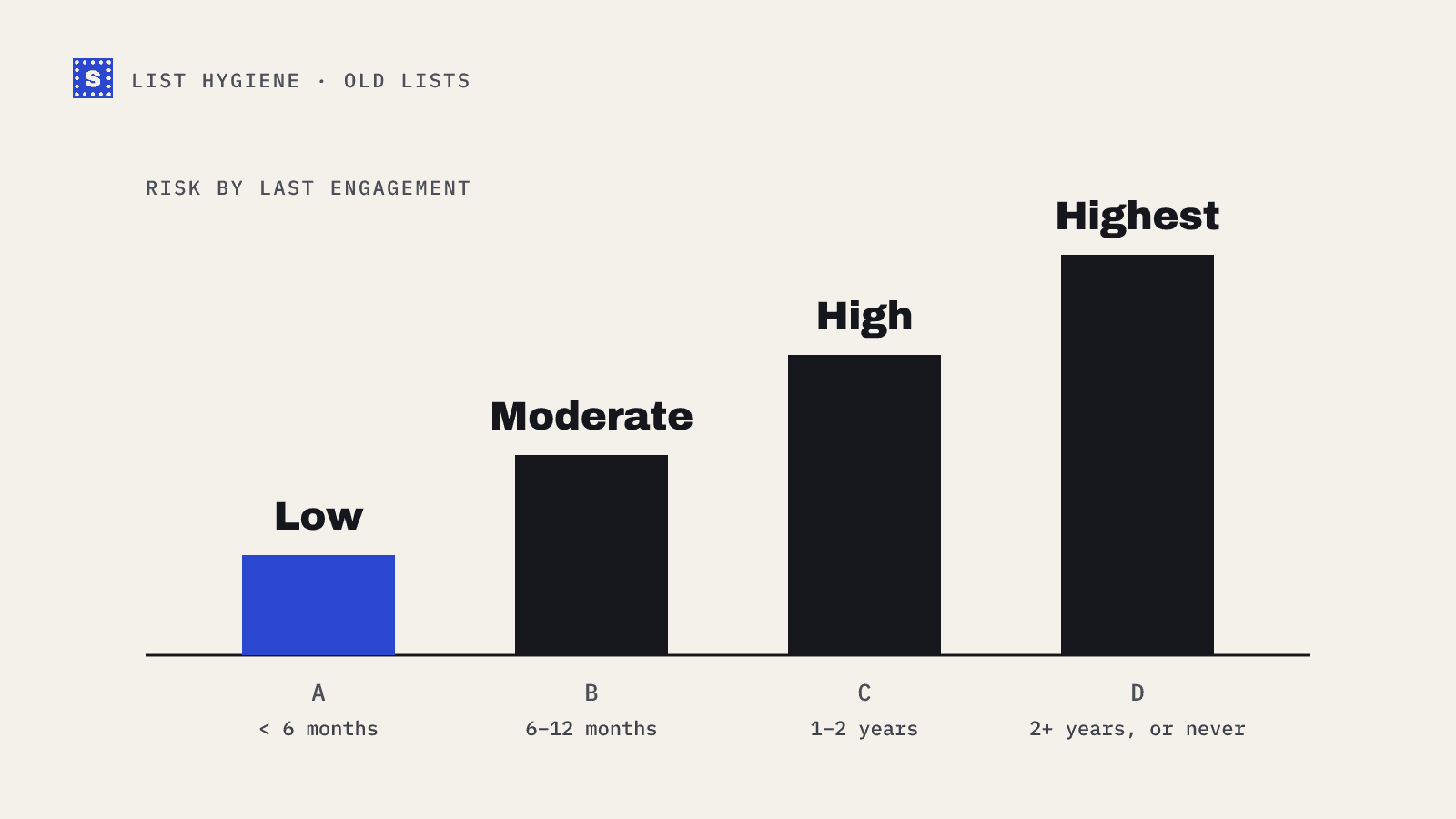
There is also a quieter risk. Old addresses at abandoned domains sometimes get reused, or end up as recycled spam traps. You cannot detect those reliably, but you can lower the odds by not mailing addresses that have been silent for years.
How to slow B2B data decay down
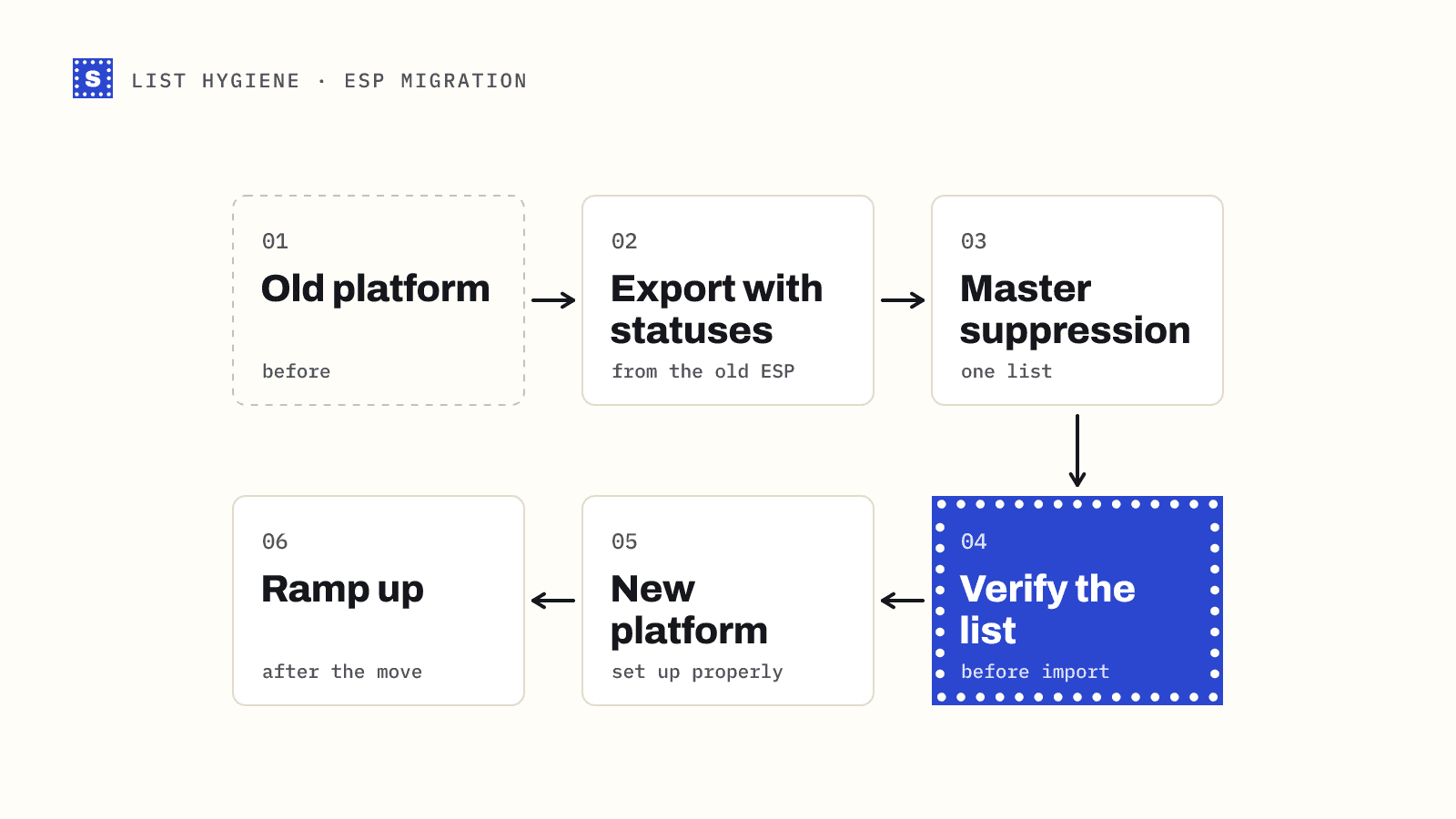
You cannot stop decay. You can catch it early and stop decayed records from reaching your sending tools.
1. Date every record
Add a "last verified" date and a "source" field to every contact. Without them you cannot tell a contact checked last week from one imported three years ago. Most CRMs make this a simple custom property.
2. Verify before every first send
New lists from data vendors, events or scraping tools should be verified before they go anywhere near a sequence. Data providers do their best, but their records age between their last check and your export.
3. Re-verify on a schedule
How often depends on how you use the list.
| How you use the contact | Suggested re-check |
|---|---|
| Active cold sequences | Right before each new campaign |
| Nurture or newsletter, B2B | Every three to six months |
| CRM records not mailed recently | Before they are mailed again |
| Lists older than a year | Always, before any send |
The principle is simple: verify close to the moment you send. A clean result from last year says little about today.
4. Act on bounces and auto-replies
When someone's out-of-office says they have left, update the record that day. Note the replacement contact if the auto-reply names one. Set your sequencer or CRM to mark hard bounces as invalid automatically and to stop all future sends.
5. Watch for domain changes
When a whole domain starts bouncing, look the company up. If it rebranded, you may be able to update every contact to the new domain in one go, then verify the new addresses before sending.
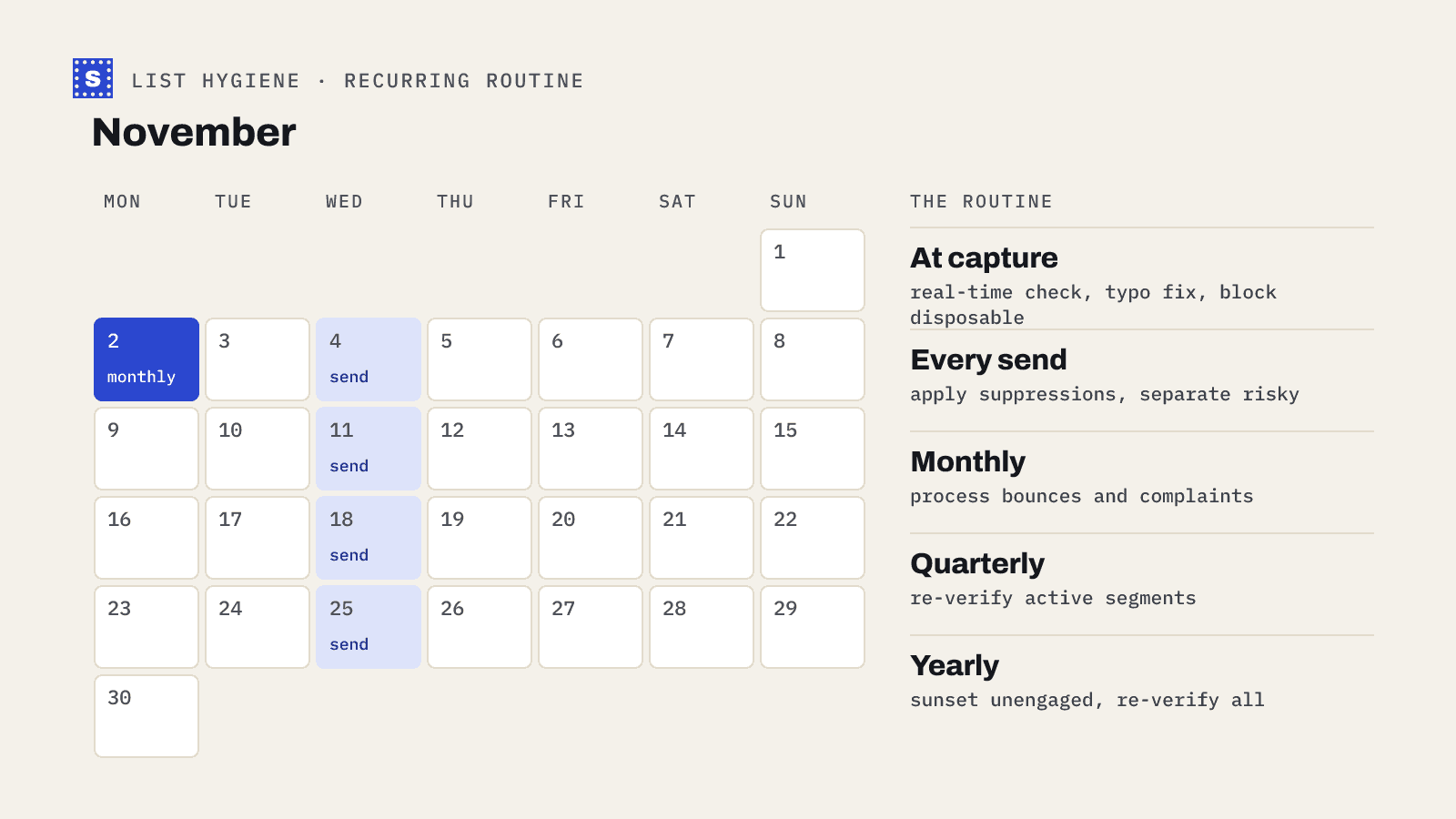
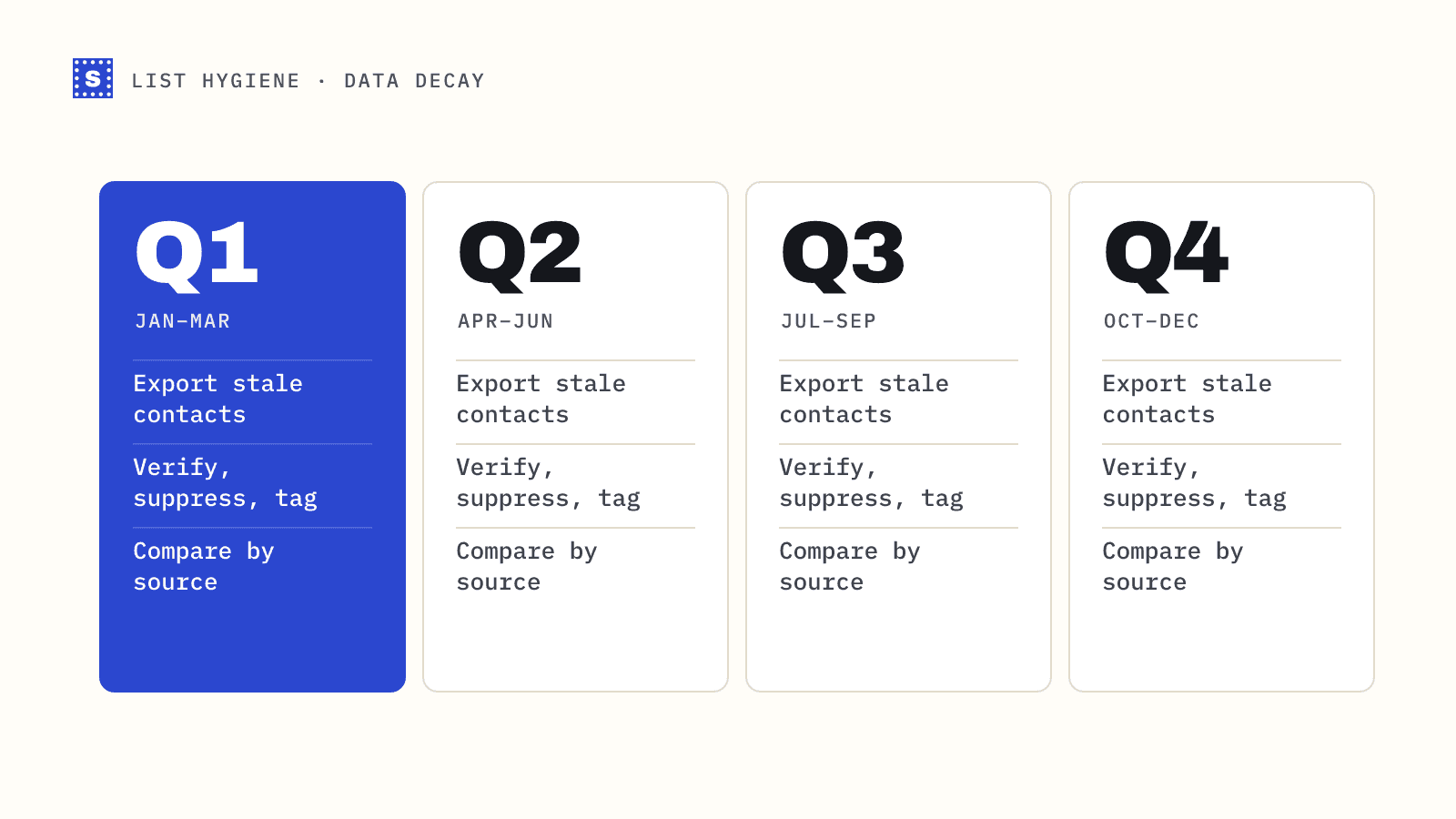
A quarterly routine for sales and marketing ops
- Export contacts whose "last verified" date is older than your threshold.
- Run the file through a bulk email verifier.
- Mark undeliverable contacts as invalid in the CRM and suppress them in every sending tool.
- Tag risky contacts (catch-all, role-based, disposable) so campaign owners can choose whether to include them.
- Update the "last verified" date on everything you checked.
- Note which sources produced the most undeliverable results, and talk to that vendor or team.
That last step is the one most teams skip. Decay is natural. A source that delivers stale data on day one is a different problem, and the only way to see it is to compare results by source.
Where SimpleCold fits
SimpleCold keeps every original column in your CSV and adds the result columns next to them, so you can re-import the file straight into your CRM and match on email. Each row gets a category and a plain reason, such as "This mailbox does not exist" or "This domain can't receive email", which makes it easy to tell a person who left from a company that changed domains. For a smaller first pass, the free list cleaning tool handles a short sample so you can see how stale a segment is before you commit to the full file.
Decay will keep happening. The fix is a routine: date your records, verify close to send time, and close the loop on every bounce. See also our guide on how often to clean your email list.