Disposable email services hand out an inbox that works for a few minutes or a few days and then disappears. People use them to grab a free trial, download a gated PDF, or abuse a referral bonus without giving away a real address. For a product team, that means fake accounts, inflated signup numbers, trial abuse and a list full of addresses that will bounce the first time you send a follow-up.
If you want to block disposable emails, there are three common approaches. Each has trade-offs, and the main risk with all of them is the same: turning away a real customer by mistake.
What counts as disposable
A disposable address comes from a service whose whole purpose is temporary, throwaway inboxes. Mail-in-a-minute style sites are the classic example. Anyone can generate an address, read it in the browser, and walk away.
Some things look similar but are not disposable:
- Privacy relays such as Apple's Hide My Email and Firefox Relay. These forward to a real, long-lived inbox owned by a real person. Blocking them blocks paying customers who care about privacy.
- Plus addresses like
[email protected]. Gmail and many other providers deliver these to the main inbox. They are often used for filtering, not fraud. - Free email providers like Gmail, Outlook and Yahoo. Personal addresses are not disposable, even if you would prefer a work address for B2B signups.
Keep those distinctions in your rules, or your fraud filter will start rejecting your best users.
Option 1: a static blocklist
The simplest approach is a list of known disposable domains. On signup, take the domain part of the address and check it against the list.
import disposableDomains from "./disposable-domains.json" with { type: "json" };

const blocked = new Set(disposableDomains);

export function isDisposable(email) {
  const domain = email.split("@").pop().trim().toLowerCase();
  return blocked.has(domain);
}
This is fast and free, and it works offline. The weakness is upkeep. Disposable services register new domains constantly, often specifically to get around these lists. A list you downloaded last year will miss a lot of today's domains, and an open-source list can include domains that have since changed hands.
If you use a static list, update it on a schedule and keep an allowlist for domains you know are fine.
Option 2: DNS and MX heuristics
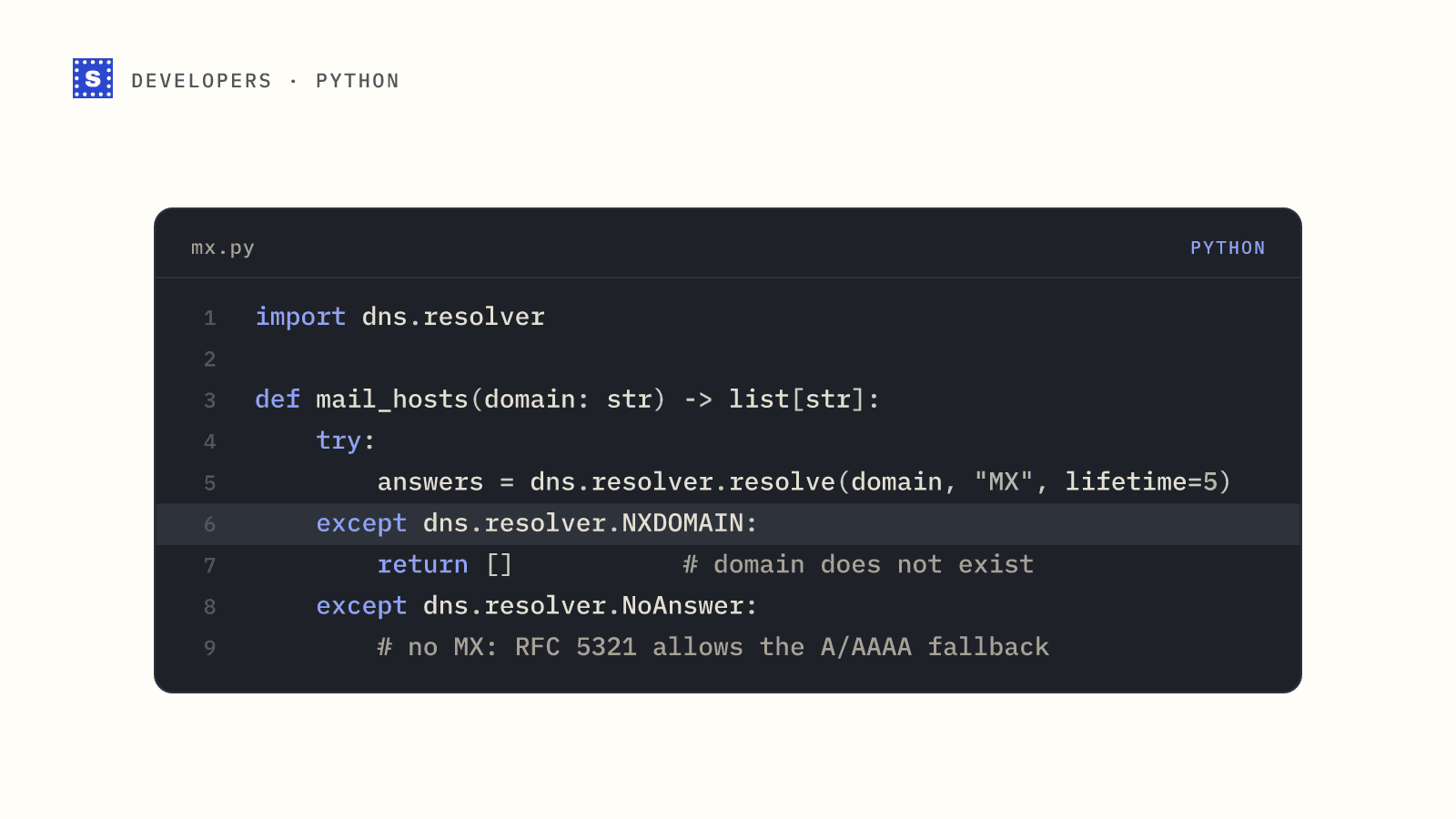
You can learn a lot from a domain's DNS. Many disposable services share the same mail servers across dozens of domains. If a brand-new domain points its MX records at a host that a known disposable service also uses, that is a strong signal.
import { resolveMx } from "node:dns/promises";

const suspiciousMxHosts = new Set([
  // fill in from your own observations
]);

export async function mxLooksDisposable(domain) {
  try {
    const records = await resolveMx(domain);
    return records.some((r) => suspiciousMxHosts.has(r.exchange.toLowerCase()));
  } catch {
    return false; // no MX: handle as invalid elsewhere, not as disposable
  }
}
This catches new domains that a blocklist has not seen yet, but you need a source of known disposable mail hosts, and DNS lookups add latency to your signup form. You also have to handle timeouts carefully so a slow DNS server does not block a legitimate signup.
Option 3: an email verification API
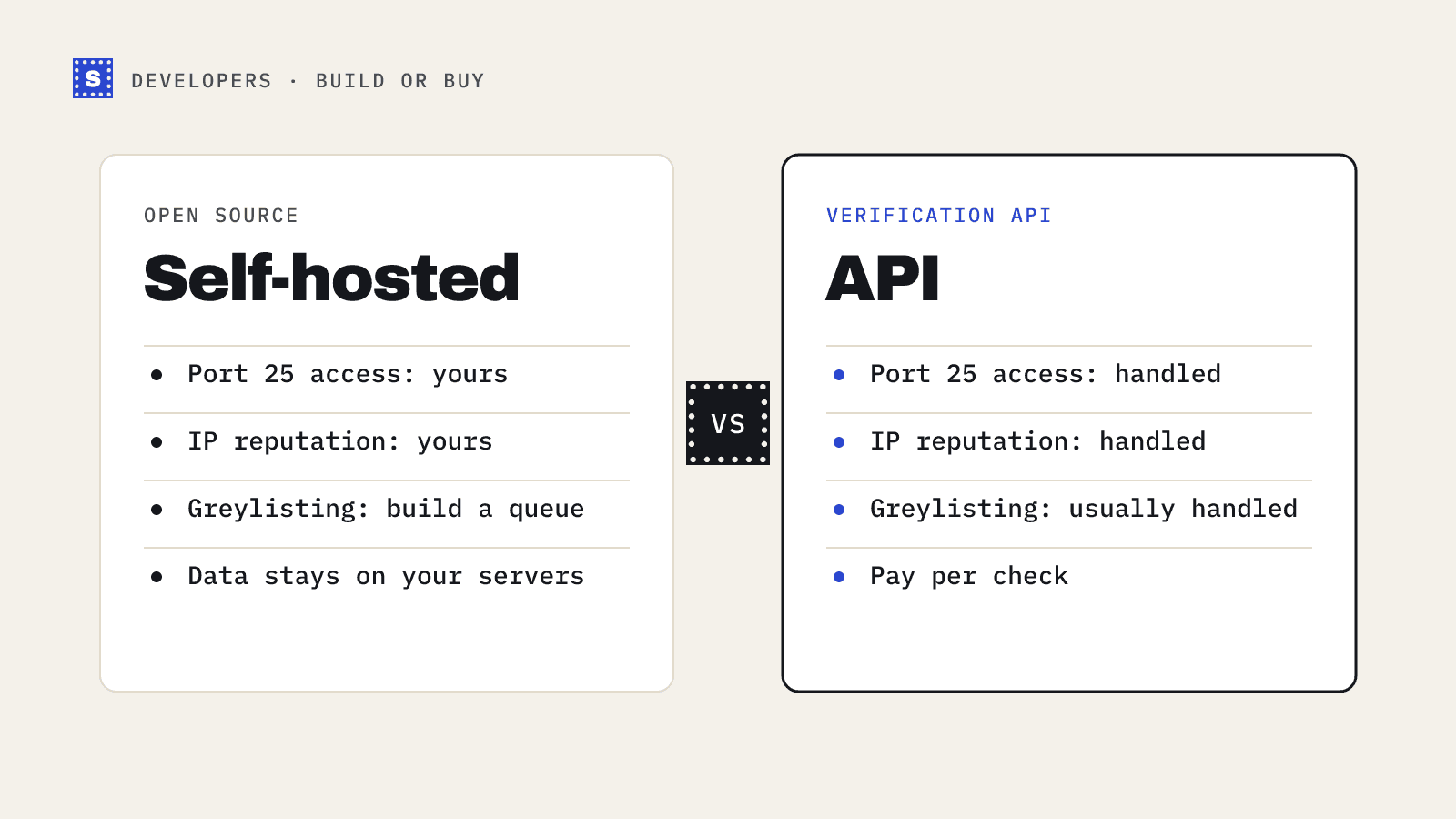
A verification API combines the blocklist, DNS checks and a check of the mailbox itself, and keeps the data current for you. You send the address, you get a result back.
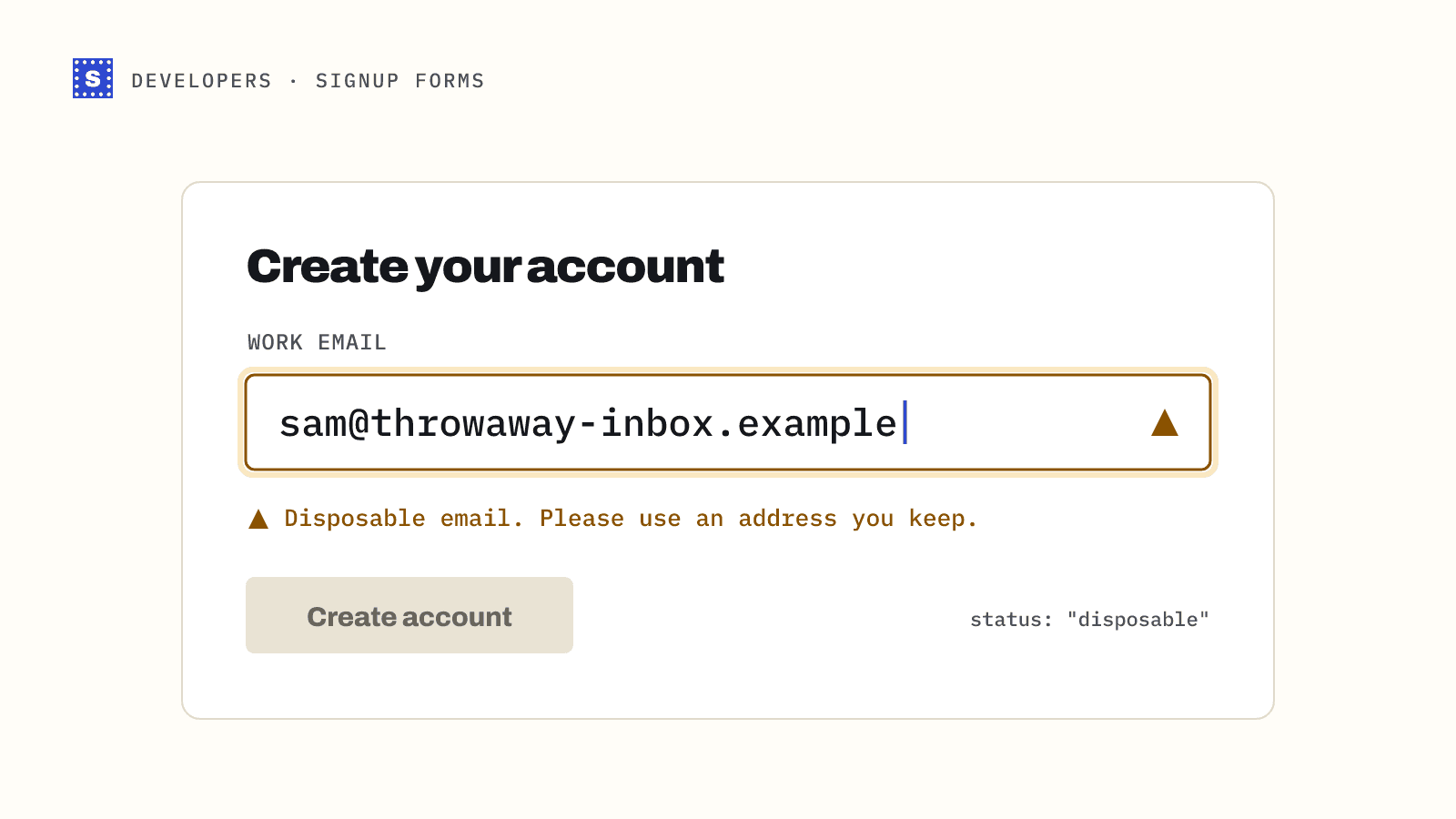
With SimpleCold, a single check is one GET request. The result includes a category, a status and a plain reason. Disposable addresses come back as Risky with the status disposable.
// server-side route, Node 18+
app.post("/signup", async (req, res) => {
  const email = String(req.body.email || "").trim();

  const r = await fetch(
    "https://simplecold.com/api/v1/api-validation/single?email=" +
      encodeURIComponent(email),
    { headers: { Authorization: `Bearer ${process.env.SIMPLECOLD_KEY}` } }
  );
  const { payload } = await r.json();

  if (payload?.status === "disposable") {
    return res.status(422).json({
      error: "Please use a permanent email address.",
    });
  }
  if (payload?.category === "undeliverable") {
    return res.status(422).json({
      error: "That address can't receive email.",
      suggestion: payload.suggestion,
    });
  }

  // deliverable, other risky statuses, or processing: let them in
  await createAccount(email, { verification: payload?.status ?? "unchecked" });
  res.status(201).json({ ok: true });
});
Call the API from your server, never from the browser, so your API key stays private. The full walkthrough, including showing typo suggestions on blur, is in our guide to verifying emails at signup with Node.js.
Comparing the three
| Static blocklist | MX heuristics | Verification API | |
|---|---|---|---|
| Cost | Free | Free | Per check |
| Latency | Microseconds | DNS lookup | Network call |
| Catches new domains | Only after you update | Sometimes | Yes, if the provider keeps up |
| Also catches typos and dead mailboxes | No | Dead domains only | Yes |
| Maintenance | Ongoing | Ongoing | None on your side |
Plenty of teams combine them: a cheap local blocklist as a first gate, then an API check for everything that passes.
Avoiding false positives
The cost of blocking a real user is usually higher than the cost of letting one throwaway account through. A few rules help.
- Fail open. If your check times out or errors, let the signup through and verify later. Do not make your signup form depend on a third-party call succeeding.
- Explain the block. "Please use a permanent email address" tells a real user what to do. A generic "invalid email" makes them think your form is broken.
- Allow relays. Do not add privacy relay domains to your blocklist.
- Separate disposable from risky. Catch-all and role-based addresses are not fraud signals. Treat them as normal signups.
- Log decisions. Keep the status and reason with the account record. If a customer complains, you can see exactly why they were stopped.
Beyond signup
Disposable addresses also slip into lists through lead magnets, webinar registrations and contest entries. Run those lists through a bulk check before importing them into your marketing tool, and filter on the disposable status.
To check a single domain by hand, try the free disposable email checker. For the bigger picture of what gets flagged and why, see disposable email detection.