There are several layers to email validation in Python, and each one answers a different question. Is the string shaped like an email address? Does the domain exist and accept mail? Does this particular mailbox exist? Most code stops at the first question, which is why so many "validated" addresses still bounce.
This post walks through each layer with working code, explains where each one runs out, and shows when it makes sense to hand the job to an API.
Layer 1: syntax
The tempting first move is a regular expression. A loose pattern is fine as a quick filter:
import re

LOOSE = re.compile(r"^[^@\s]+@[^@\s]+\.[^@\s]+$")

def looks_like_email(value: str) -> bool:
    return bool(LOOSE.match(value.strip()))
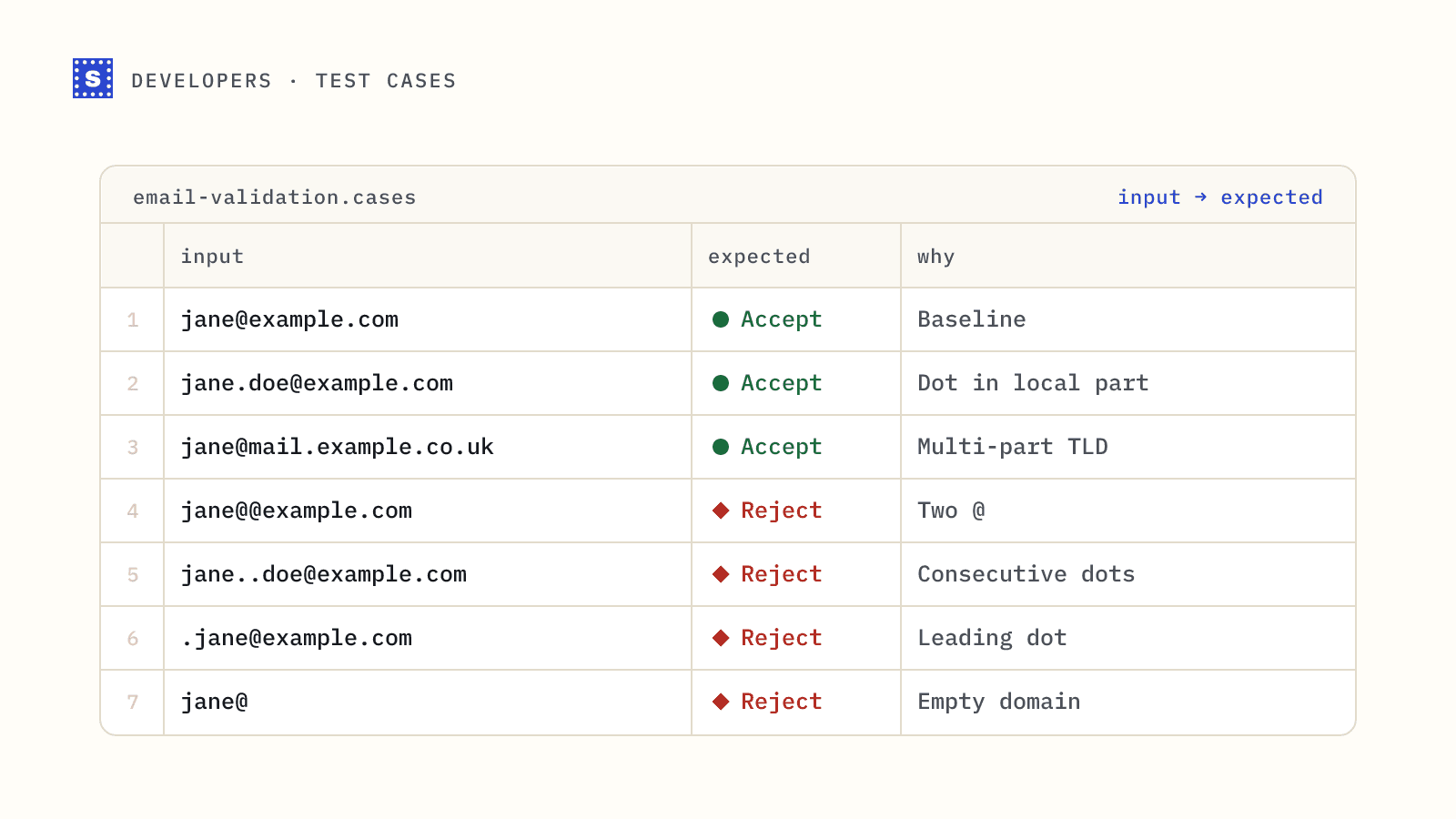
It rejects obvious junk such as missing @ signs, spaces and missing dots in the domain. It will accept plenty of addresses that cannot exist, and that is fine for a first gate. Trying to write a regex that matches the full RFC 5322 grammar produces something unreadable that still does not tell you whether mail will arrive. Our post on email validation regex goes deeper on this.
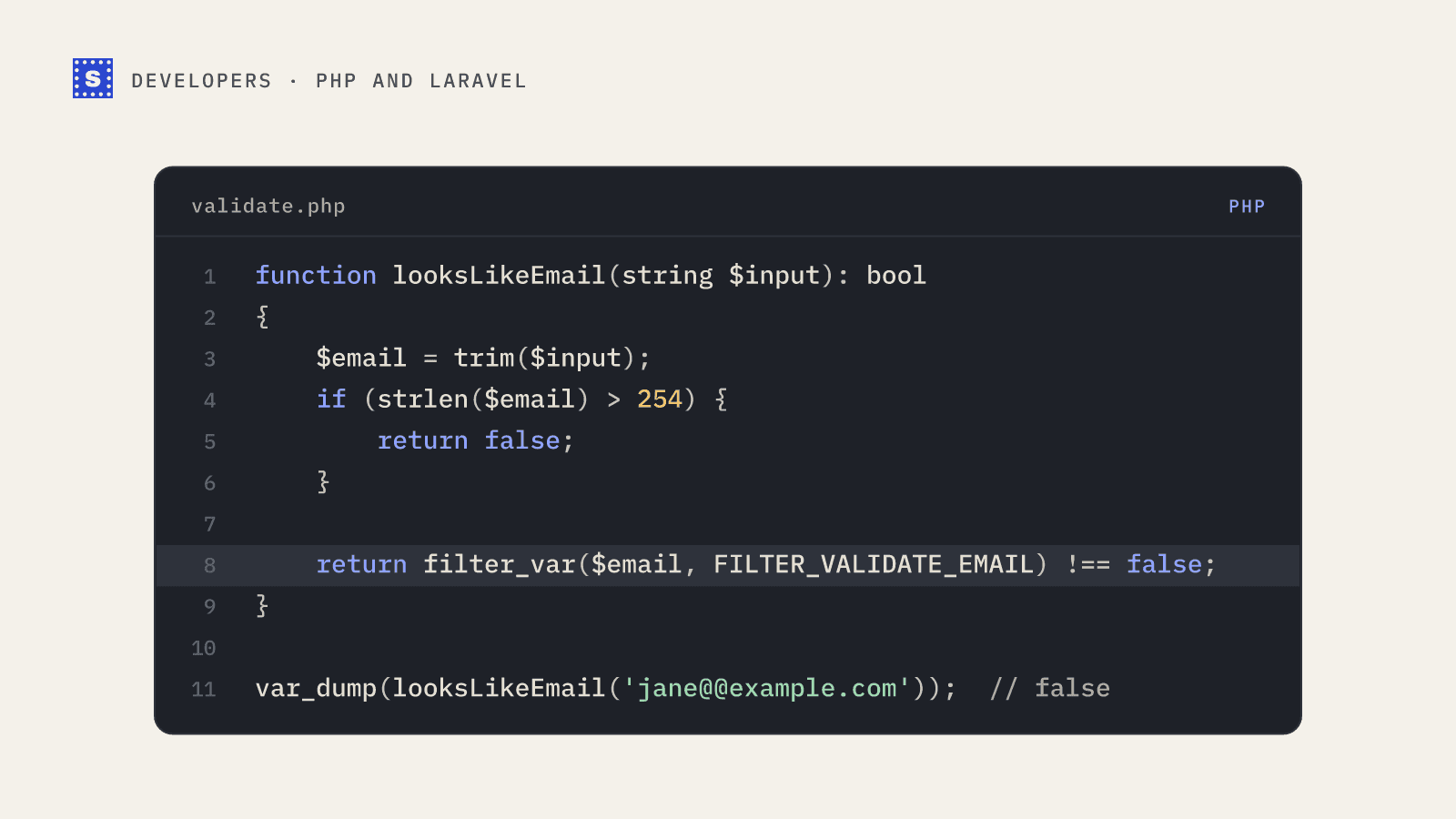
For proper syntax checks, use the email-validator package:
pip install email-validator
from email_validator import validate_email, EmailNotValidError

def check_syntax(value: str) -> str | None:
    try:
        result = validate_email(value, check_deliverability=False)
        return result.normalized
    except EmailNotValidError as exc:
        print(f"Rejected: {exc}")
        return None

check_syntax("[email protected]")   # '[email protected]'
check_syntax("jane@@example.com")      # Rejected: ...
It handles internationalised domains, lowercases the domain while leaving the local part alone, and gives readable error messages you can show to users. Passing check_deliverability=True makes it also do a DNS lookup on the domain.
Layer 2: the domain and its MX records
An address can be perfectly formed and still point at a domain that has no mail servers. Checking MX records catches dead domains, many typo domains and made-up company names.
pip install dnspython
import dns.resolver
import dns.exception

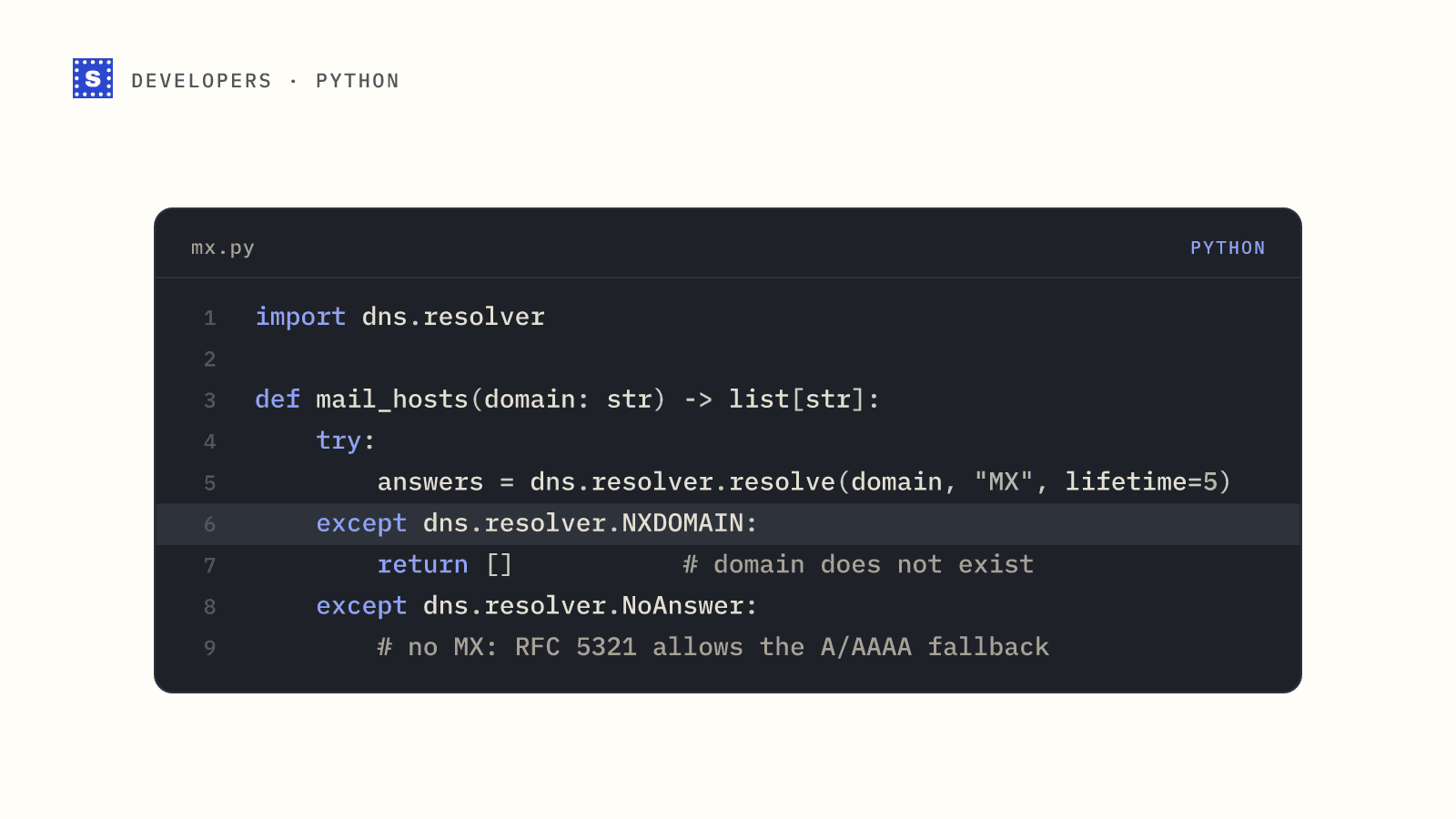
def mail_hosts(domain: str) -> list[str]:
    try:
        answers = dns.resolver.resolve(domain, "MX", lifetime=5)
    except dns.resolver.NXDOMAIN:
        return []           # domain does not exist
    except dns.resolver.NoAnswer:
        # no MX: RFC 5321 allows falling back to the A/AAAA record
        try:
            dns.resolver.resolve(domain, "A", lifetime=5)
            return [domain]
        except dns.exception.DNSException:
            return []
    except dns.exception.Timeout:
        raise               # inconclusive: not the same as invalid

    hosts = sorted(answers, key=lambda r: r.preference)
    names = [str(r.exchange).rstrip(".") for r in hosts]
    # a single MX of "." is a null MX (RFC 7505): the domain accepts no mail
    if names == [""]:
        return []
    return names

print(mail_hosts("gmail.com"))
Three details matter here:
- A timeout is not the same as "no mail server". Treat it as inconclusive and retry later.
- If there is no MX record, the SMTP standard lets senders fall back to the domain's A record. Some small domains still rely on that.
- A null MX, a single record pointing at
., is the domain owner saying it accepts no mail at all.
Layer 3: the mailbox
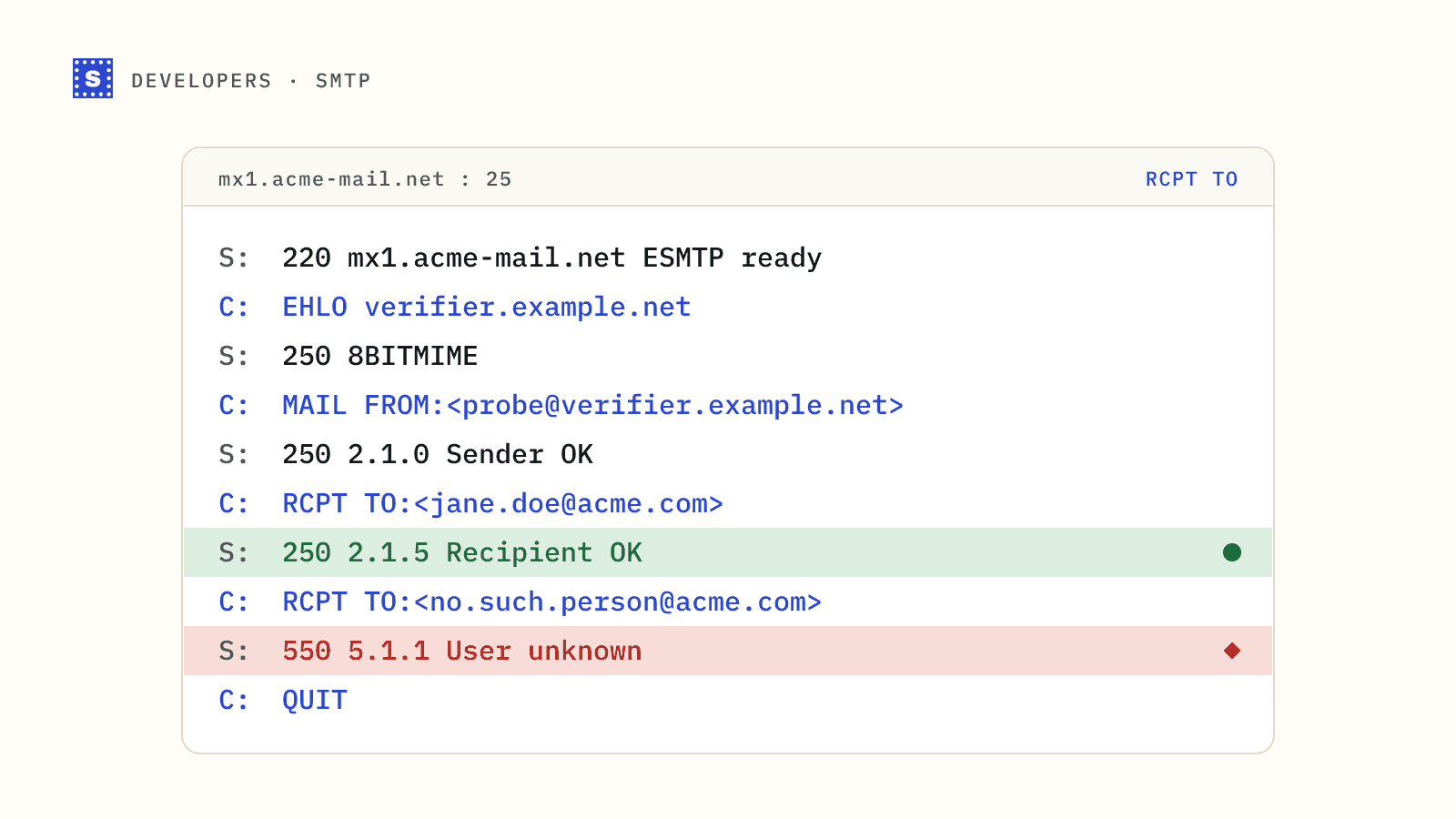
This is where it gets hard. The only way to learn whether [email protected] exists without emailing her is to open an SMTP conversation with the domain's mail server and see how it responds to RCPT TO.
Here is a minimal demonstration with smtplib. Run it once to see how the protocol works, not as a production tool.
import smtplib

def probe(email: str, mx_host: str) -> tuple[int, bytes]:
    with smtplib.SMTP(mx_host, 25, timeout=10) as smtp:
        smtp.ehlo("verifier.example.org")
        smtp.mail("[email protected]")
        code, message = smtp.rcpt(email)
        smtp.rset()
    return code, message

# 250 usually means accepted, 550 usually means no such user
Doing mailbox checks reliably means managing dedicated IPs, retries for greylisting, per-provider rate limits, catch-all detection and constant monitoring. That is a product in itself, which is why most teams use a service for this layer.
Layer 4: an email verification API
A verification API runs all of the layers above, plus disposable, role-based and typo checks, and returns one result. With SimpleCold it is a single GET request with your API key as a bearer token.
import os
import requests

API = "https://simplecold.com/api/v1"
HEADERS = {"Authorization": f"Bearer {os.environ['SIMPLECOLD_API_KEY']}"}

def verify(email: str) -> dict:
    r = requests.get(
        f"{API}/api-validation/single",
        params={"email": email},
        headers=HEADERS,
        timeout=20,
    )
    r.raise_for_status()
    return r.json()["payload"]

result = verify("[email protected]")
print(result["category"], result["status"], result["statusMessage"])
if result.get("suggestion"):
    print("Did you mean", result["suggestion"])
The category field is one of deliverable, risky or undeliverable. There is no unknown category: a server that won't confirm the address gives risky with the status no_response, and that is a finished, charged result. If a mail server is slow, you may get status set to processing and category set to pending instead. For lists, the batch endpoint takes up to 50 addresses in one POST:
def verify_batch(emails: list[str]) -> list[dict]:
    r = requests.post(
        f"{API}/api-validation/batch",
        json={"emails": emails},
        headers=HEADERS,
        timeout=60,
    )
    r.raise_for_status()
    return r.json()["payload"]
The Python list guide covers chunking, rate limits and retrying processing results in full.
Collecting a processing result
A single check answers within about 12 seconds and a batch within about 25. If the mail server hasn't finished by then, the check keeps running on SimpleCold's side. Most finish within a minute or two. You collect the answer from the result endpoint, which never charges:
import time

def wait_for_result(email: str, attempts: int = 6) -> dict | None:
    for _ in range(attempts):
        time.sleep(30)
        r = requests.get(f"{API}/api-validation/single/result",
                         params={"email": email}, headers=HEADERS, timeout=20)
        if r.status_code == 404:
            return None  # nothing pending: already collected, or the 30 minutes passed
        r.raise_for_status()
        result = r.json()["payload"]
        if result["status"] != "processing":
            return result
    return None
The pending check stays collectable for 30 minutes, so a script that waits longer between attempts is fine. Once you have read the finished result, the endpoint returns 404 for that address, so store it straight away.
Errors worth handling
raise_for_status() is fine for a demo. In real code, look at the status first. A 400 on the single endpoint usually means the address failed the API's own format check, which you can treat as invalid input. A 400 that says Insufficient credits. means you should stop and alert someone. A 401 means the key is wrong, inactive or expired. A 429 means you went past the rate limit of 100 single calls or 10 batch calls a minute, and the right move is to wait. The message is in message for most errors and in error for rate limits.
Which layers should you use?
| Situation | Layers |
|---|---|
| Form field feedback while typing | Syntax only |
| Signup submission | Syntax, then API |
| Cleaning a CSV before a campaign | API (batch or bulk) |
| Internal data quality report | Syntax and MX, API for the subset you will email |
Keep syntax and MX checks local because they are cheap, and run them before the API call so you don't pay to learn that a string has no @ in it. Use the API where a wrong answer costs you something, such as a bounce, a fake account or a wasted sales touch.
Next steps
If you want to try the API without spending credits, the test addresses in our testing guide return fixed results for every category. When you are ready, create an account, generate a key, and read the API overview.