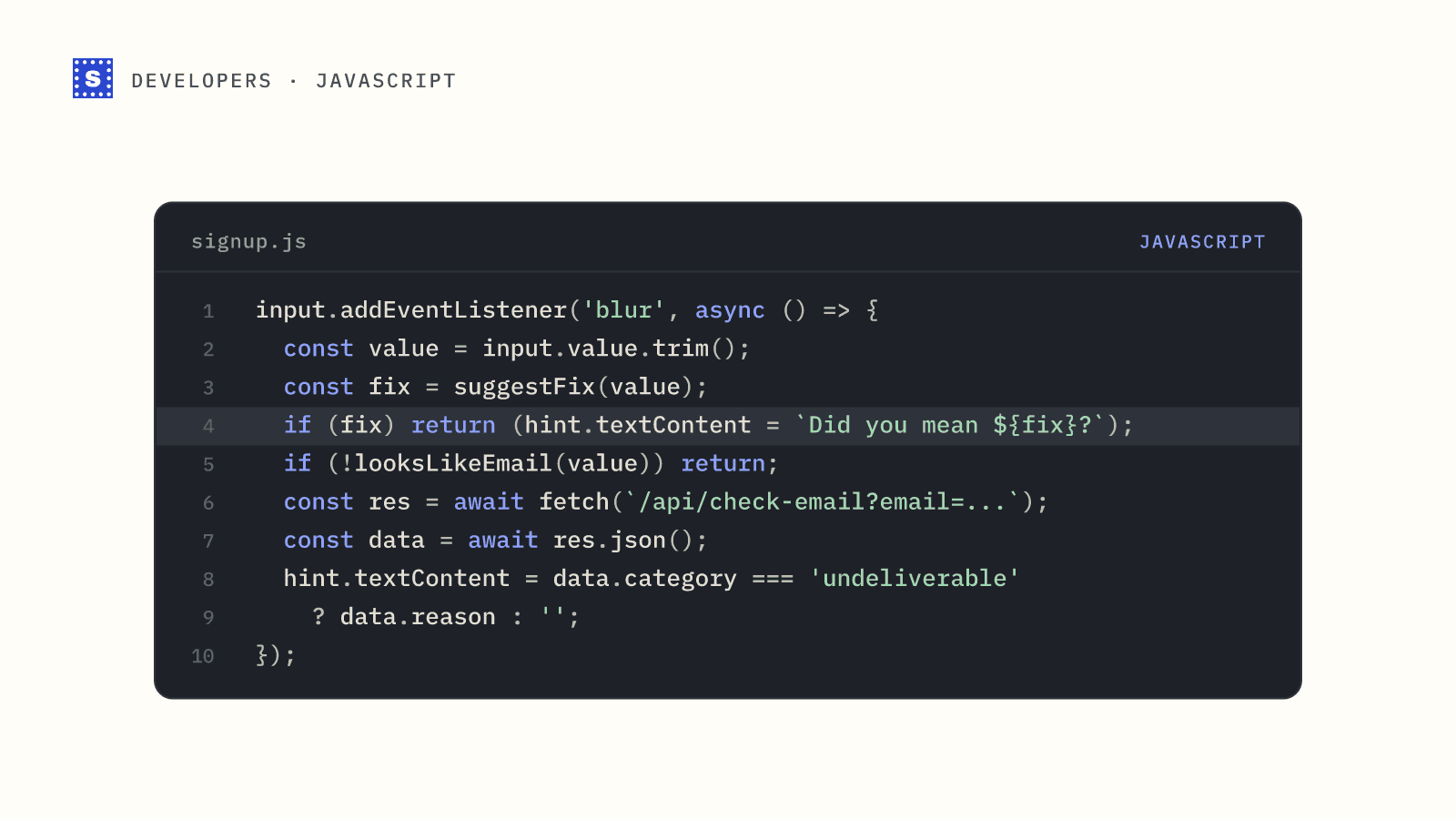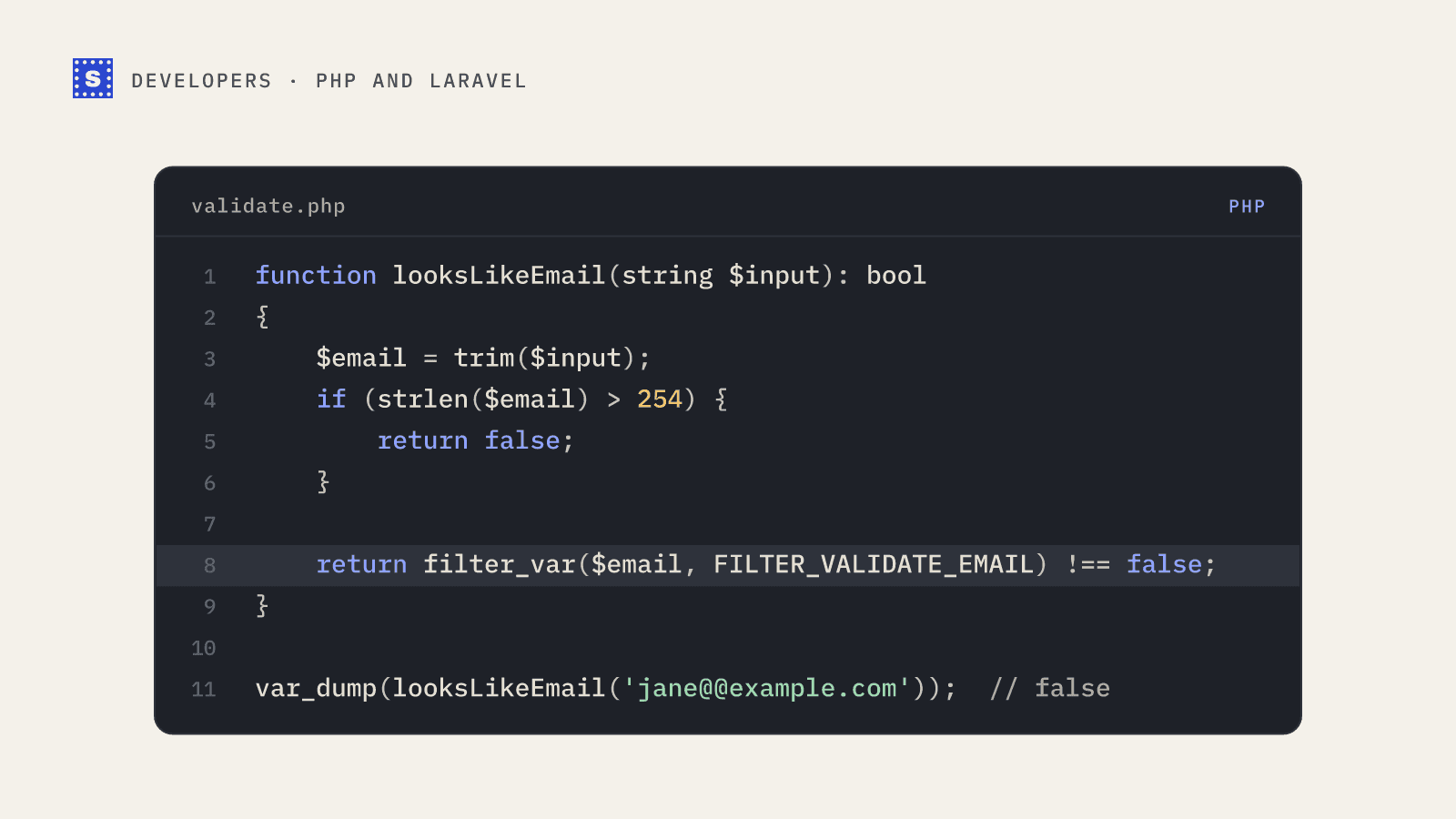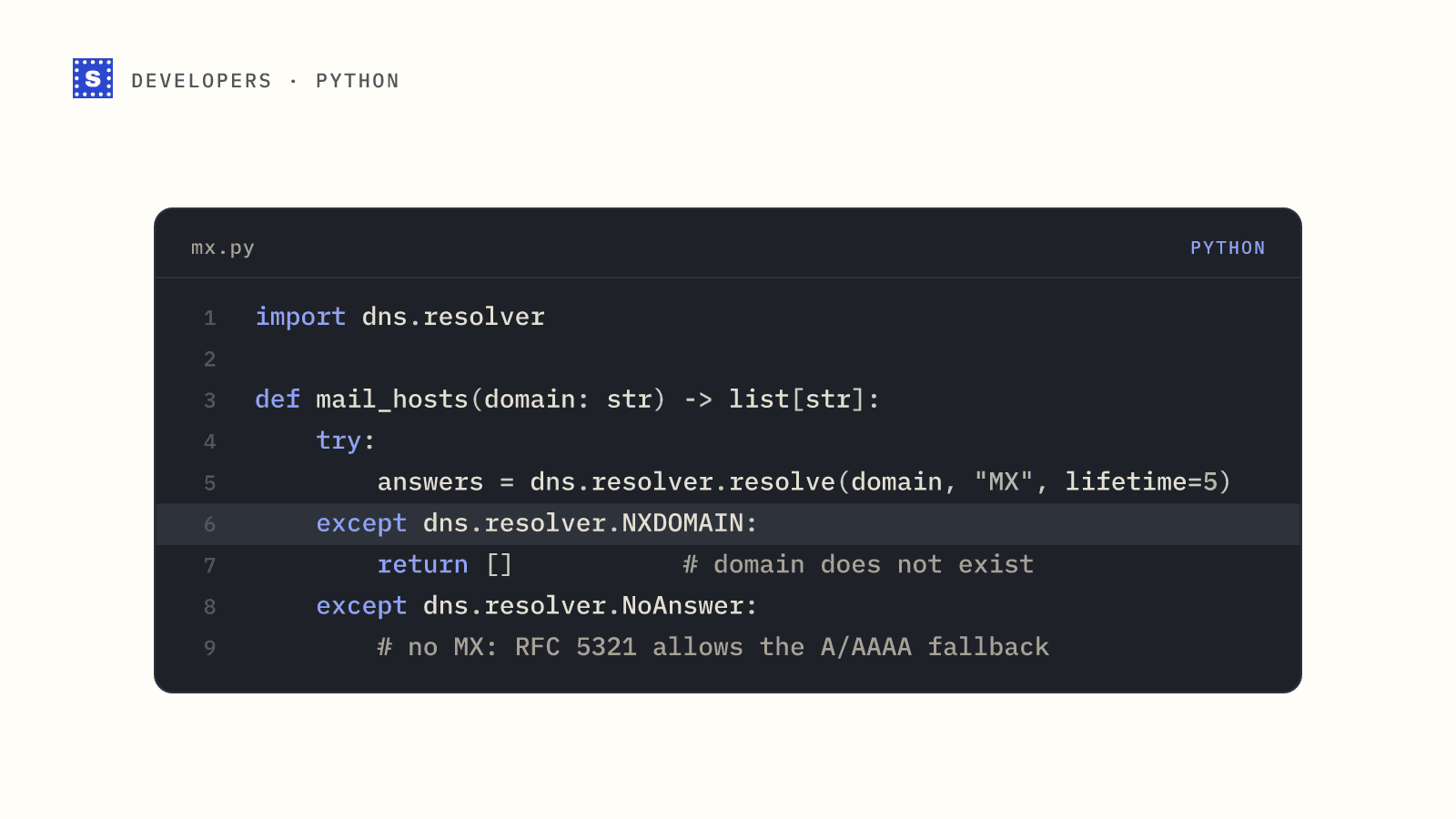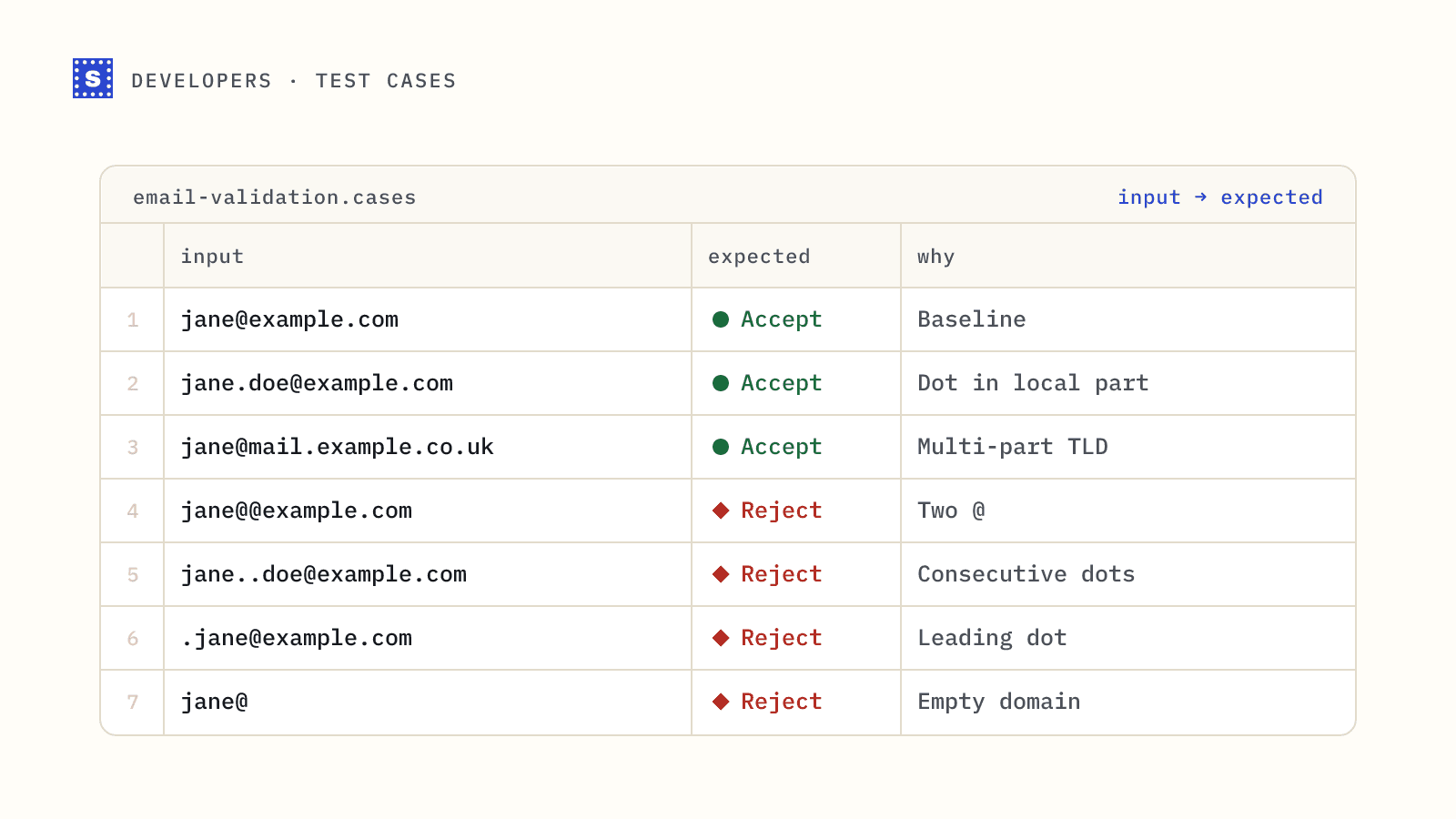
Most email validation bugs are found by customers. Someone with an apostrophe in their surname can't sign up, someone with a +tag address gets told it's invalid, or a pasted address with a trailing space quietly fails. A good set of email address validation test cases catches these before release.
Below is the set we'd put in any test suite for a signup or contact form, grouped by what each group tests. Copy the tables into your fixtures and adjust the expected column to your own policy.
How to read the tables
There are three possible outcomes for each case:
- Accept: a well-built form should let it through.
- Reject: the format is wrong, or so unusual in practice that rejecting it is the sensible policy.
- Policy: valid by the RFCs but rare; decide once and document it.
Format tests only tell you whether a string is shaped like an address. The last section covers the cases where format is fine and the address still won't work.
Ordinary addresses that must pass
| Input | Expected | Why it's here |
|---|---|---|
[email protected] | Accept | Baseline |
[email protected] | Accept | Dot in local part |
[email protected] | Accept | Underscore |
[email protected] | Accept | Hyphen |
[email protected] | Accept | One-character local part |
[email protected] | Accept | Digits |
[email protected] | Accept | All-digit local part |
[email protected] | Accept | Uppercase (normalize the domain afterwards) |
[email protected] | Accept | Subdomain and multi-part TLD |
[email protected] | Accept | Long TLD |
[email protected] | Accept | Hyphen inside a domain label |
[email protected] | Accept | Domain label starting with a digit |
Characters real people use
These are the ones overly strict patterns reject.
| Input | Expected | Why it's here |
|---|---|---|
[email protected] | Accept | Plus addressing, supported by Gmail and many others |
[email protected] | Accept | Empty tag after the plus |
o'[email protected] | Accept | Apostrophe |
jane%[email protected] | Accept | Percent sign, legal and occasionally used |
jane&[email protected] | Policy | Legal; some downstream tools mishandle it |
[email protected] | Policy | Legal, rare |
jane/[email protected] | Policy | Legal, rare |
[email protected] | Policy | Legal, rare |
Whitespace and copy-paste junk
Trim before validating, then check the trimmed value.
| Input | Expected | Why it's here |
|---|---|---|
␠[email protected] (leading space) | Accept after trim | Copy-paste |
[email protected]␠ (trailing space) | Accept after trim | Copy-paste |
[email protected] followed by a non-breaking space | Accept after trim | Spreadsheets and rich text editors |
jane @example.com | Reject | Space inside |
jane@exam ple.com | Reject | Space in domain |
[email protected]. | Policy | Trailing dot; usually a typo, reject or strip |
mailto:[email protected] | Reject, or strip the prefix | Pasted from a link |
Jane Doe followed by the address in angle brackets | Reject, or extract | Pasted from an email client |
Make sure your trim handles unicode whitespace, not only the ASCII space. In JavaScript, String.prototype.trim() does; in some other languages you need to be explicit.
Structural errors that must fail
| Input | Expected | Why it's here |
|---|---|---|
janeexample.com | Reject | No @ |
jane@@example.com | Reject | Two @ |
jane@[email protected] | Reject | @ in domain |
@example.com | Reject | Empty local part |
jane@ | Reject | Empty domain |
jane@example | Reject | No dot in domain (a dotless host is legal but not useful for public forms) |
[email protected] | Reject | Leading dot in local part |
[email protected] | Reject | Trailing dot in local part |
[email protected] | Reject | Consecutive dots |
[email protected] | Reject | Domain starts with a dot |
[email protected] | Reject | Empty domain label |
[email protected] | Reject | Label starts with a hyphen |
[email protected] | Reject | Label ends with a hyphen |
[email protected] | Policy | One-letter TLD; none exist today |
jane,[email protected] | Reject | Comma |
jane;[email protected] | Reject | Semicolon (also a common list separator) |
Lengths
| Input | Expected | Why it's here |
|---|---|---|
| Local part of exactly 64 characters | Accept | Upper limit |
| Local part of 65 characters | Reject | Over the 64-octet limit |
| Whole address of 254 characters | Accept | Practical upper limit |
| Whole address of 255 characters | Reject | Over the limit |
| Domain label of 63 characters | Accept | DNS label limit |
| Domain label of 64 characters | Reject | Over the DNS label limit |
Generate these in code rather than typing them, so the length is exact.
Unusual but RFC-valid forms
The RFCs allow forms that almost nobody uses in practice. Decide your policy once. For consumer and B2B forms, rejecting them is normal and saves your CRM and ESP from strings they may not handle.
| Input | Expected | Notes |
|---|---|---|
"jane doe"@example.com | Policy (usually reject) | Quoted local part with a space |
"jane@home"@example.com | Policy (usually reject) | Quoted @ |
jane@[192.0.2.1] | Policy (usually reject) | IP-literal domain |
jane@[IPv6:2001:db8::1] | Policy (usually reject) | IPv6 literal |
jane(comment)@example.com | Policy (usually reject) | Comments are allowed by RFC 5322 |
Internationalized addresses
| Input | Expected | Notes |
|---|---|---|
jane@bücher.de | Accept | Internationalized domain name; convert to punycode (xn--bcher-kva.de) for DNS lookups |
[email protected] | Accept | Punycode form of the same domain |
josé@example.com | Policy | Unicode local part (SMTPUTF8); not every mail system supports it |
用户@例子.广告 | Policy | Fully internationalized address |
jane@exаmple.com with a Cyrillic "а" | Reject or flag | Mixed-script lookalike, a spoofing risk |
If you accept unicode, store addresses in a normalized form (NFC) so the same address doesn't end up in your database twice.
Normalization and duplicates
Not strictly validation, but they belong in the same test file.
| Inputs | Expected | Notes |
|---|---|---|
[email protected] and [email protected] | Same domain after normalization | Domains are case-insensitive |
[email protected] and [email protected] | Policy | Local parts are technically case-sensitive; almost every provider treats them as the same |
[email protected] and [email protected] | Policy | Gmail ignores dots in consumer local parts; other providers don't |
[email protected] and [email protected] | Policy | Same Gmail inbox; removing tags breaks users who rely on them |
Be careful with provider-specific rules. Stripping dots is correct for consumer Gmail and wrong for most other domains.
Cases format checks can't settle
Every address in this table has perfect syntax. A format check accepts all of them. They still fail or need care:
| Input | What's actually wrong |
|---|---|
[email protected] | Likely typo of a webmail domain |
[email protected] | Reserved TLD that never resolves |
[email protected] | Domain exists but has no mail server |
[email protected] | Mailbox doesn't exist |
[email protected] | Disposable address service |
[email protected] | Role-based address |
[email protected] | Domain accepts every address; can't be confirmed |
These are the job of DNS lookups and mailbox verification. For integration tests against the SimpleCold API, use the free test addresses ([email protected] for deliverable, [email protected] for a missing mailbox, [email protected] for catch-all, [email protected] for disposable, and so on). They return fixed results and don't use credits on single and batch calls. The test emails guide lists them all.
Wiring it into your suite
- Store the tables as fixtures (JSON or CSV) with
input,expectedandnotecolumns. - Run them against both your client-side and server-side validators.
- Add a case each time a customer reports a false rejection.
- Run DNS and verification cases separately from unit tests, since they depend on the network.
For the patterns themselves, see email validation regex, and for a quick manual check of any single address, the email syntax checker.