Email validation in JavaScript usually starts as a one-line regex copied from Stack Overflow and ends as a support ticket from someone whose perfectly good address was rejected. There's a better order of operations: let the browser do the cheap checks, keep your own regex boring, catch typos, and leave the question "does this mailbox exist?" to something that can actually answer it.
This post covers each layer with code you can drop in.
Layer 1: let the browser do the first pass
An input with type="email" gives you basic validation for free:
<form id="signup" novalidate>
  <label for="email">Work email</label>
  <input id="email" name="email" type="email" autocomplete="email" required />
  <p id="email-hint" role="status"></p>
  <button type="submit">Create account</button>
</form>
The browser checks for a local part, an @ and a domain. You can read the result from JavaScript:
const input = document.querySelector('#email');
if (!input.checkValidity()) {
  console.log(input.validationMessage);
}
It also triggers the email keyboard on phones, which reduces typos before they happen. Keep autocomplete="email" on the field: autofilled addresses are rarely mistyped.
The browser's rule is deliberately loose. It accepts a@b, which is technically fine for an intranet and useless for your product. That's why you add a second check.
Layer 2: a regex that rejects junk and nothing else
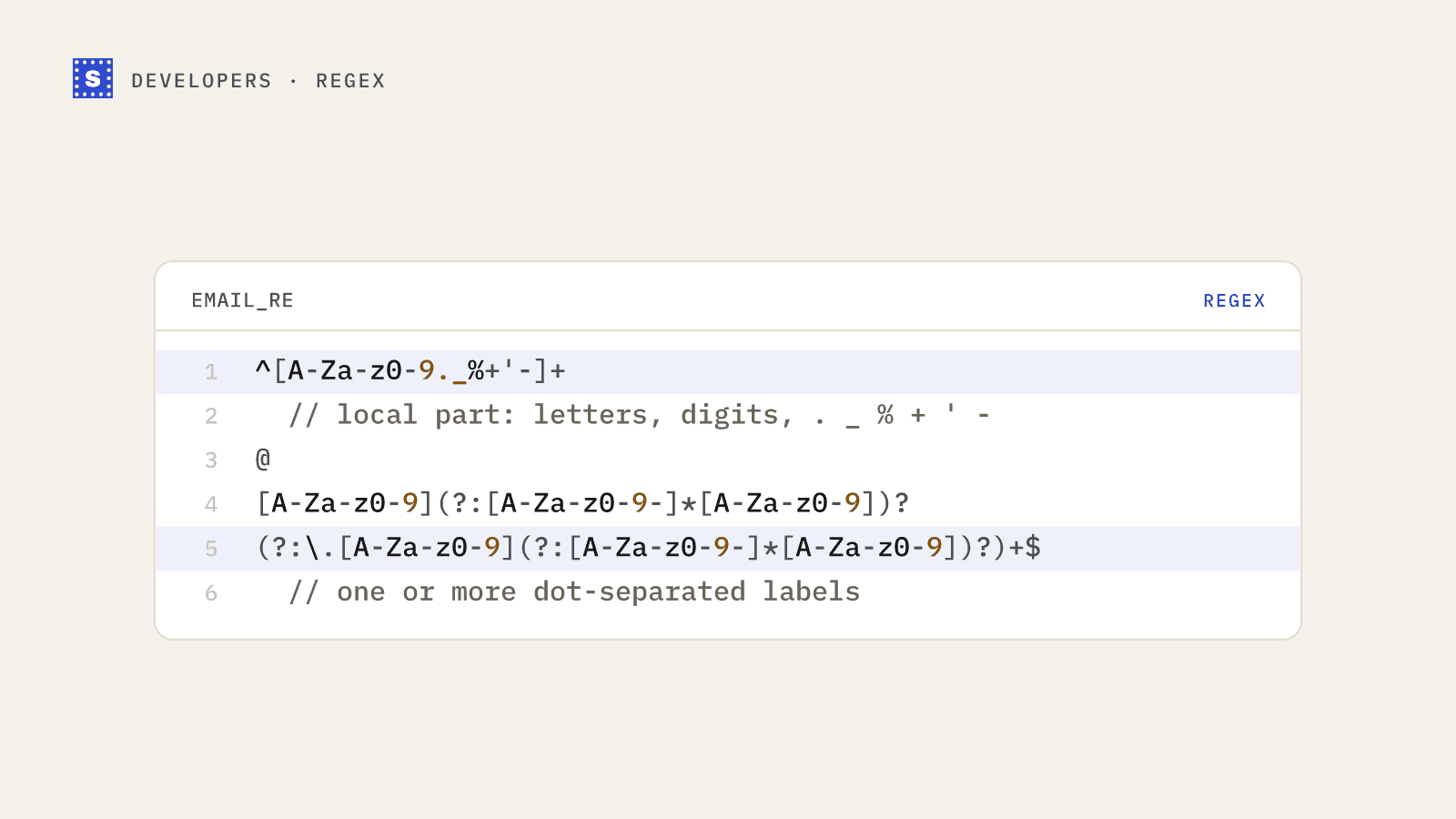
The goal of a regex is to catch obvious mistakes, not to implement RFC 5322. Full RFC regexes are hundreds of characters long, still have edge cases, and accept addresses no real mail provider issues. A practical pattern:
const EMAIL_PATTERN = /^[^\s@]+@[^\s@]+\.[^\s@]{2,}$/;

export function looksLikeEmail(value) {
  const email = value.trim();
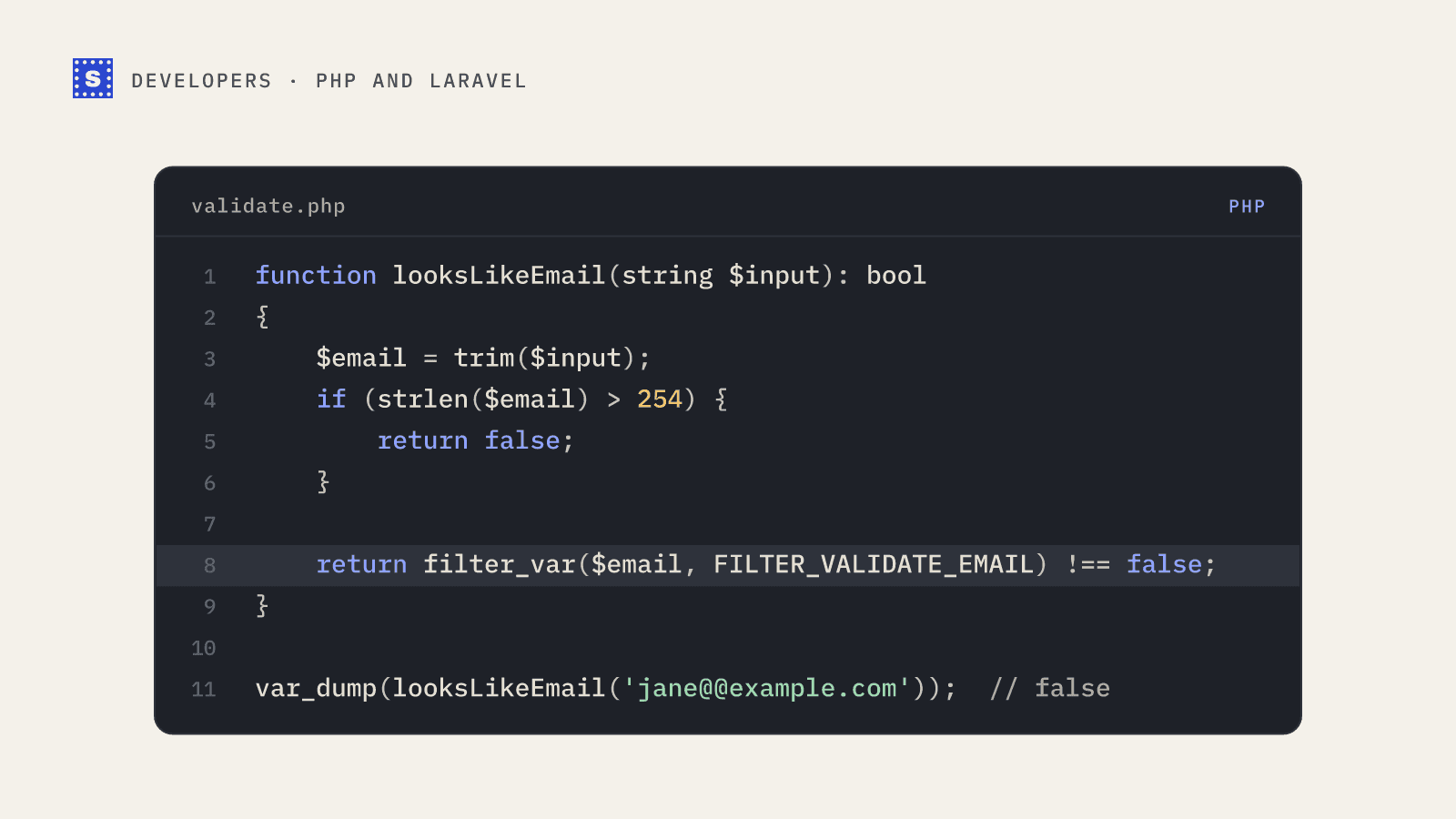
  if (email.length > 254) return false;
  const [local] = email.split('@');
  if (local.length > 64) return false;
  return EMAIL_PATTERN.test(email);
}
This says: something without spaces, one @, a domain with at least one dot and a final label of two or more characters. It enforces the 64-octet limit on the local part and the practical 254-character limit on the whole address.
What it deliberately allows: plus tags ([email protected]), dots, hyphens, apostrophes (o'[email protected]) and internationalised domains. Rejecting any of those loses you real users.
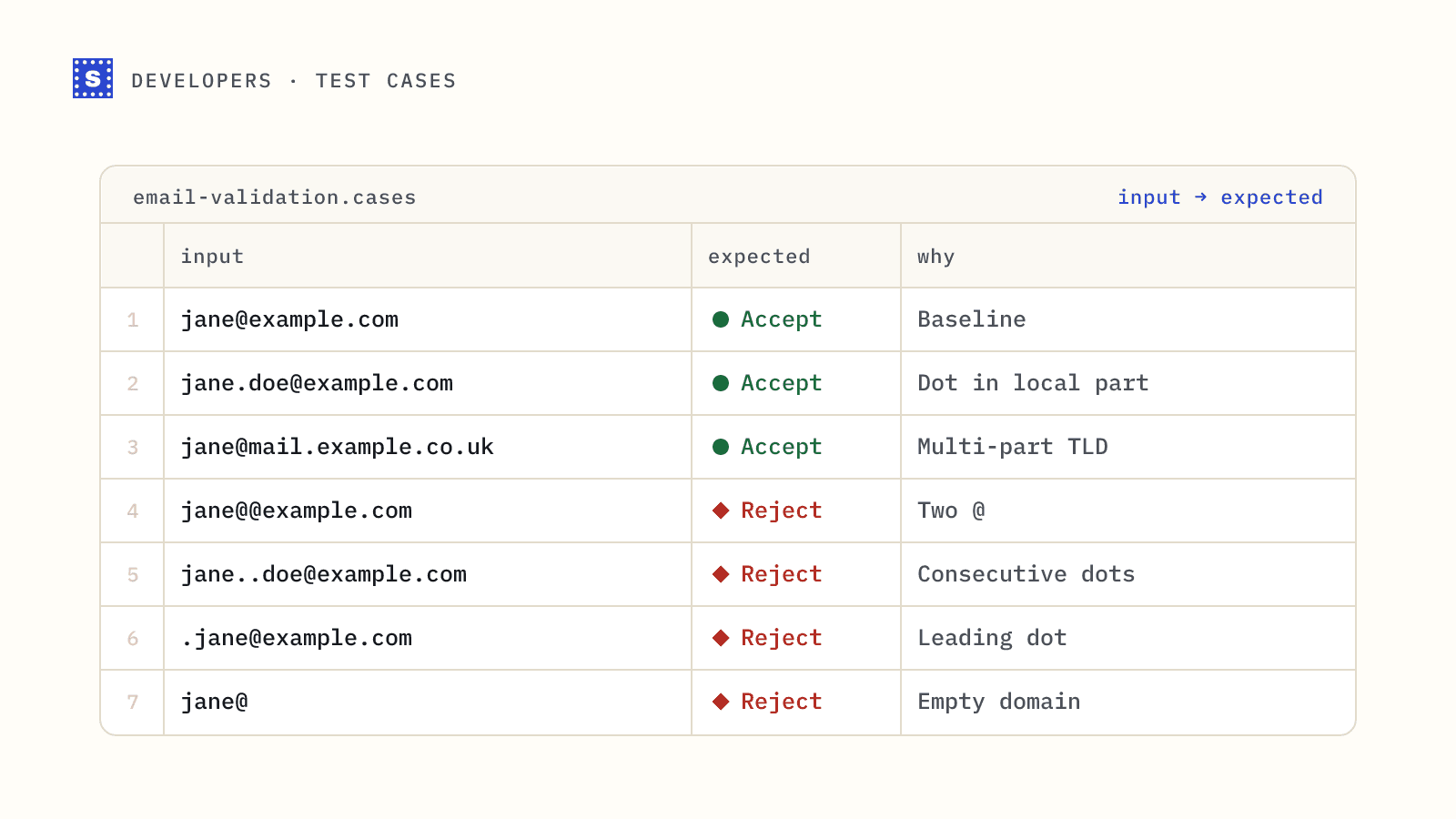
Test it against a small table before you ship:
| Input | Expected |
|---|---|
[email protected] | pass |
[email protected] | pass |
o'[email protected] | pass |
jane@company | fail |
jane @company.com | fail |
jane@@company.com | fail |
[email protected] | fail |
For a longer list of awkward cases, see email address validation test cases.
Layer 3: catch domain typos
Many bad sign-ups aren't fake. They're gmial.com. A small lookup table handles the common ones:
const COMMON_TYPOS = {
  'gmial.com': 'gmail.com',
  'gamil.com': 'gmail.com',
  'gmai.com': 'gmail.com',
  'gmail.co': 'gmail.com',
  'hotmial.com': 'hotmail.com',
  'hotmal.com': 'hotmail.com',
  'yaho.com': 'yahoo.com',
  'outlok.com': 'outlook.com',
};

export function suggestFix(email) {
  const at = email.lastIndexOf('@');
  if (at < 0) return null;
  const domain = email.slice(at + 1).toLowerCase();
  const fixed = COMMON_TYPOS[domain];
  return fixed ? `${email.slice(0, at)}@${fixed}` : null;
}
Show the suggestion as a question ("Did you mean [email protected]?") with a one-click accept. Never rewrite the address silently. Some people really do use odd domains.
A static table only covers the misspellings you thought of. Edit-distance libraries widen the net at the cost of more false suggestions, so test them against your real sign-up data before turning them on.
Layer 4: DNS checks in Node.js
On the server you can confirm that the domain can receive mail. Node ships with a DNS resolver:
import { resolveMx } from 'node:dns/promises';

export async function domainAcceptsMail(domain) {
  try {
    const records = await resolveMx(domain);
    // A null MX (RFC 7505) is a single record with exchange "" and priority 0
    const usable = records.filter((r) => r.exchange && r.exchange !== '.');
    return usable.length > 0;
  } catch (err) {
    if (err.code === 'ENODATA' || err.code === 'ENOTFOUND') return false;
    throw err; // timeouts and server failures: don't block the user on these
  }
}
Two cautions. First, a domain with no MX record may still receive mail through its A record under the SMTP rules, though in practice that's rare for anything you'd want as a customer. Second, DNS lookups fail transiently. Treat a timeout as inconclusive and let the sign-up through rather than rejecting a real person because a resolver hiccupped.
Layer 5: does the mailbox exist?
Everything so far proves the address could work. None of it tells you whether [email protected] is a real inbox. That needs an SMTP conversation with the company's mail server, plus handling for catch-all domains, greylisting, disposable providers and servers that block probes. Doing this yourself from an app server is a bad idea: most cloud providers block outbound port 25, and mail servers quickly rate-limit or blocklist IPs that ask about many addresses. We go into the protocol details in how SMTP email verification works.
The pragmatic option is to call a verification API from your backend, never from the browser (your API key would be visible to anyone):
// server.js (Express)
app.get('/api/check-email', async (req, res) => {
  const email = String(req.query.email || '');
  const r = await fetch(
    `https://simplecold.com/api/v1/api-validation/single?email=${encodeURIComponent(email)}`,
    { headers: { Authorization: `Bearer ${process.env.SIMPLECOLD_API_KEY}` } },
  );
  if (r.status === 400) return res.json({ category: 'undeliverable', reason: 'Check the format of this address.' });
  if (!r.ok) return res.json({ category: 'error' }); // our own marker: fail open
  const { payload } = await r.json();
  res.json({
    category: payload.category,
    reason: payload.statusMessage,
    suggestion: payload.suggestion,
  });
});
Then decide in the UI:
| Category | Form behaviour |
|---|---|
| deliverable | Accept |
| risky | Accept, maybe ask to confirm if it's disposable |
| undeliverable | Block with the reason and any suggestion |
| pending | Accept, re-check later |
| error (your own marker) | Accept, the check didn't run |
Reading the API response in the form
The API's categories are deliverable, risky, undeliverable and, while a slow mail server is still being checked, pending. There is no unknown category. A server that won't confirm the address comes back risky with the status no_response, which most forms should accept.
Three cases are worth handling explicitly:
- A suggestion. When the domain is a known misspelling such as
gmial.com, the result isundeliverablewith the statuspossible_typo, a reason of "Possible typo. Did you mean [email protected]?" and the corrected address insuggestion. Show the suggestion as a clickable fix rather than a hard error. Your own typo table from layer 3 will catch many of these before the call, but the server-side list also covers slips like.conand.cmoon any domain. - A 400. The API rejects an address that fails its own format check with HTTP 400 before running any checks. The route above turns that into a format message.
- Pending. A slow server gives
status: "processing"after about 12 seconds. Accept the sign-up and collect the final answer in the background. Asking again within 30 minutes while it's pending costs nothing extra.
Each call to the single endpoint costs a credit, except for SimpleCold's test addresses, which return fixed results for free. Use [email protected] (deliverable), [email protected] (missing mailbox) and [email protected] (disposable) while you build the form.
Putting it together on blur
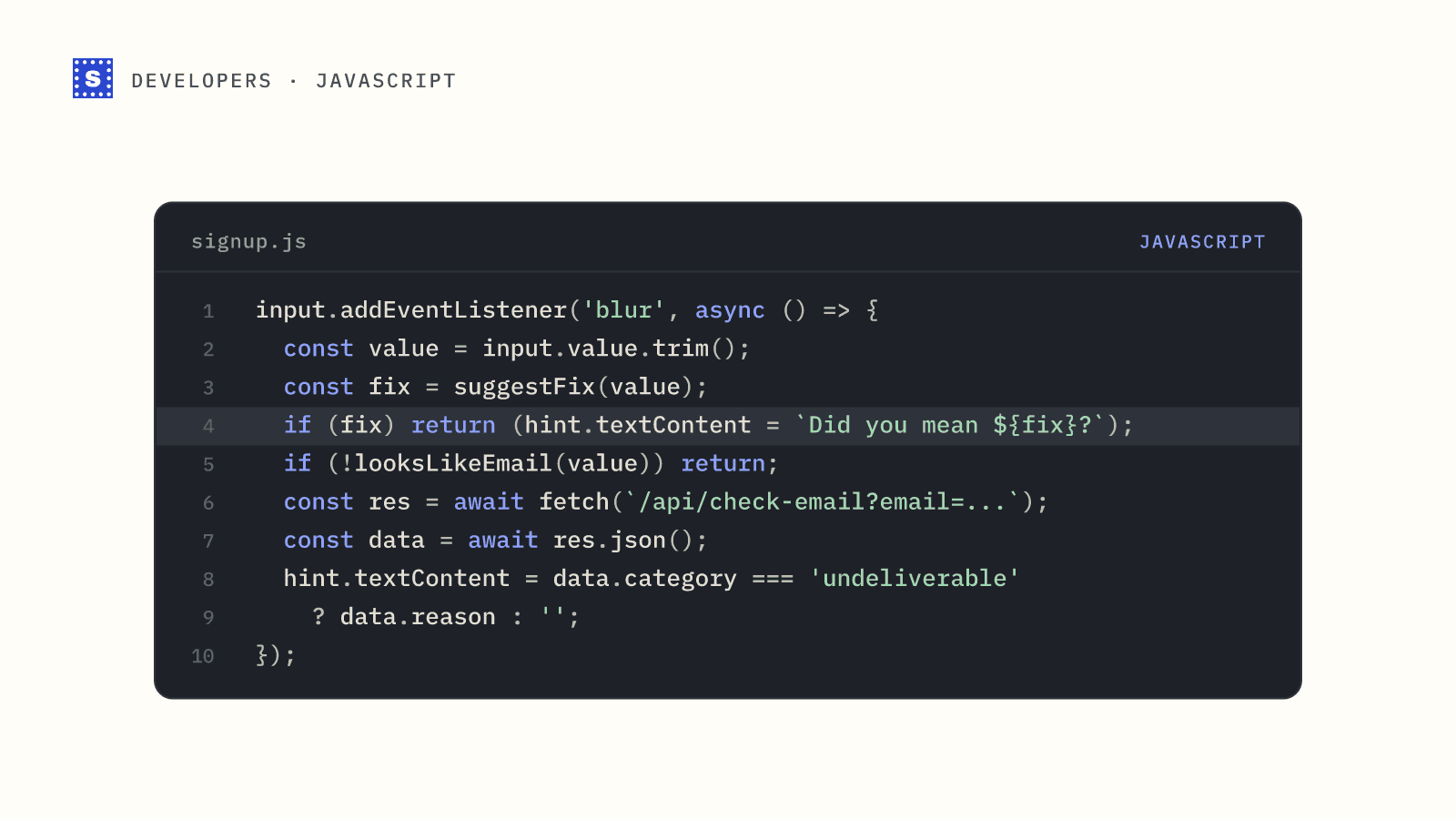
Run the cheap checks on every keystroke if you like, but call the server only when the field loses focus and the value passed layers 1 to 3. That keeps API usage proportional to real sign-ups, not keypresses.
input.addEventListener('blur', async () => {
  const value = input.value.trim();
  const hint = document.querySelector('#email-hint');
  const fix = suggestFix(value);
  if (fix) return (hint.textContent = `Did you mean ${fix}?`);
  if (!looksLikeEmail(value)) return (hint.textContent = 'Check the format of this address.');
  const res = await fetch(`/api/check-email?email=${encodeURIComponent(value)}`);
  const data = await res.json();
  hint.textContent = data.category === 'undeliverable' ? data.reason : '';
});
For a full walkthrough with handling for slow mail servers, see the developer guide on verifying emails at sign-up with Node.js. The email verification API page covers the single, batch and bulk endpoints.