Checklists are boring, which is exactly why they work. Most bounce problems come from a step someone skipped once because they were in a hurry: an import that went in without verification, a suppression list that did not get updated, a segment nobody had mailed in a year.
This email list cleaning checklist is split by when you do each task. Copy it into your team wiki or a spreadsheet and tick it off. If you want the reasoning behind each step, the full list cleaning process explains it.
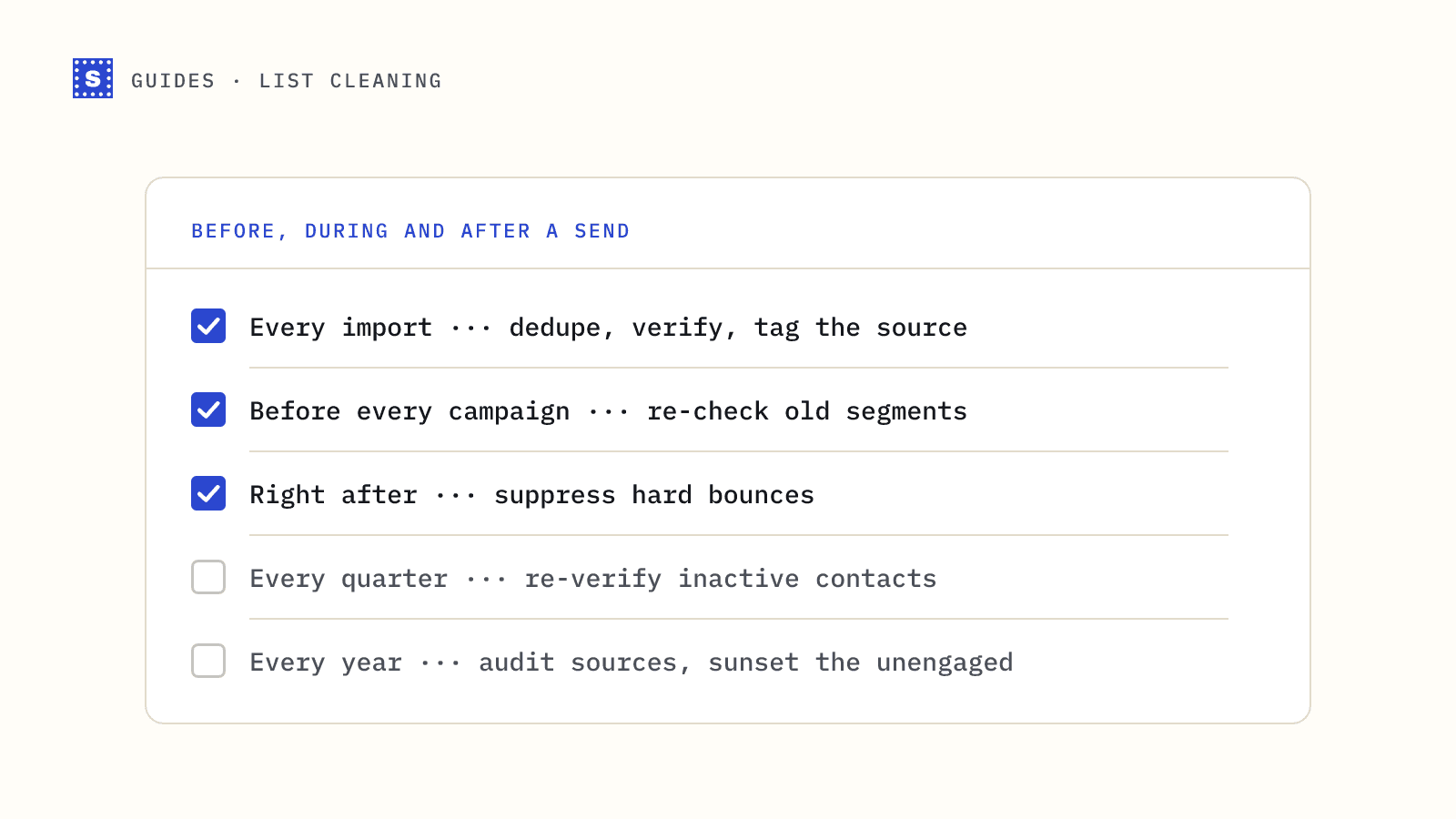
Every time you import contacts
Do these before the file touches your ESP, CRM or sequencer.
- Keep an untouched copy of the original file, named with the date and source.
- Check the email column header is present and named clearly (
emailworks everywhere). - Trim spaces, remove blank rows and rows with obviously fake values.
- Remove duplicates, comparing addresses in lowercase.
- Remove anyone on your suppression list (past hard bounces, unsubscribes, do-not-contact requests).
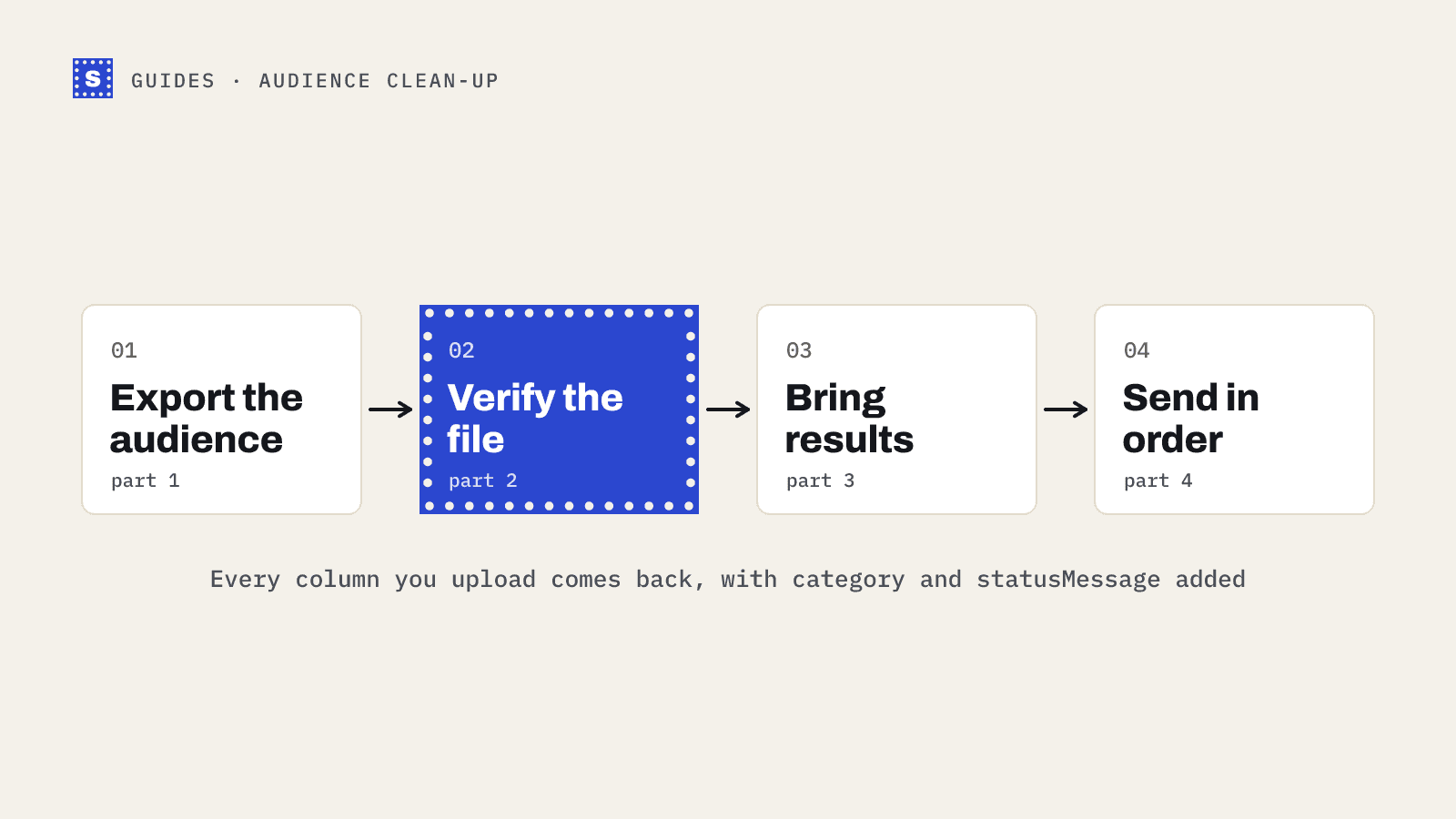
- Verify the file with a bulk email verifier.
- Import only the results you have decided to keep, with the verification category and date as fields.
- Record the source of the list in a field, so you can trace problems back later.
Before every campaign
- Confirm the segment excludes undeliverable and disposable results.
- Decide what happens to risky results (catch-all, role-based, no response). Hold them for a separate send if in doubt.
- Check when the segment was last verified. If it was months ago and the contacts have not engaged since, re-verify.
- Check that SPF, DKIM and DMARC still pass for the sending domain. The DMARC checker is a quick test.
- For cold email, confirm daily sending limits per mailbox are set and the mailboxes are warmed up.
- Send a test to a few internal addresses on different providers.
Right after a campaign
- Check the hard bounce rate. Use the bounce rate calculator if your tool does not show it as a percentage.
- Make sure every hard-bounced address is suppressed. Most ESPs do this; many sequencers need a manual step or setting.
- Look at soft bounces. Repeated soft bounces to the same address usually mean it should be suppressed too.
- Process unsubscribes and opt-out replies. For bulk mail to Gmail and Yahoo, unsubscribes must be honoured within two days.
- Note anything odd: one domain bouncing everything, a spike in complaints, a sudden drop in opens.
Every quarter
- Re-verify contacts with no engagement since their last check.
- Review sources. Which imports produced the most undeliverable results? Stop using or start verifying them.
- Run a re-engagement email to long-inactive marketing contacts, then move non-responders to an inactive segment.
- Check Google Postmaster Tools for your domain's spam rate and reputation trend.
- Check your sending domains and IPs against blocklists with the blacklist checker.
Every year
- Review your sunset policy: how long do you keep mailing someone who never engages?
- Review data retention: are you keeping contacts you have no reason to hold? Under GDPR, keeping personal data longer than needed is its own problem.
- Audit who can import lists and whether they follow this checklist.
A spreadsheet layout for tracking
If you track list health in a spreadsheet, these columns cover most of what you need:
| Column | Example | Purpose |
|---|---|---|
| Date | 2026-04-25 | When the action happened |
| List or segment | Webinar March 2026 | What was cleaned |
| Source | Event registration | Where contacts came from |
| Rows in | 4,120 | Size before cleaning |
| Duplicates removed | Count from dedupe | |
| Undeliverable | Count from verification | |
| Risky | Count from verification | |
| Risky: no response | Count from the Reason code column | |
| Rows imported | What actually went in | |
| Bounce rate on first send | Did it work? | |
| Notes | Anything unusual |
After a few months, the "source" and "undeliverable" columns tell you which lead sources to trust. That is often the most useful thing the sheet produces.
What to do with each verification result
Keep this table near the checklist so everyone applies the same rules:
| Category | Default action |
|---|---|
| Deliverable | Keep |
| Risky: catch-all or no response | Keep in a separate segment; send carefully |
| Risky: role-based | Keep for B2B if appropriate; otherwise remove |
| Risky: disposable | Remove |
| Undeliverable | Remove and suppress |
If SimpleCold does the verify step
A few details make the checklist smoother when the file goes through SimpleCold's bulk email verifier:
- The email column. It's found automatically if the header is
email,e-mail,email address,emailaddress,emailsormail, in any case. Rename anything else, such asWork Email, before uploading. - Duplicates. You can skip the manual dedupe if you like. Repeated addresses are checked and charged once, and only the first row is kept in the result file. Do your own dedupe anyway if you want to know the count for the tracking sheet.
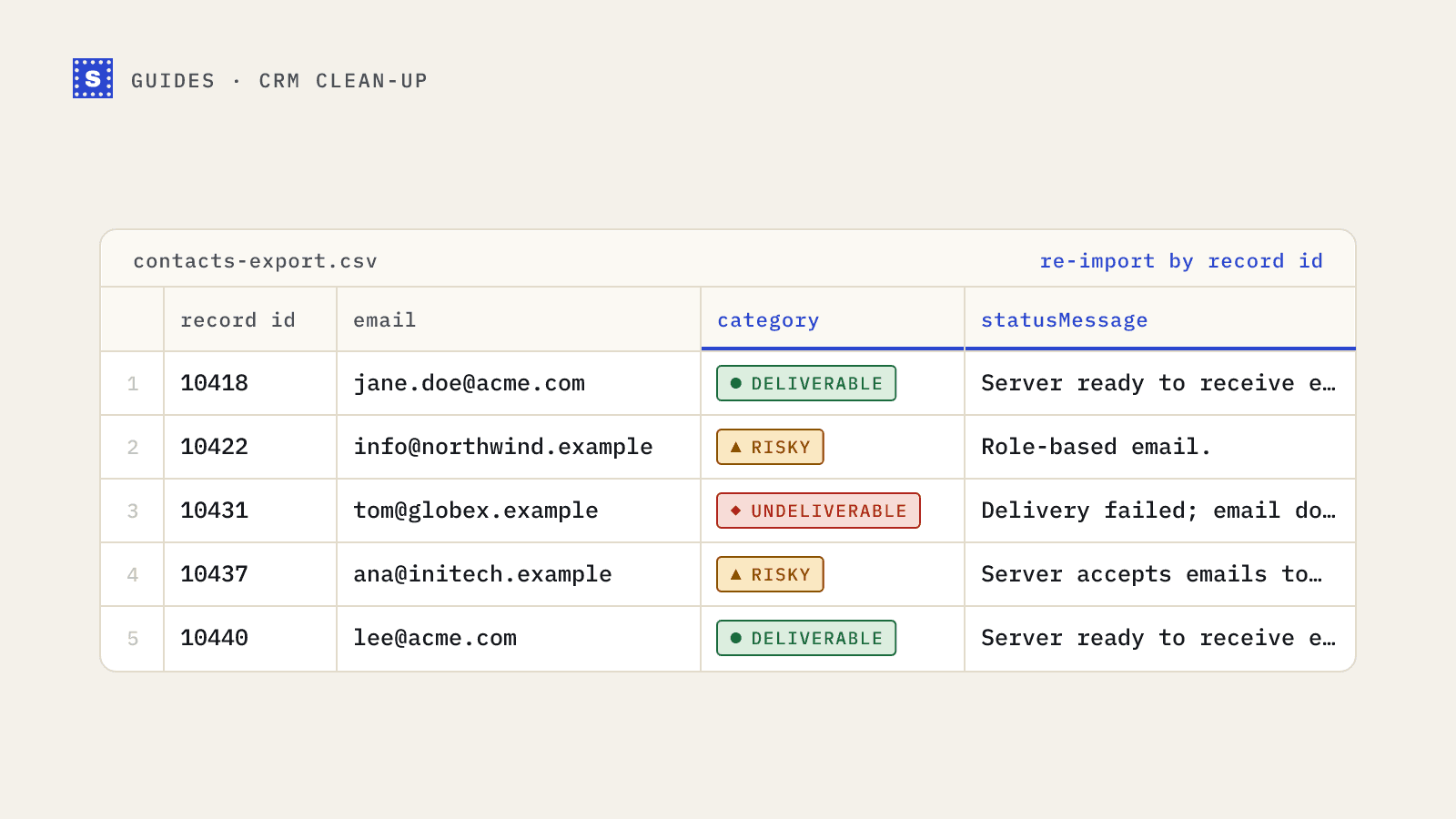
- Headers. Your columns come back with their values and headers intact, in the same order. The result columns are added after them.
- The reason. It's in the
Reasoncolumn, next toResult,Reason code,SuggestionandRetry later. - The "valid only" download. It contains only the Deliverable rows. If you plan to send to some Risky segments, download the full file instead.
Start with one list
You do not need to adopt the whole checklist at once. Start with the "every import" section, because it stops new problems at the door. If you want to test the process on a small file, the free list cleaning tool checks up to 100 addresses once a day without an account, and you can see exactly what each row's result and reason look like before committing to anything.