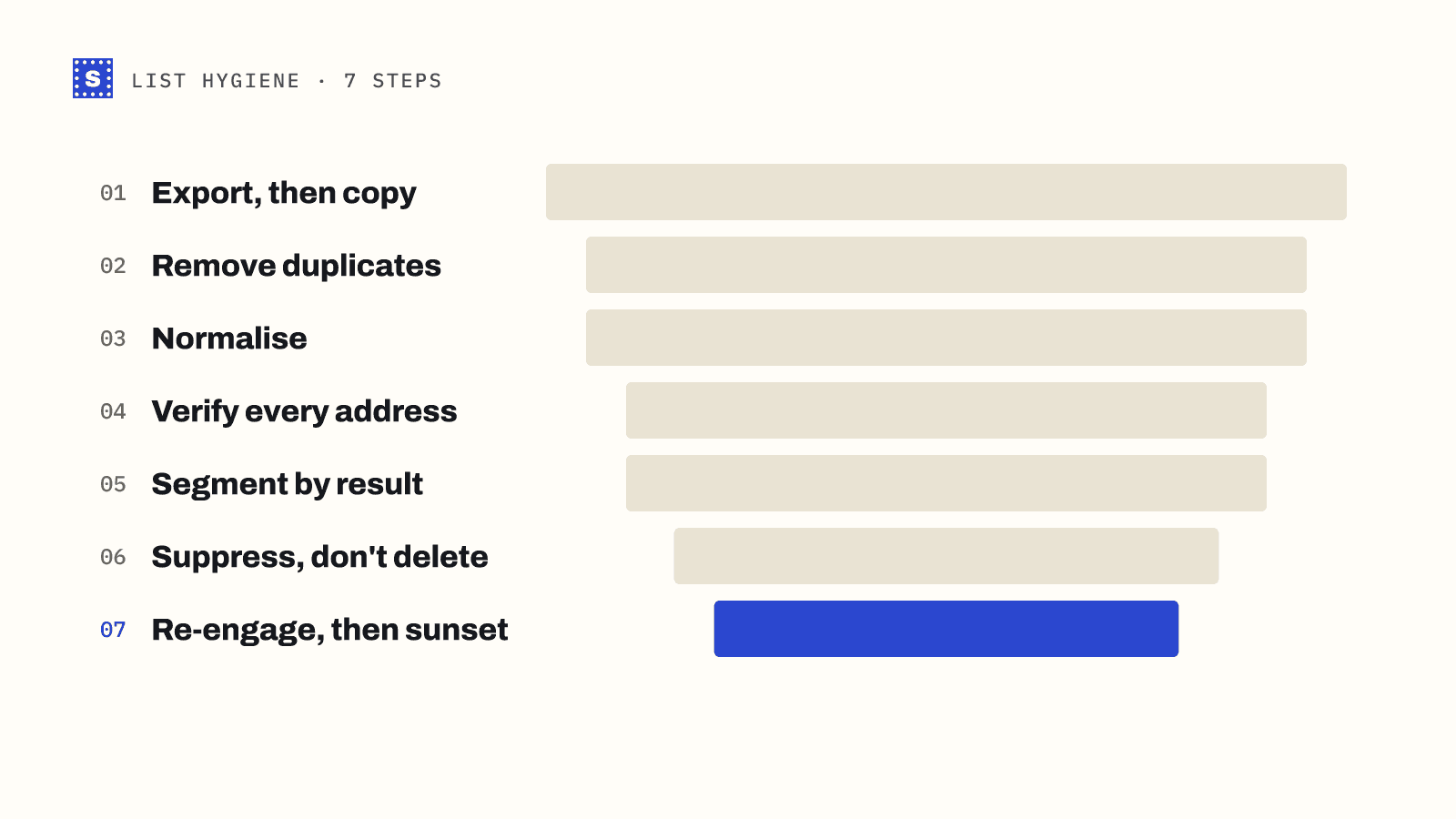
Most advice on how to clean an email list stops at "run it through a verifier." That is one step out of seven, and it is the easiest one. The hard part is deciding what to do with the results, because a cleaned list is only as good as the rules you apply after the check comes back.
This is the process we would follow for any list, whether it is a newsletter audience of a few thousand or a cold outreach export with fifty columns of enrichment data. Each step has a reason, and skipping one usually shows up later as bounces.
Step 1: Export everything, then make a copy
Pull the full list out of wherever it lives: your ESP, your CRM, a sequencer, a spreadsheet someone shared. Export every column, not just the email field. Names, company, source, signup date and last activity all help you make decisions in later steps.
Keep the raw export untouched in a folder somewhere. You will want it if a mapping goes wrong on re-import, or if someone asks in three months why a contact disappeared.
Step 2: Remove duplicates
Duplicates creep in from merged lists, form resubmissions and imports from more than one tool. They cost you twice: you pay to store or send to the same person more than once, and the person gets two copies of your email, which is a fast way to earn a spam complaint.
Deduplicate on a normalised version of the address (see the next step), not on the raw text. [email protected] and [email protected] with a trailing space are the same mailbox.
Step 3: Normalise the addresses
Normalising means making every address follow the same basic shape before you check it:
- Trim leading and trailing spaces and stray quote marks.
- Lowercase the domain. Domains are case-insensitive, so
ACME.COMandacme.comare the same. - Remove obvious junk rows: blank cells, "n/a", "test", phone numbers pasted into the email column.
- Split cells that hold two addresses separated by a comma or semicolon.
Be careful about lowercasing the part before the @. In theory the local part can be case-sensitive. In practice almost no mail server treats it that way, so lowercasing it for dedupe purposes is fine, but keep the original value in your export.
Step 4: Verify every address
Now run the list through an email verifier. A proper check does more than a format test. It looks at syntax, checks the domain exists and has mail servers (MX records), flags disposable and role-based addresses, tests whether the domain accepts every address (catch-all), and then asks the receiving mail server whether that specific mailbox exists.
If you want to see what the individual checks are and why each one matters, our explainer on what email verification is walks through them in order.
For a CSV, the bulk email verifier keeps your original columns and adds the result next to each row, which makes the next step much easier.
Step 5: Segment by result
This is where most list cleaning goes wrong. People keep "valid" and delete everything else, or keep everything except "invalid." Both throw away information. Here is a practical way to handle each category:
| Result | What it means | What to do |
|---|---|---|
| Deliverable | The mail server confirmed the mailbox | Keep and send normally |
| Risky: catch-all | The domain accepts every address, so this one cannot be confirmed | Keep in a separate segment; send in smaller batches and watch bounces |
| Risky: role-based | A shared address like info@ or sales@ | Keep for B2B if the role fits your message; otherwise suppress |
| Risky: disposable | A temporary inbox that will stop existing | Remove |
| Risky: no response | The server would not confirm either way | Treat like catch-all, or re-check later |
| Undeliverable | Mailbox or domain does not exist, or the address is malformed | Remove and add to your suppression list |
If a result includes a typo suggestion, such as gmial.com where gmail.com was meant, fix the address only when you have a reason to trust the correction, for example a recent signup. For a cold list, a typo usually means the data source is wrong, and guessing is risky.
Step 6: Suppress, don't just delete
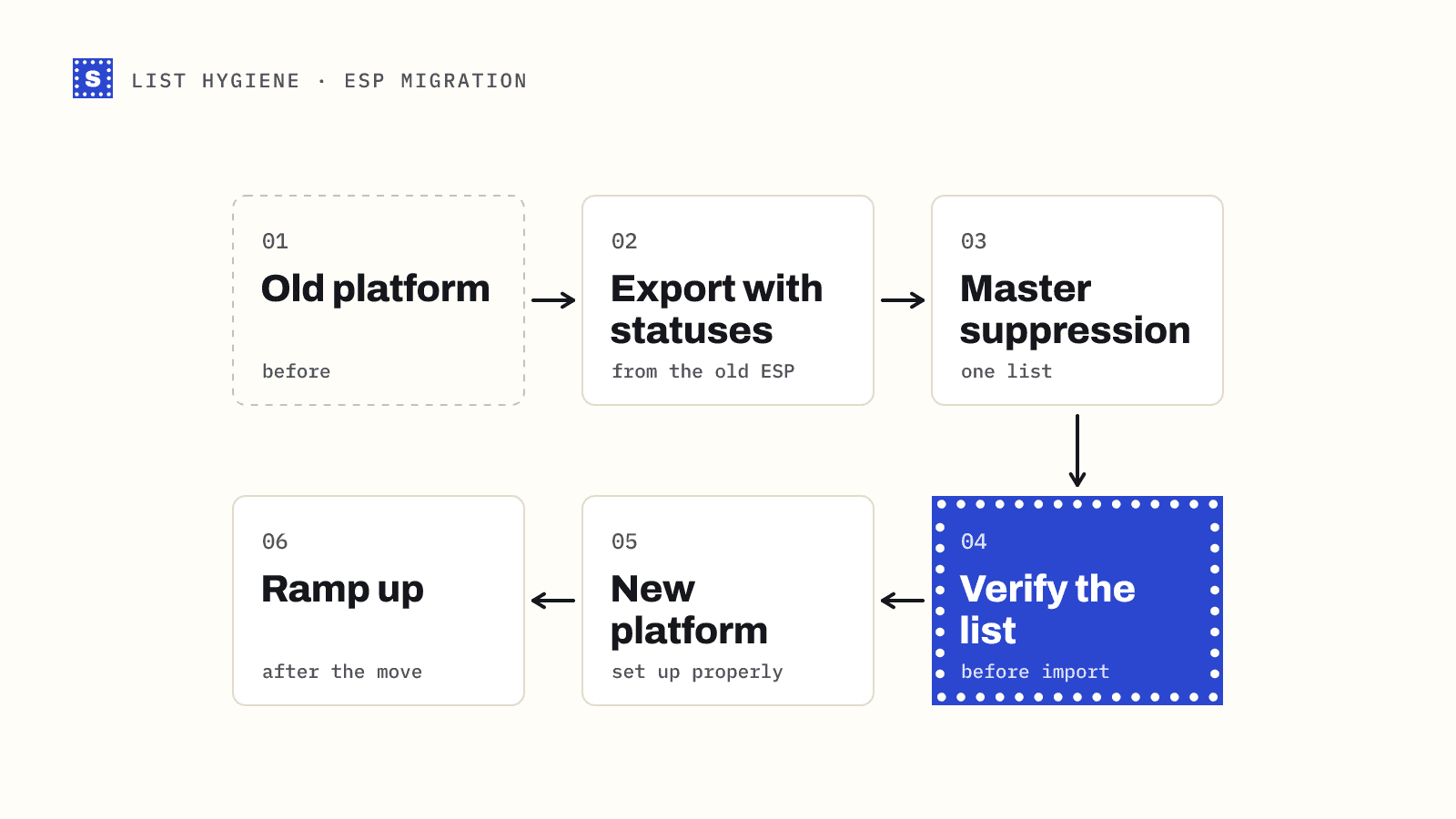
Deleting a bad address from your list does not stop it coming back. The next import from the same source will bring it right back in. Add every undeliverable and disposable address to a suppression list in your ESP or CRM, and check new imports against it.
Most email platforms have a suppression or "do not contact" list built in. Use it, and include hard-bounced addresses from past campaigns too. Our glossary entry on suppression lists has more on how they work.
Step 7: Re-engage, then sunset
Verification tells you whether a mailbox exists. It does not tell you whether the person still wants your email. For marketing lists, look at engagement next:
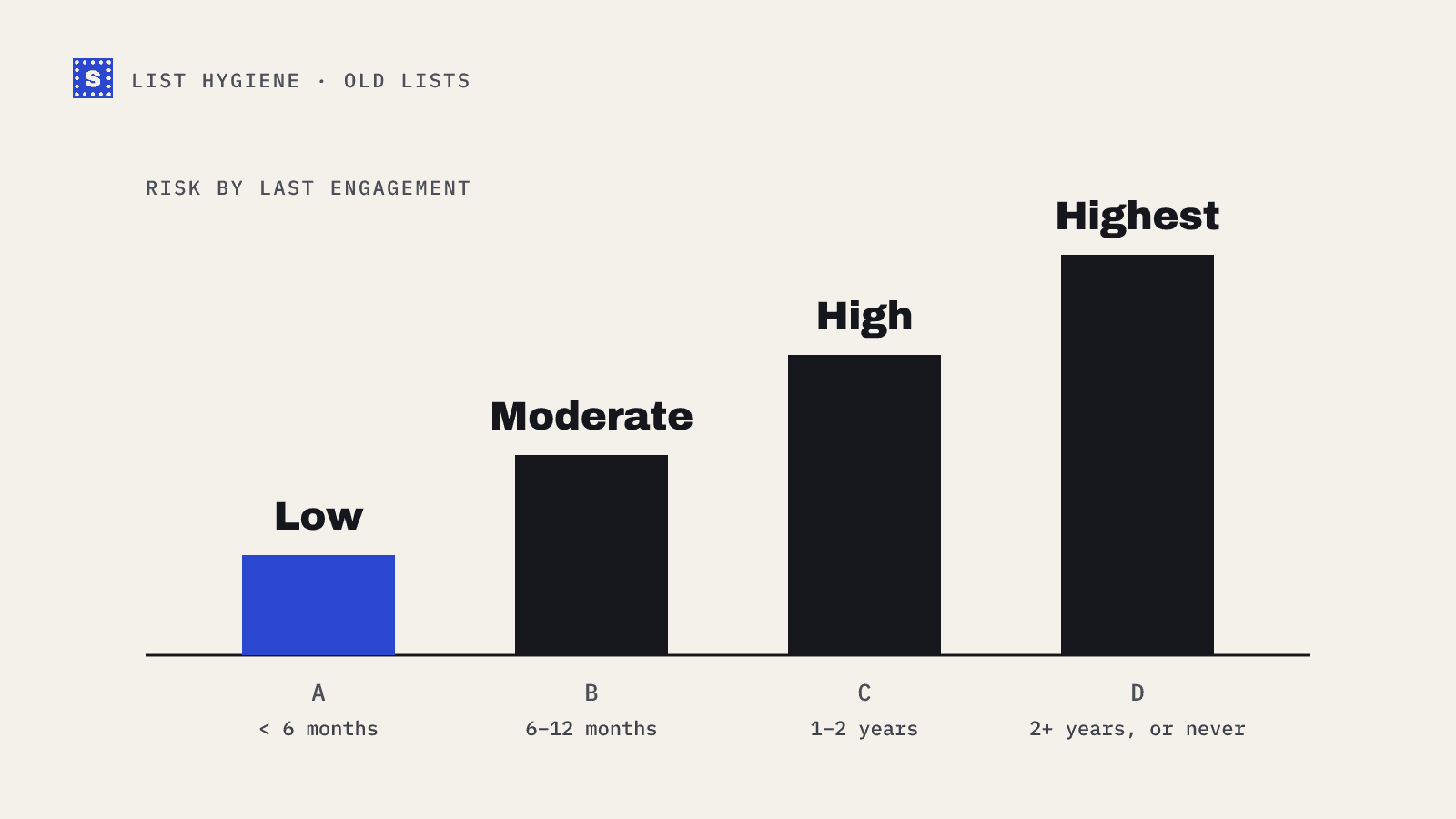
- Find contacts with no opens or clicks in a long stretch (six to twelve months is common, depending on how often you send).
- Send them a short re-engagement email or two, asking whether they still want to hear from you.
- Move anyone who still does not respond to an inactive segment and stop mailing them.
Open tracking is less reliable than it used to be because some mail apps load images automatically, so treat clicks and replies as stronger signals than opens.
For cold lists the equivalent is simpler: if a contact never replied across a full sequence, do not put them back into a new sequence next month without a fresh reason to contact them.
How long does this take?
Steps 1 to 3 take minutes in a spreadsheet. Step 4 depends on list size and how quickly the receiving mail servers answer; some servers are slow, and a good verifier will wait for them rather than guess. Steps 5 to 7 are mostly about deciding rules once and then applying them every time.
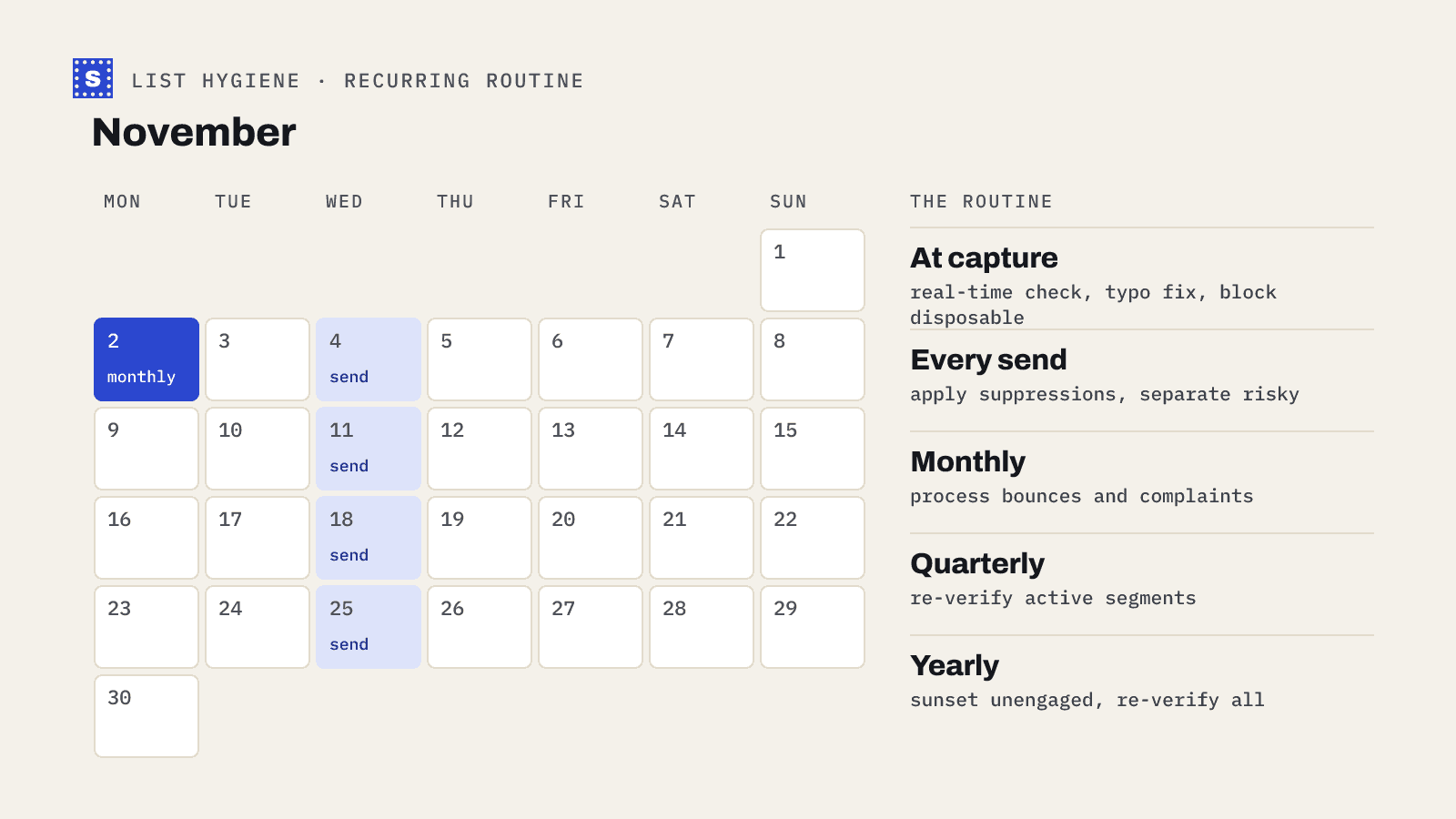
The first clean is the slowest. After that, you are cleaning smaller batches: new imports, new signups and the contacts that have aged since the last check. Our post on how often to clean your email list covers cadence.
Common mistakes
- Verifying, then importing the full file anyway. If the cleaned file goes back in without a filter on the result column, nothing changed.
- Treating catch-all as valid. A catch-all domain will accept the message at the server and may bounce it later, or deliver it to a mailbox nobody reads.
- Cleaning once and forgetting. Addresses decay as people change jobs and companies change domains.
- Throwing away the raw export. You will need it.
Where to start
If you have a list you plan to send to this month, export it now and run the first three steps in a spreadsheet. Then upload it to the bulk email verifier or try a handful of addresses in the free email checker first to see what the results and reasons look like. New accounts get 200 free credits, and after that SimpleCold uses pay-as-you-go credits with no subscription, so you can clean one list without signing up for a plan. Details are on the pricing page.